
Design for every language. Ship without the handoff.
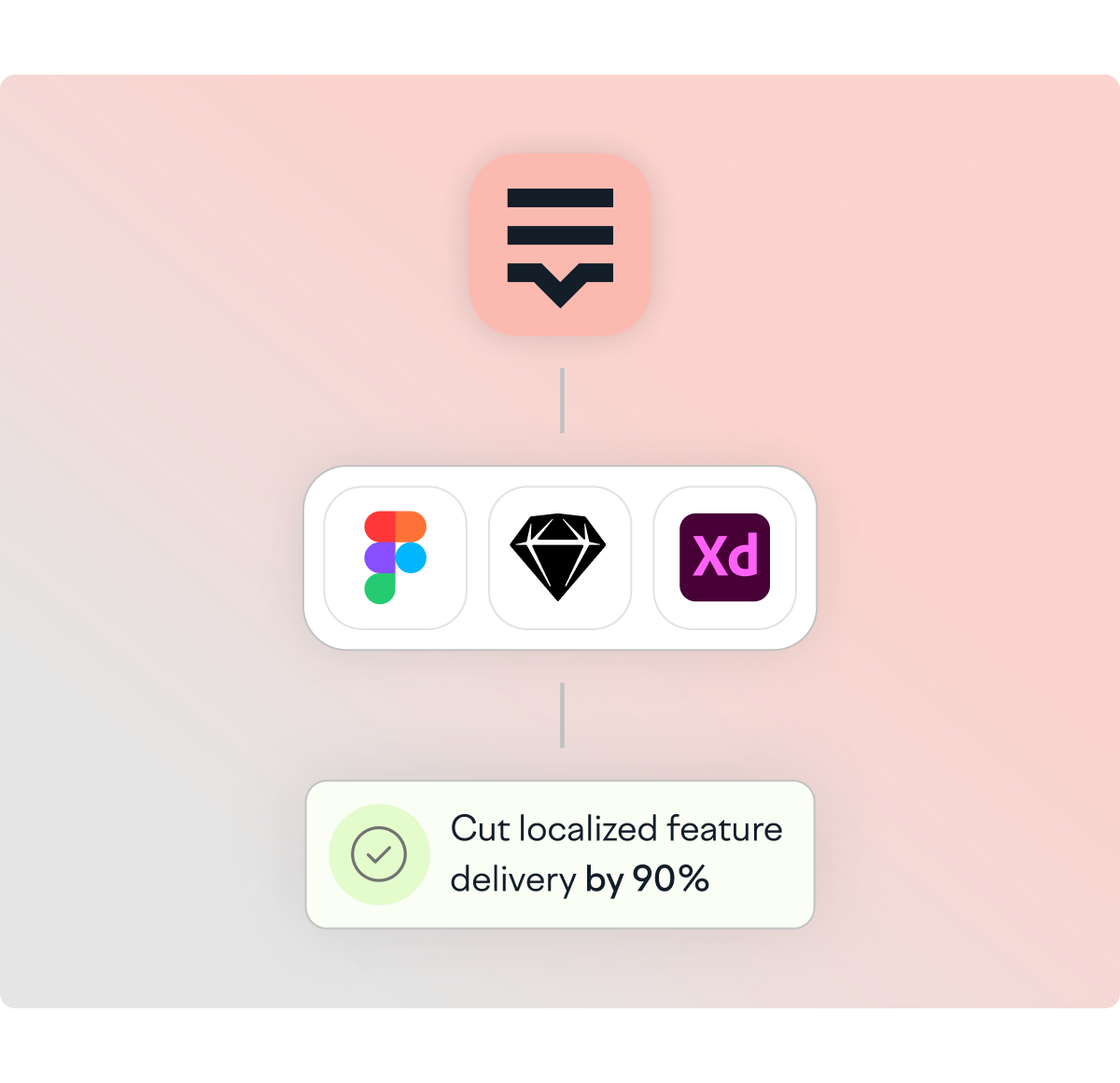
Lokalise connects to Figma so designers push strings, preview translations in context, and catch layout issues before any code is written. Product teams at Withings shipped localized features 90% faster by starting localization at the design stage.
Trusted by 1 million users across 3,000+ companies. 10% of global Fortune 500 companies run localization with Lokalise.











Quickly populate and review your design in different languages
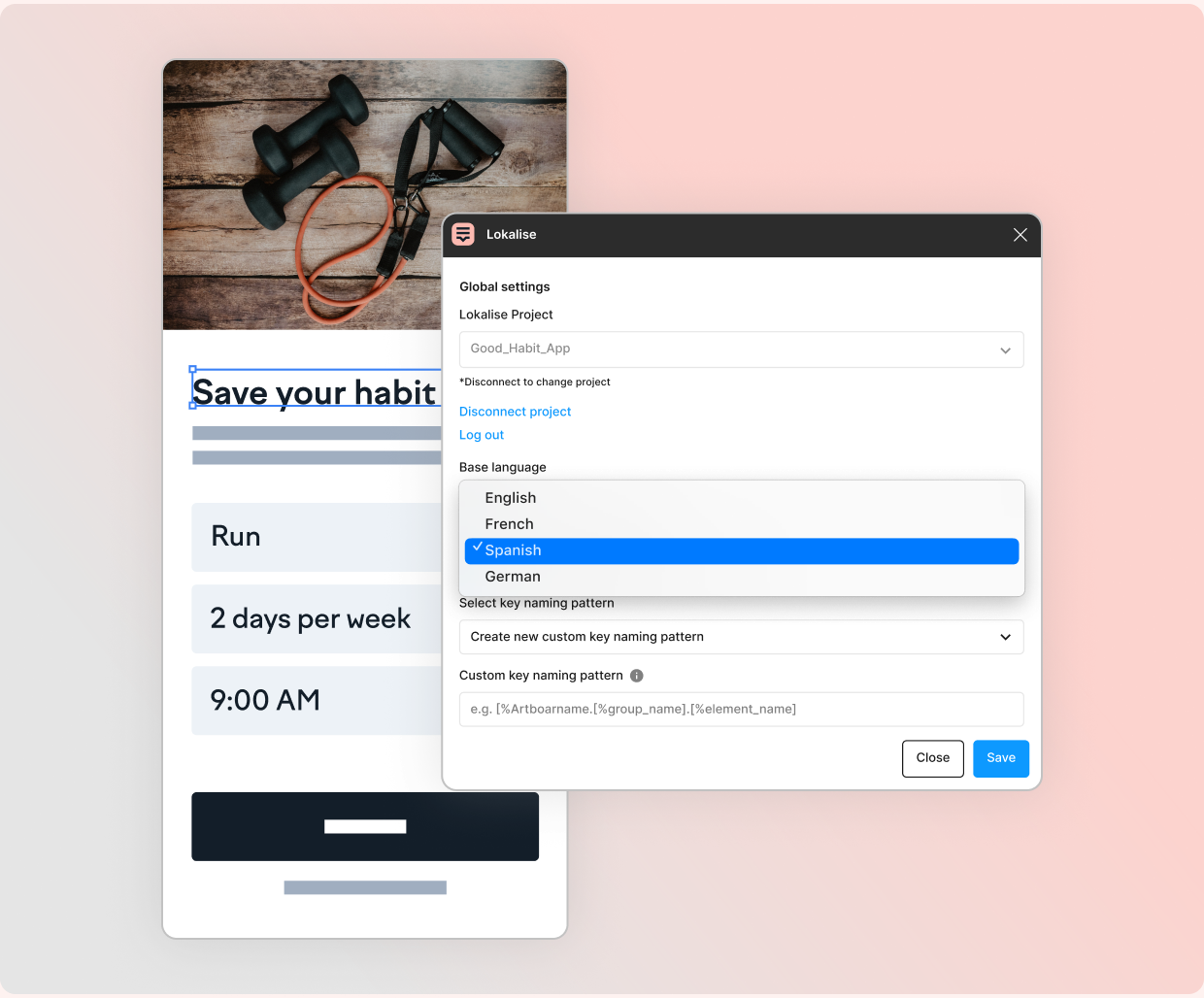
From design to translated, without leaving Figma
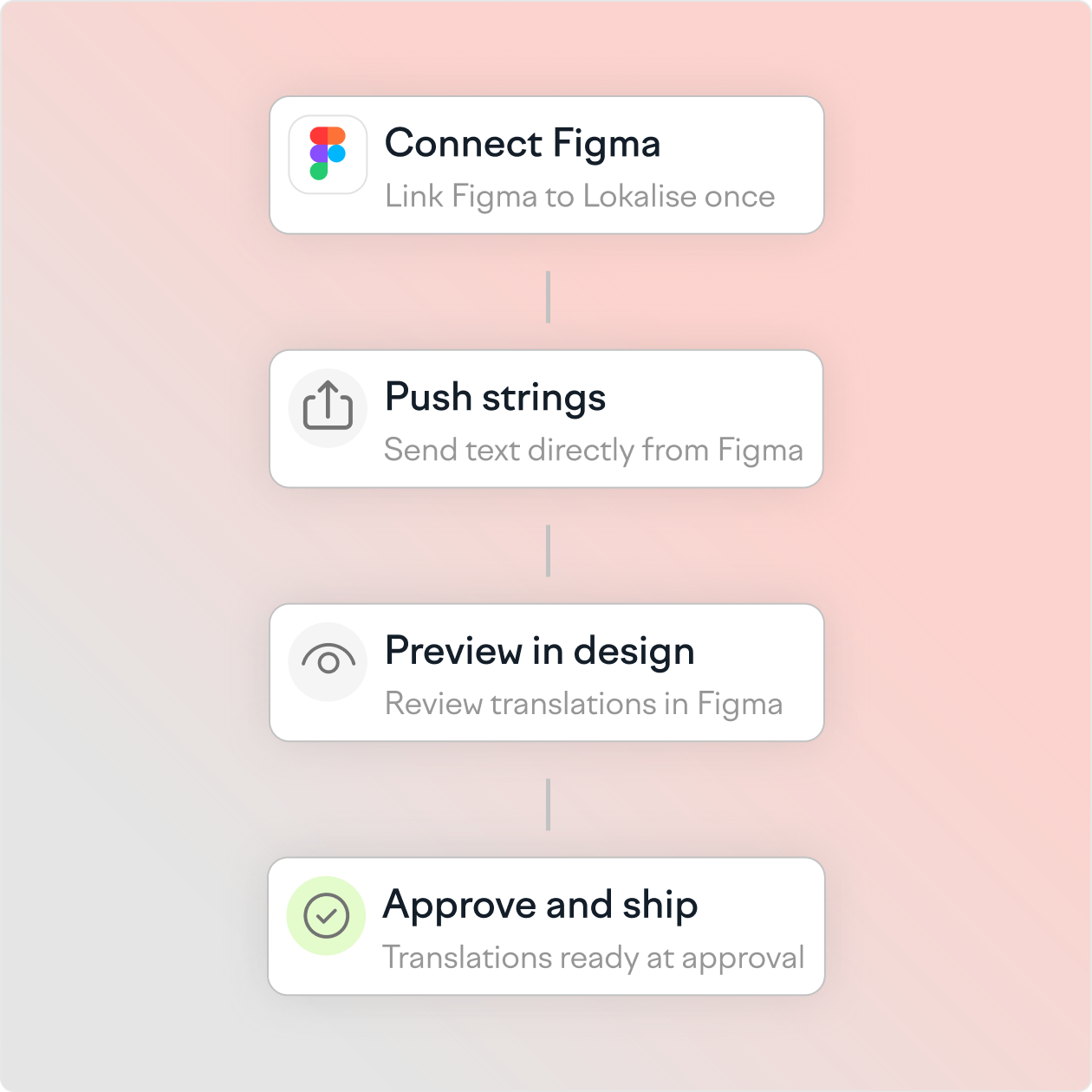
Link Figma to Lokalise once. After that, designers push strings directly from their Figma file, translators receive context alongside each string, and translated versions can be previewed in the original design before any code is touched. Layout issues, text overflow, RTL direction, character expansion, issues surface in Figma, not in production. When the design is approved, translations are already done.
AI translation that works in the designer's workflow
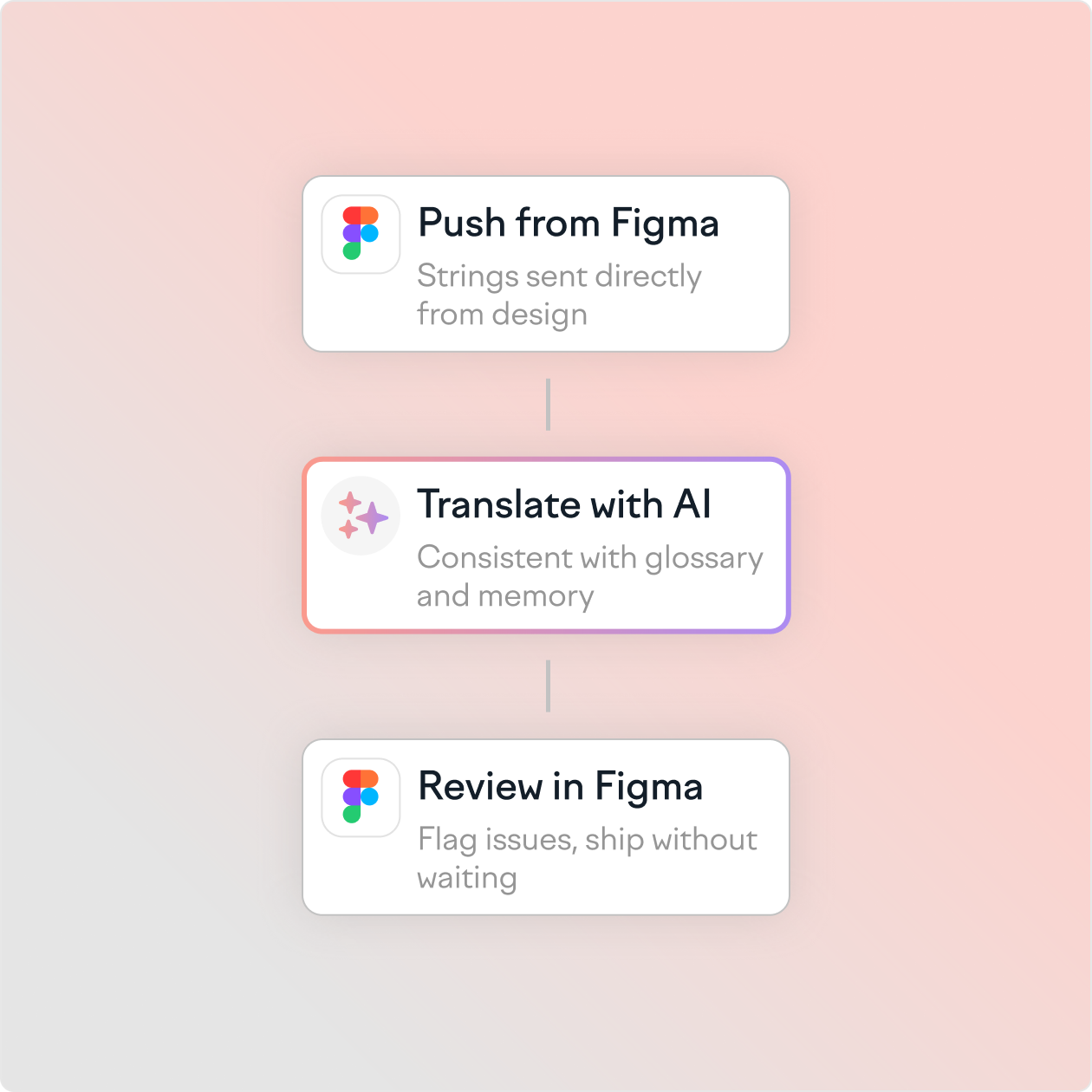
Lokalise AI translates strings automatically as they are pushed from Figma. Translations arrive in context, trained on your glossary and translation memory, so they're consistent with your product's existing copy from day one. Designers review AI output directly in Figma and flag issues without switching tools. For teams localizing into many languages simultaneously, AI translation compresses the wait between design approval and ready-to-ship translations.
"Lokalise has become an essential tool for keeping consistency and copy quality in our products. I can update texts in real-time, manage translation and spot grammar mistakes, all in one place. The UI is user friendly and the customer support service is top of the line."


Frequently asked questions
How does Lokalise integrate with Figma for designers?
How does Lokalise integrate with Figma for designers?
Lokalise connects directly to Figma through a native plugin. Designers push strings from their Figma file to Lokalise, translators receive each string with visual context, and translated versions can be previewed inside Figma before any development work begins. Layout issues caused by text expansion, character differences, or RTL languages are visible in the design file, not in production.
Can designers preview translations in their designs before development?
Can designers preview translations in their designs before development?
Yes. Lokalise's Figma plugin lets designers switch between languages inside their Figma file to check how translations affect layout. Text overflow, line breaks, and directional issues are visible immediately. Pseudolocalization is also available to simulate translation and test layouts before translations are complete.
What design tools does Lokalise integrate with?
What design tools does Lokalise integrate with?
Lokalise has native integrations with Figma and Sketch. An Adobe XD integration is also available. Figma is the most widely used and offers two-way string sync, in-context translation preview, and screenshot matching within the plugin.
How does Lokalise reduce back-and-forth between designers and translators?
How does Lokalise reduce back-and-forth between designers and translators?
Lokalise eliminates the manual handoff by connecting design files directly to translation workflows. When a designer pushes strings from Figma, translators receive the string alongside a screenshot of the design for context. Feedback, queries, and approvals happen inside the platform using comments and @mentions. Designers do not need to manage translation files or chase updates across tools.
How does starting localization at the design stage reduce time to market?
How does starting localization at the design stage reduce time to market?
Localization that starts at the design stage runs in parallel with development rather than after it. Translators begin work as soon as designs are ready, not after engineers have built the feature. Layout issues are fixed in the design file before code is written, eliminating late-stage rework. Teams that start localization at the design stage report up to 90% faster delivery of localized features.
Learn more about design localization
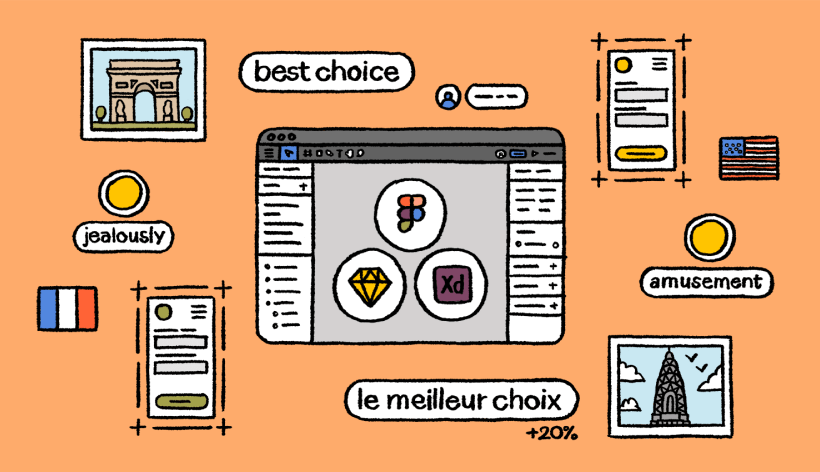
Blog
7 localization issues designers face and how to solve them
Learn about the most common localization issues designers face and see how they can be solved. After reading this article, you’ll be more equipped to handle localization challenges and do your best design work.
Learn more
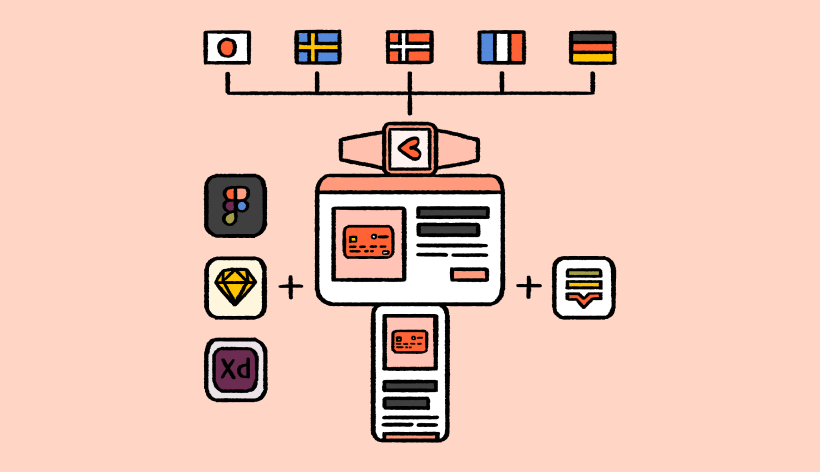
eBook
The complete guide to design-stage localization
Design-stage localization has emerged as the solution for agile companies that are going global. We wrote a complete guide to give you an introduction to design-stage localization, real examples of workflows, and more.
Download now
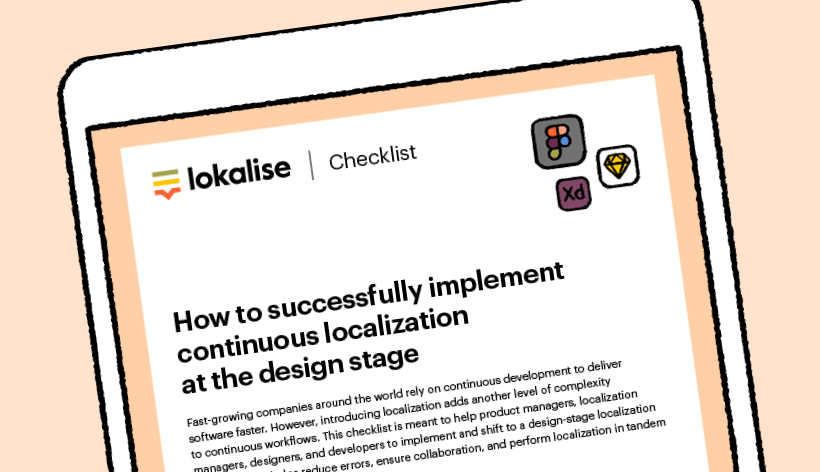
Checklist
How to successfully implement continuous localization at the design stage
Follow this checklist to speed up your localization process by implementing a continuous localization workflow that starts at the design stage.
Download now
Localization made easy. Why wait?
Try for free or let us show you how it works.
Case studies

Behind the scenes of localization with one of Europe’s leading digital health providers
Read more Case studiesSupport

Company
Follow



Localization workflow for your web and mobile apps, games and digital content.
©2017-2026
All Rights Reserved.