
Connect Lokalise
to every tool in your enterprise stack
Lokalise connects to your CMS, code repositories, Salesforce, and 60+ more tools — so your teams keep working where they already work, while localization runs in the background.
The localization integration layer for global enterprise teams at 3,000+ companies.
























95 endpoints. 33 webhooks. 10 SDKs.
One API that covers everything.
Get programmatic control over every Lokalise object across 95 REST endpoints. 33 webhooks trigger automated actions on any project event. With SDKs in Python, Ruby and more

95 endpoints
Control and automate translation tasks with a feature-rich API.

33 Webhooks
Get notified about updates in your localization projects.

10 pre-made SDKs
Jump-start multilingual projects without crafting custom solutions.
Connect Lokalise to your entire enterprise tech stack
Lokalise connects to 60+ tools across every team. Content flows in, gets translated, and flows back — without manual exports or file management.

MCP to connect AI coding tools to Lokalise
How it works: Install the Lokalise MCP server and AI-assisted development tools. Any MCP client can query and update your Lokalise projects.
Tools: Cursor, Claude Code, VS Code

Continuous localization alongside CI/CD
How it works: Every commit triggers automatic string extraction into Lokalise. Translated strings merge back before release.
Tools: GitHub, GitLab, Bitbucket, Azure Repos
Localize your CRM without Translation Workbench's limits
How it works: Lokalise connects to Salesforce Sales Cloud, Knowledge Articles, Community Pages, and Marketing Cloud via API.
Tools: Salesforce Sales Cloud, Knowledge, Marketing Cloud

Support every customer in their language
How it works: Lokalise syncs help center articles and translates incoming support conversations in real time.
Tools: Zendesk Guide, Intercom, Freshdesk, Front, Gorgias, Dixa

Localization starts at the design stage
How it works: Designers work in Figma. The Lokalise plugin pushes strings to Lokalise automatically.
Tools: Figma, Sketch

Automate content from your document infrastructure
How it works: Files stored in Amazon S3 or Google Cloud Storage are imported into Lokalise automatically. Translated files export back to the same location.
Tools: Amazon S3, Google Cloud Storage
MCP to connect AI coding tools to Lokalise
How it works: Install the Lokalise MCP server and AI-assisted development tools. Any MCP client can query and update your Lokalise projects.
Tools: Cursor, Claude Code, VS Code
Continuous localization alongside CI/CD
How it works: Every commit triggers automatic string extraction into Lokalise. Translated strings merge back before release.
Tools: GitHub, GitLab, Bitbucket, Azure Repos
Localize your CRM without Translation Workbench's limits
How it works: Lokalise connects to Salesforce Sales Cloud, Knowledge Articles, Community Pages, and Marketing Cloud via API.
Tools: Salesforce Sales Cloud, Knowledge, Marketing Cloud
Support every customer in their language
How it works: Lokalise syncs help center articles and translates incoming support conversations in real time.
Tools: Zendesk Guide, Intercom, Freshdesk, Front, Gorgias, Dixa
Localization starts at the design stage
How it works: Designers work in Figma. The Lokalise plugin pushes strings to Lokalise automatically.
Tools: Figma, Sketch
Automate content from your document infrastructure
How it works: Files stored in Amazon S3 or Google Cloud Storage are imported into Lokalise automatically. Translated files export back to the same location.
Tools: Amazon S3, Google Cloud Storage
How Lokalise API works for translation
A REST API with an endpoint for everything
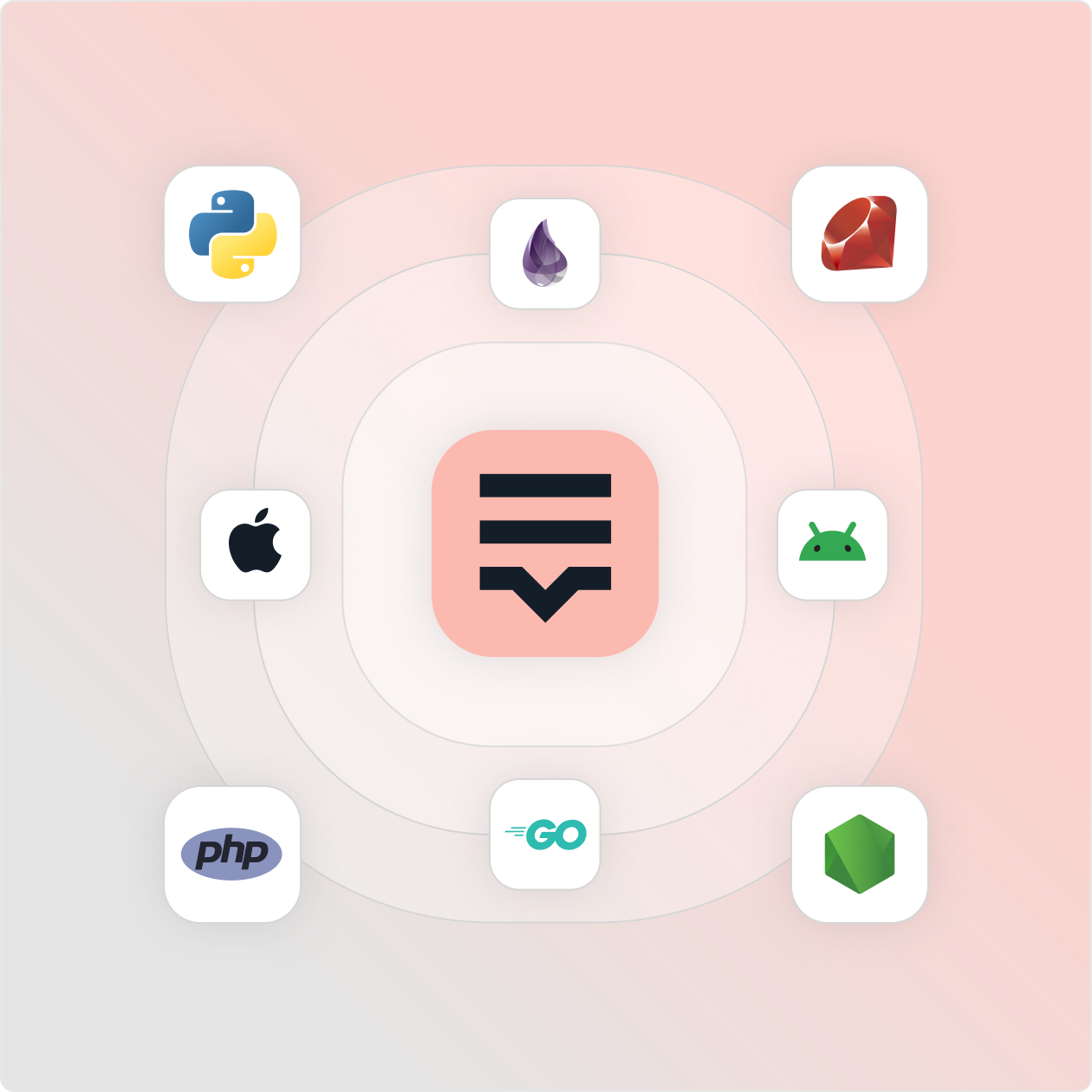
Discover SDKs for Python, Ruby, Node.js, PHP, Golang, Elixir, plus native iOS and Android SDKs — making it straightforward to integrate Lokalise into existing enterprise applications. With an interactive API playground in the Developer Hub, your team can test endpoints before writing a line of production code. “There's an endpoint for everything you can do in the UI.” — Developer at N26.
Automate every step of your localization pipeline via API
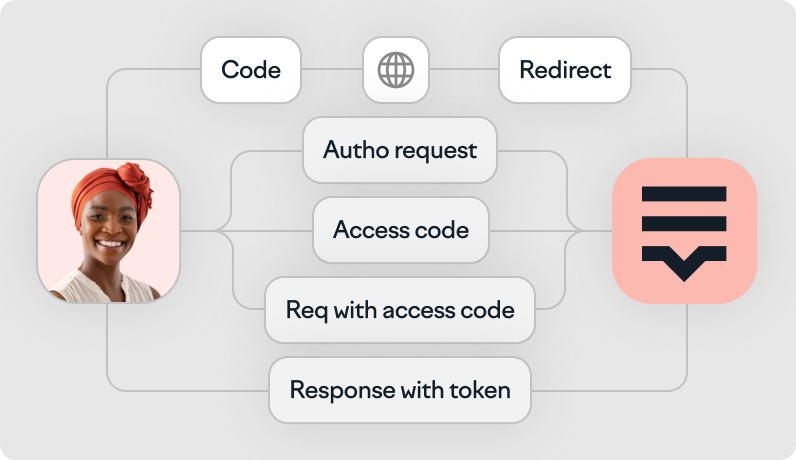
The Lokalise REST API gives you programmatic control over every object in your localization workflow — keys, translations, files, tasks, contributors, branches, and more.
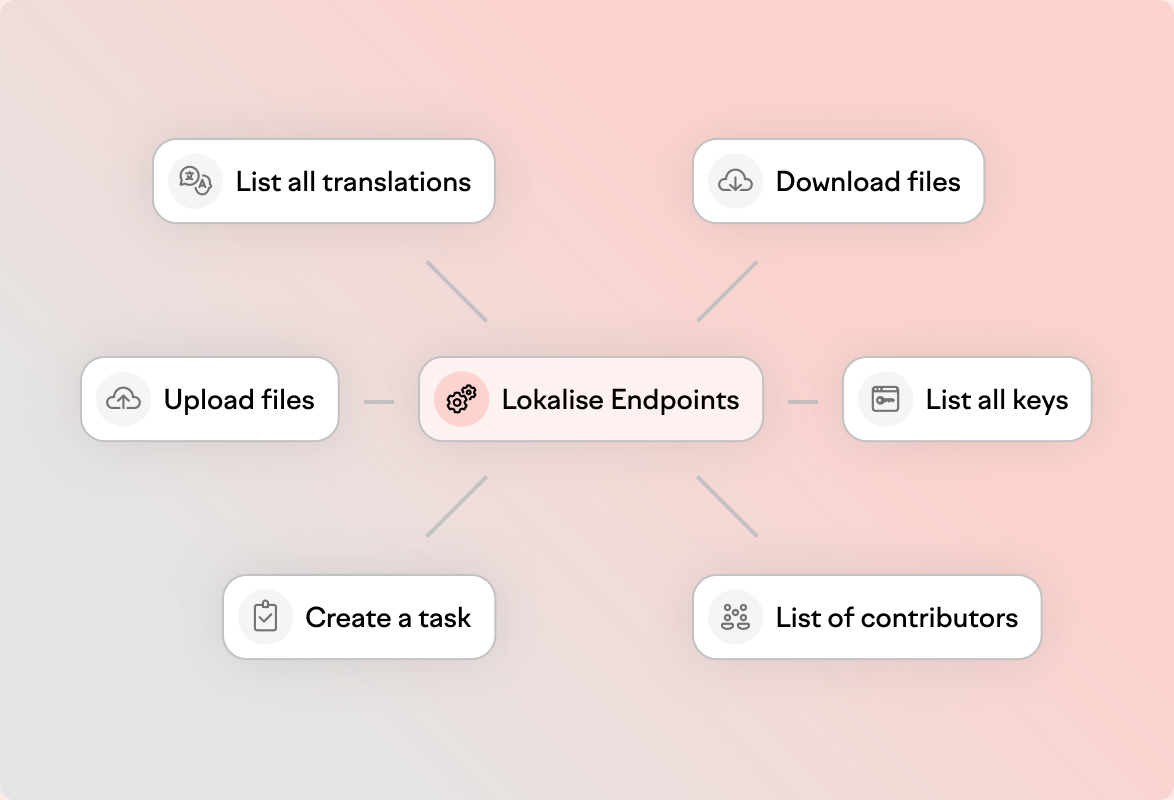
Automate every step of your localization pipeline via API
The Lokalise REST API gives you programmatic control over every object in your localization workflow — keys, translations, files, tasks, contributors, branches, and more.
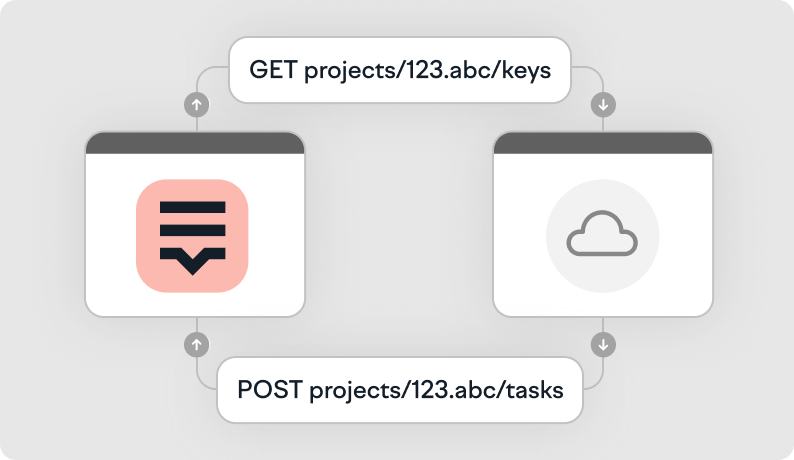
Lokalise also supports branching, so you can specify a project branch when sending a request.
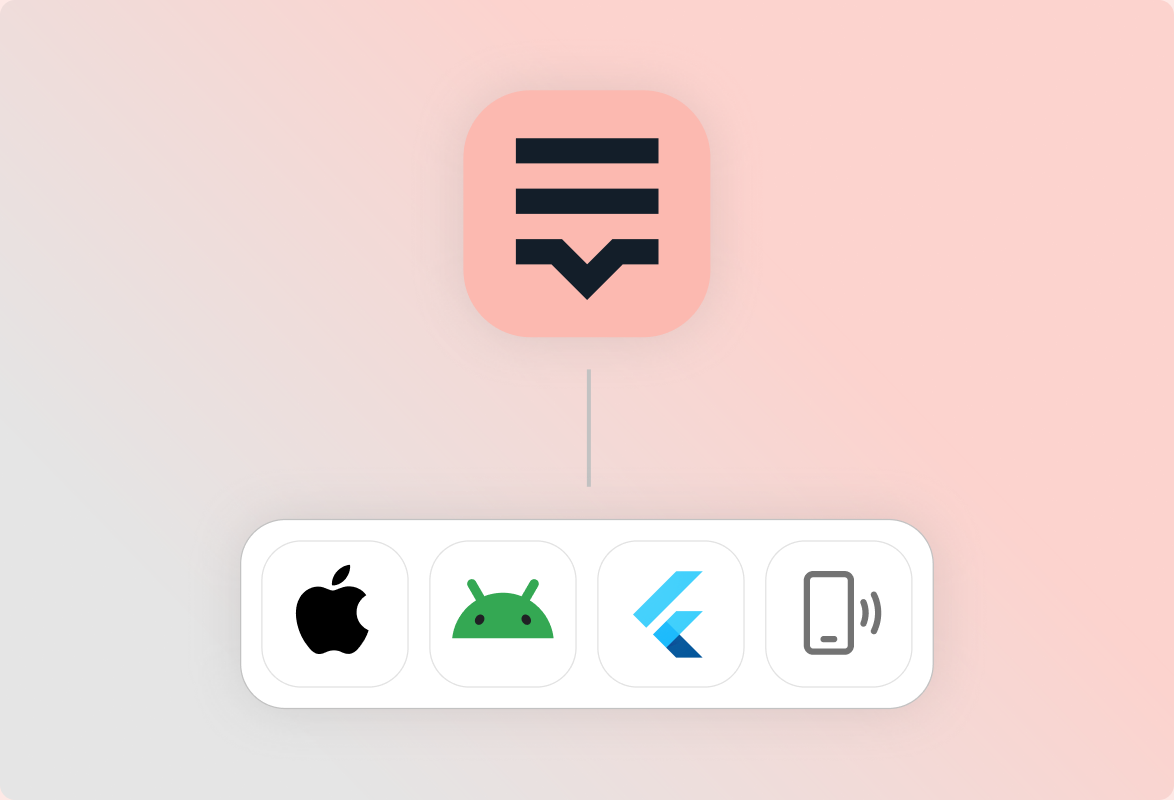
Deploy translation updates instantly
Use the OTA API to push translation updates to mobile apps without a new app store submission. Pre-built SDKs for iOS, Android, and Flutter are available in the Developer Hub.
Enterprise-grade security and governance built in, not bolted on
We prioritize transparency, customer control, and responsible AI use across every layer.

All data in transit between Lokalise and AI providers is protected with state-of-the-art TLS encryption.

Only authorized personnel can access AI-processed content and customer data is never used to train AI models.

- SSO
- RBAC
- Audit logs
- SOC 2 Type II (assessed)
- ISO 27001 and ISO 27017
- GDPR
- DPF
All data in transit between Lokalise and AI providers is protected with state-of-the-art TLS encryption.
Only authorized personnel can access AI-processed content and customer data is never used to train AI models.
- SSO
- RBAC
- Audit logs
- SOC 2 Type II (assessed)
- ISO 27001 and ISO 27017
- GDPR
- DPF
Rosario Messina
Senior Product Operations Manager
We were looking for a system that would become our single source of truth. We needed task management, comments, AI with a human approach, and something that worked really well with our platform. So a strong API implementation. Lokalise ticked all those boxes.

Read story
Developer essentials
FAQs
How does Lokalise integrate with software development workflows?
How does Lokalise integrate with software development workflows?
Lokalise connects to your repos, CI/CD, and developer tools via native integrations and a REST API. Strings sync on commit, translations merge before release, and webhooks notify your pipeline of project events — so localization runs alongside development instead of after it.
What is over-the-air (OTA) localization and how does it work in Lokalise?
What is over-the-air (OTA) localization and how does it work in Lokalise?
OTA localization lets you push translation updates to mobile apps without a new app store submission. Lokalise provides an OTA API plus SDKs for iOS, Android, and Flutter so devices fetch the latest strings at runtime.
Does Lokalise support continuous localization for agile software teams?
Does Lokalise support continuous localization for agile software teams?
Yes. Continuous localization is a core use case: extract strings on every commit, translate with AI and optional human review, then merge translations back before release. Branching, tasks, and webhooks keep agile teams unblocked.
What programming languages and file formats does Lokalise support?
What programming languages and file formats does Lokalise support?
Lokalise provides SDKs for Python, Ruby, Node.js, PHP, Golang, Elixir, plus native iOS and Android. The platform supports common localization file formats used across web, mobile, and backend stacks, accessible via the UI and API.
How does Lokalise handle translation quality for software strings?
How does Lokalise handle translation quality for software strings?
Lokalise combines AI translation with glossary, style guide, and translation memory context, plus optional human review. Quality workflows — reviews, QA checks, and role-based permissions — keep software strings accurate without slowing releases.
Keep learning
Case studies


Behind the scenes of localization with one of Europe’s leading digital health providers
Read more Case studiesSupport

Company
Follow



Localization workflow for your web and mobile apps, games and digital content.
©2017-2026
All Rights Reserved.