








Webinar: discover the new localization workspace for marketers.
Save your seat

Software localization that keeps pace with your release cycle

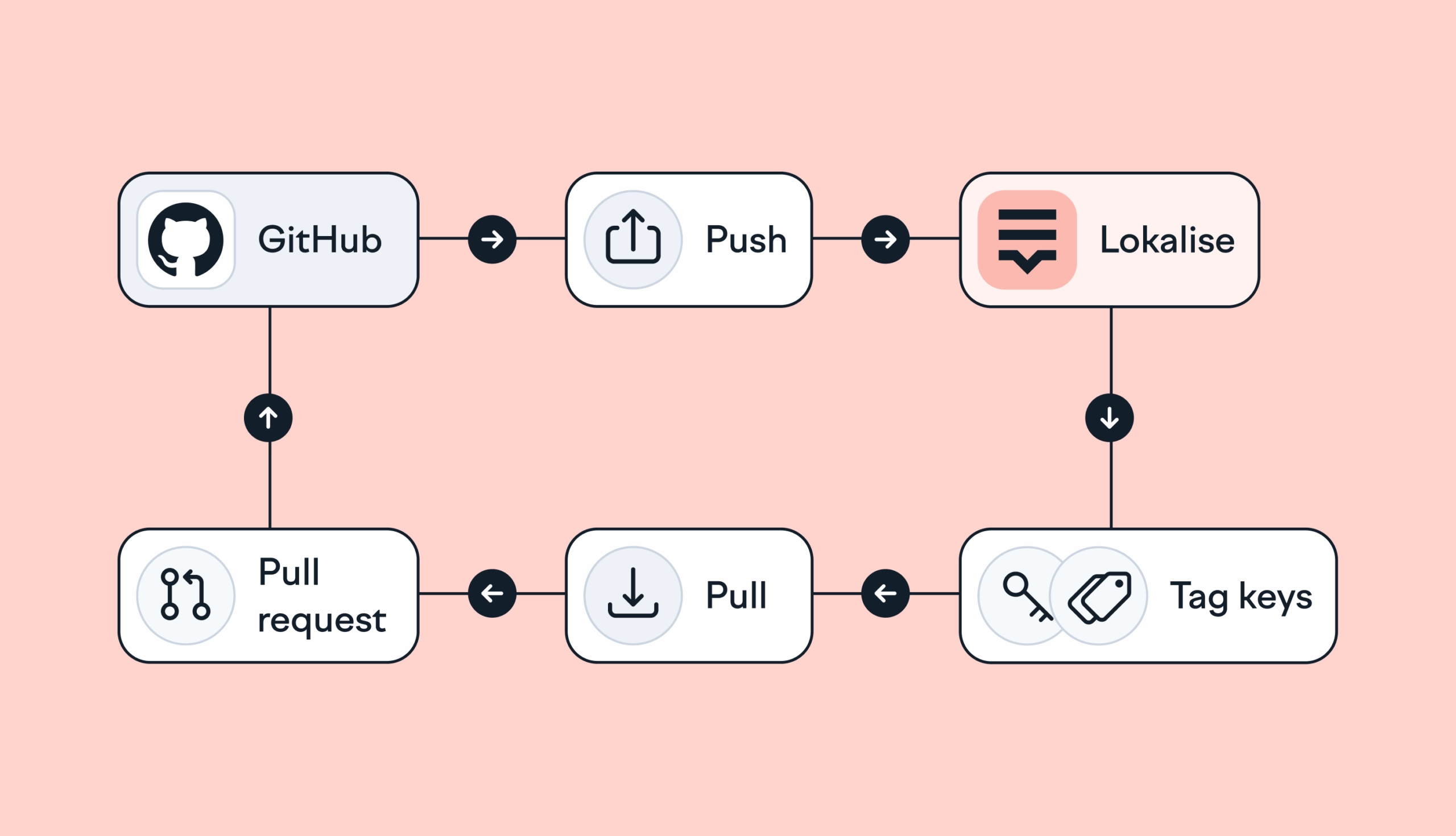
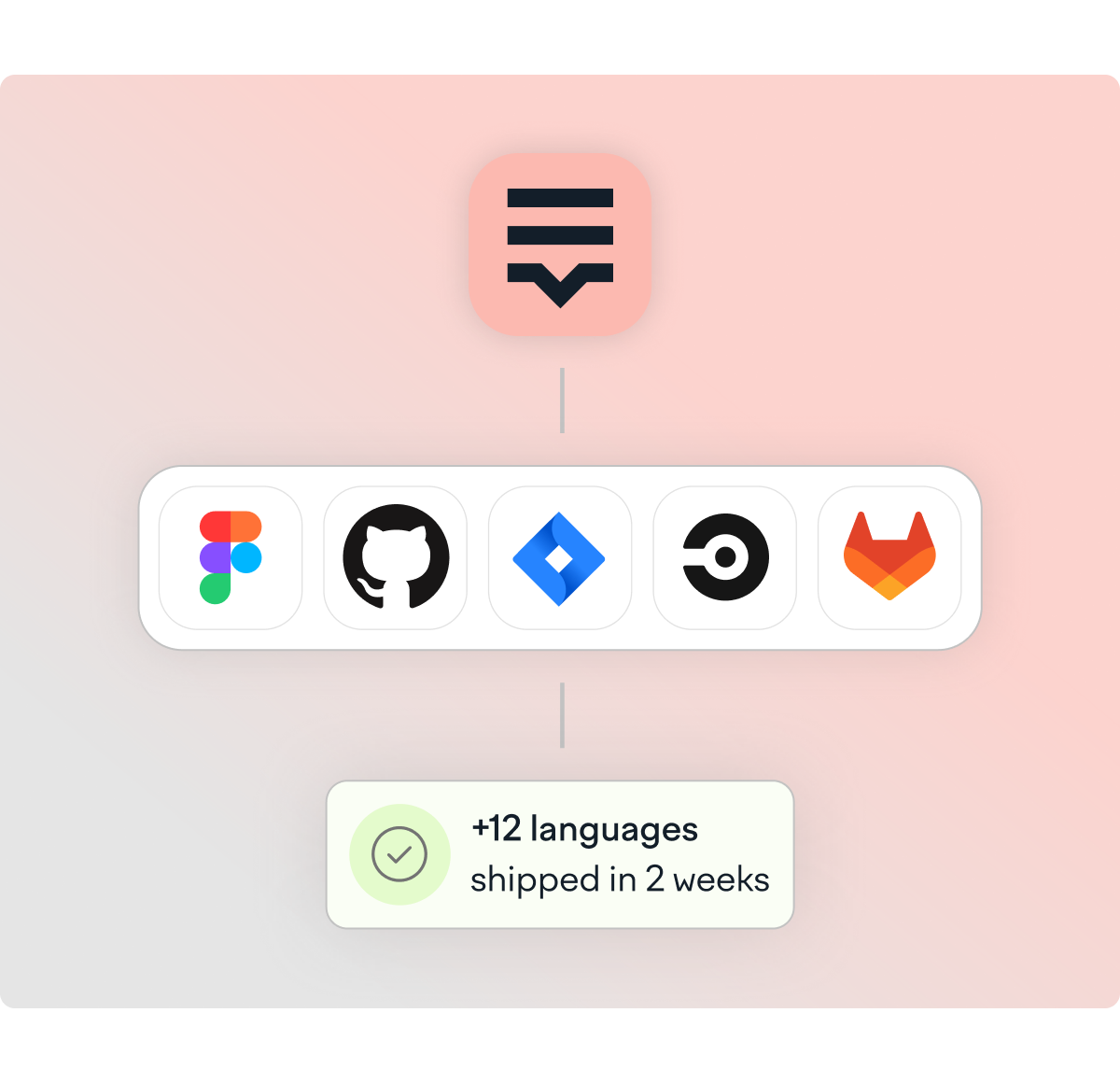
Connect to GitHub, Figma, Jira, and your CI/CD pipeline so translations move automatically with every build.

Software localization hero 2x illustration

Trusted by  1 million users across 3,000+ companies. 10% of global Fortune 500 companies run localization with Lokalise.

  • life360 logo
  • pleo logo
  • coachhub logo
  • blockchain logo
  • hibob logo
  • king logo
  • telefonica logo
  • whirlpool logo
  • hello fresh logo
  • dhl logo
  • orange logo
  • hyundai logo
  • shell markethub logo
  • life360 logo
  • pleo logo
  • coachhub logo
  • blockchain logo
  • hibob logo
  • king logo
  • telefonica logo
  • whirlpool logo
  • hello fresh logo
  • dhl logo
  • orange logo
  • hyundai logo
  • shell markethub logo

"At Navan, engineers cut support queries by 75% and boosted dev productivity by 50% after centralizing localization in Lokalise."

navan-logo.svg

"Withings accelerated delivery of new localized features by 90% using Lokalise's Figma integration."

1277-withings-logo.svg

"Kinto improved translation quality by 80% with Lokalise's design-led localization approach."

kinto-logo.svg

From first commit to live: the full localization workflow

Connect

Link your GitHub, GitLab, Bitbucket, or Azure Repos to Lokalise. Configure once and all future string changes sync automatically.

Import

New strings pushed to a branch land in your Lokalise project automatically, converted to the right format.

Translate

AI translates every new string against your Custom AI profile. High-confidence output goes straight to the export queue.

Review

Reviewers see only flagged strings with screenshot context, translation memory, and an MQM quality score already attached.

Ship

Approved translations export back to your branch automatically, or push directly to live apps via OTA. No new release required.

Fits into your pipeline, not the other way around

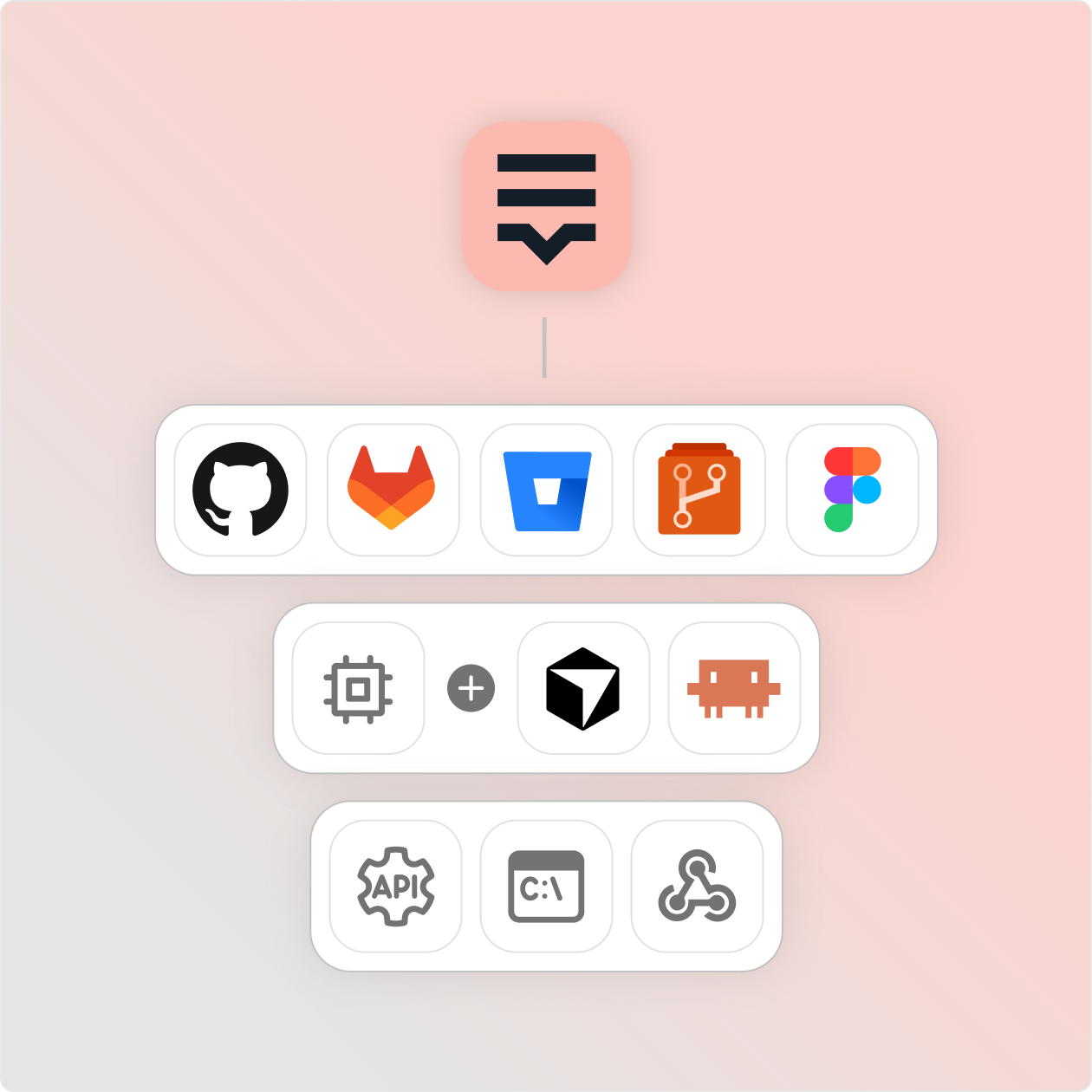
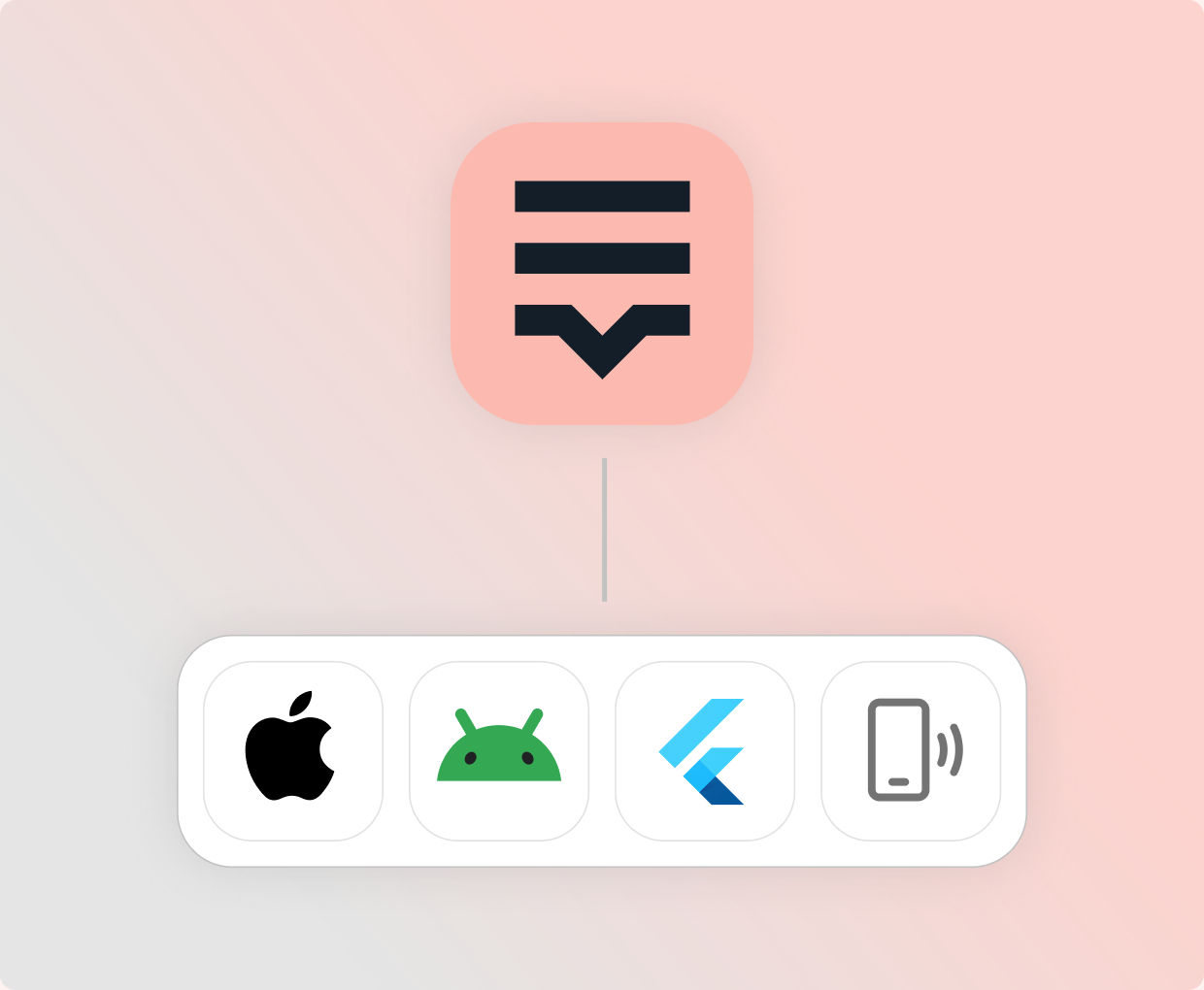
Connect Lokalise to GitHub, GitLab, Bitbucket, or Azure Repos and strings sync automatically on every push. Keep design-stage localization connected through Figma. For teams building with AI agents: the Lokalise MCP server gives Cursor, Claude, and any MCP-compatible tool direct access to your translation project without leaving the editor. REST API, CLI, and webhooks cover every other integration pattern from build scripts to custom pipeline automation.

Fits into your pipeline illustration

Ship localized software faster

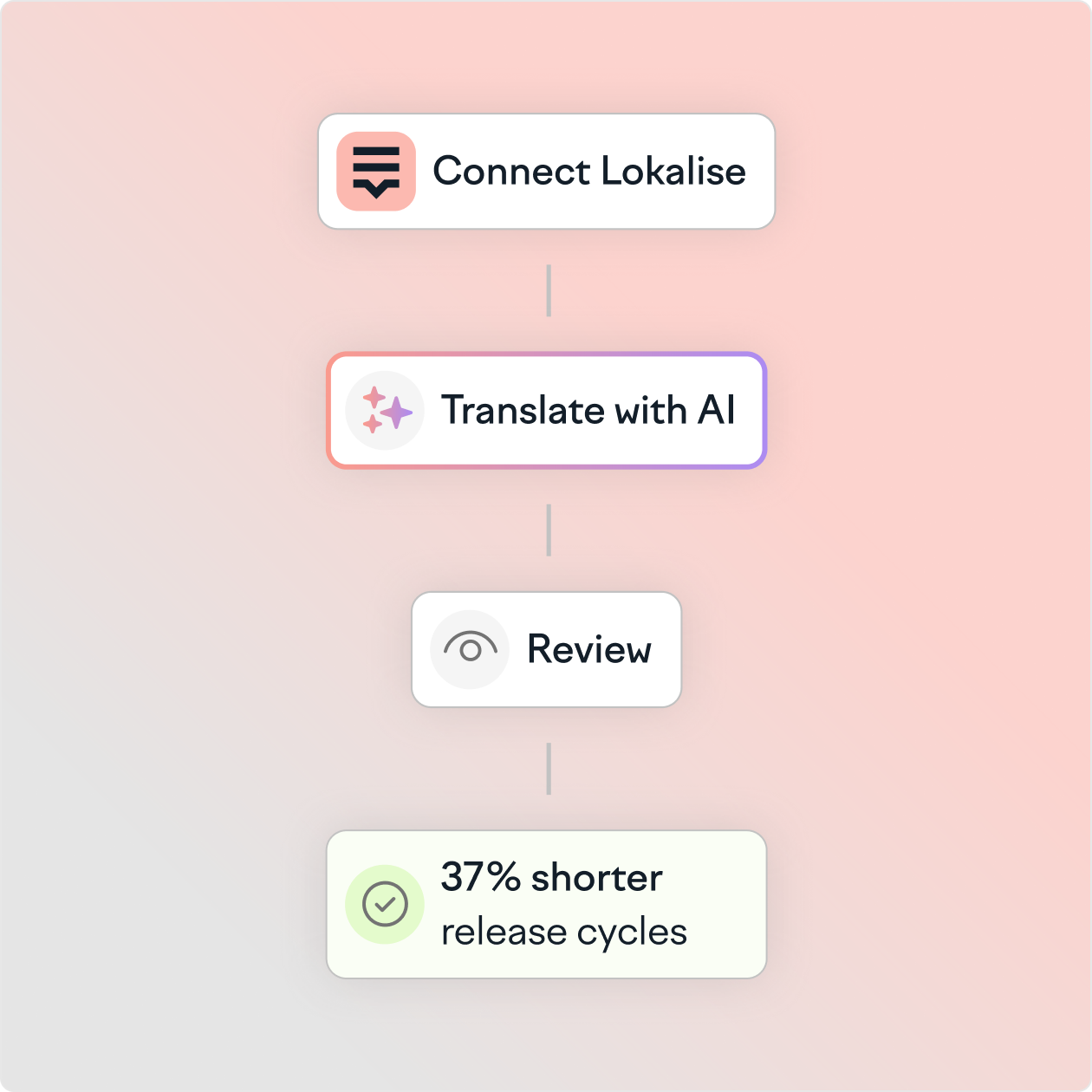
Once Lokalise is connected, localization runs with every sprint. New strings are translated by AI, routed through review on configurable rules, and exported back to your branch — without a ticket, a Slack message, or a developer involved. Teams report 37% shorter release cycles.

Ship localized software faster 2x

AI translation built into your development pipeline

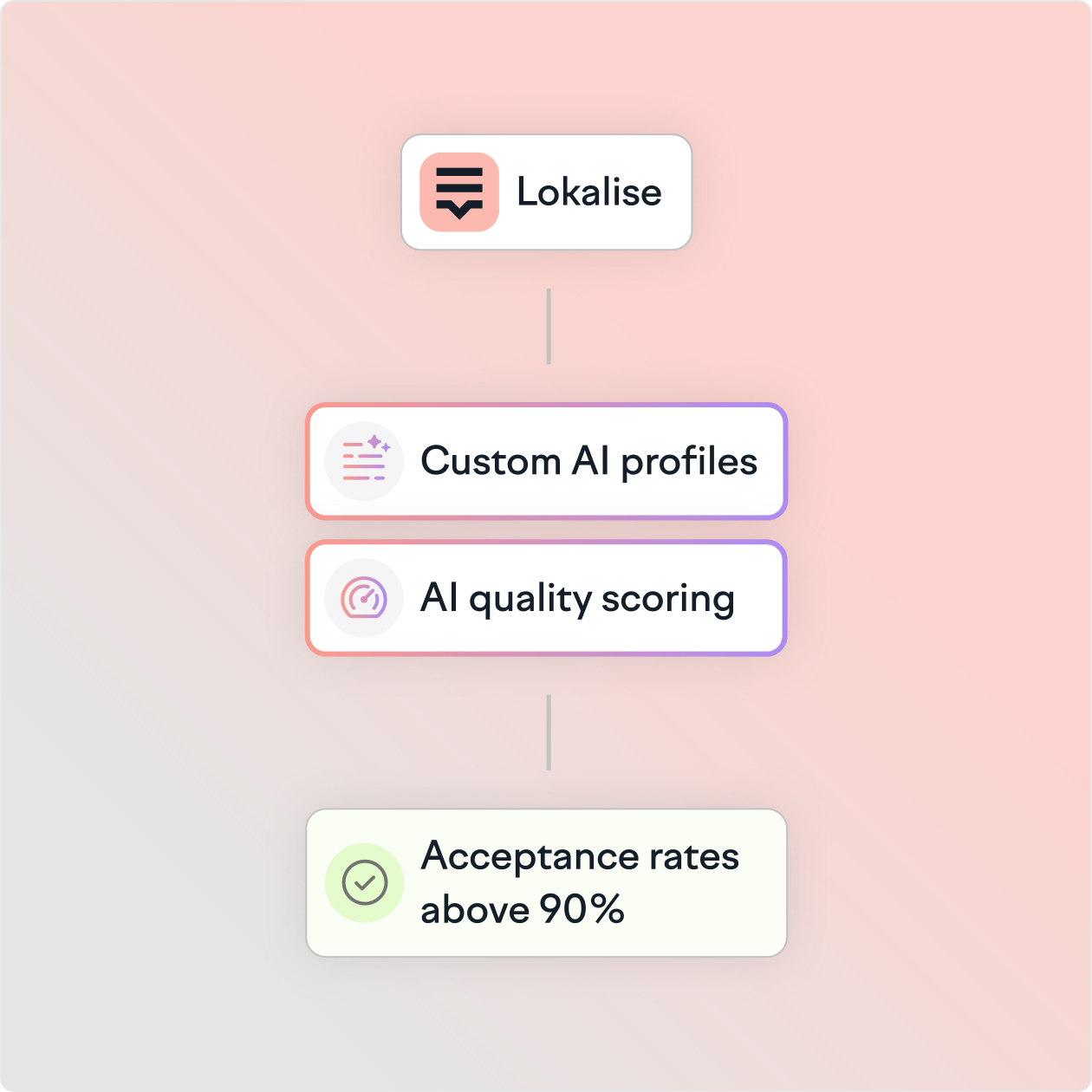
Lokalise AI translates new strings automatically as they are added to the project. Custom AI profiles use translation memory and glossaries to produce output consistent with previous releases. AI translation reaches acceptance rates above 90% on custom profiles, reducing the volume of content that needs human review. AI scoring flags only what needs review.

AI translation pipeline 2x

"From a development point of view, Lokalise helped us to increase speed and productivity by 50%. For our product team that's responsible for the translation workflow, the speed has increased by up to 80%."

Backend developer

639-deliveree.webp
478_quote_deliveree_620x620_min_0f4ac3e531 1.png

FAQs

How does Lokalise integrate with software development workflows?

What is over-the-air (OTA) localization and how does it work in Lokalise?

Does Lokalise support continuous localization for agile software teams?

What programming languages and file formats does Lokalise support?

How does Lokalise handle translation quality for software strings?

Continuous_localization

How to implement continuous localization in your CI/CD workflow

What if your translations updated the moment your code changed? Continuous localization is a DevOps-aligned workflow where translation is integrated into the software development lifecycle (SDLC). Unlike traditional waterfall methods, it automates the synchronization between code repositories and translation platforms, so global content updates in real time as new code is pushed to production. This removes translation latency, keeps context intact, and ensures every market sees th

Read more How to implement continuous localization in your CI/CD workflow
Technical part of localization with code

Easy guide to technical localization (+ free checklist)

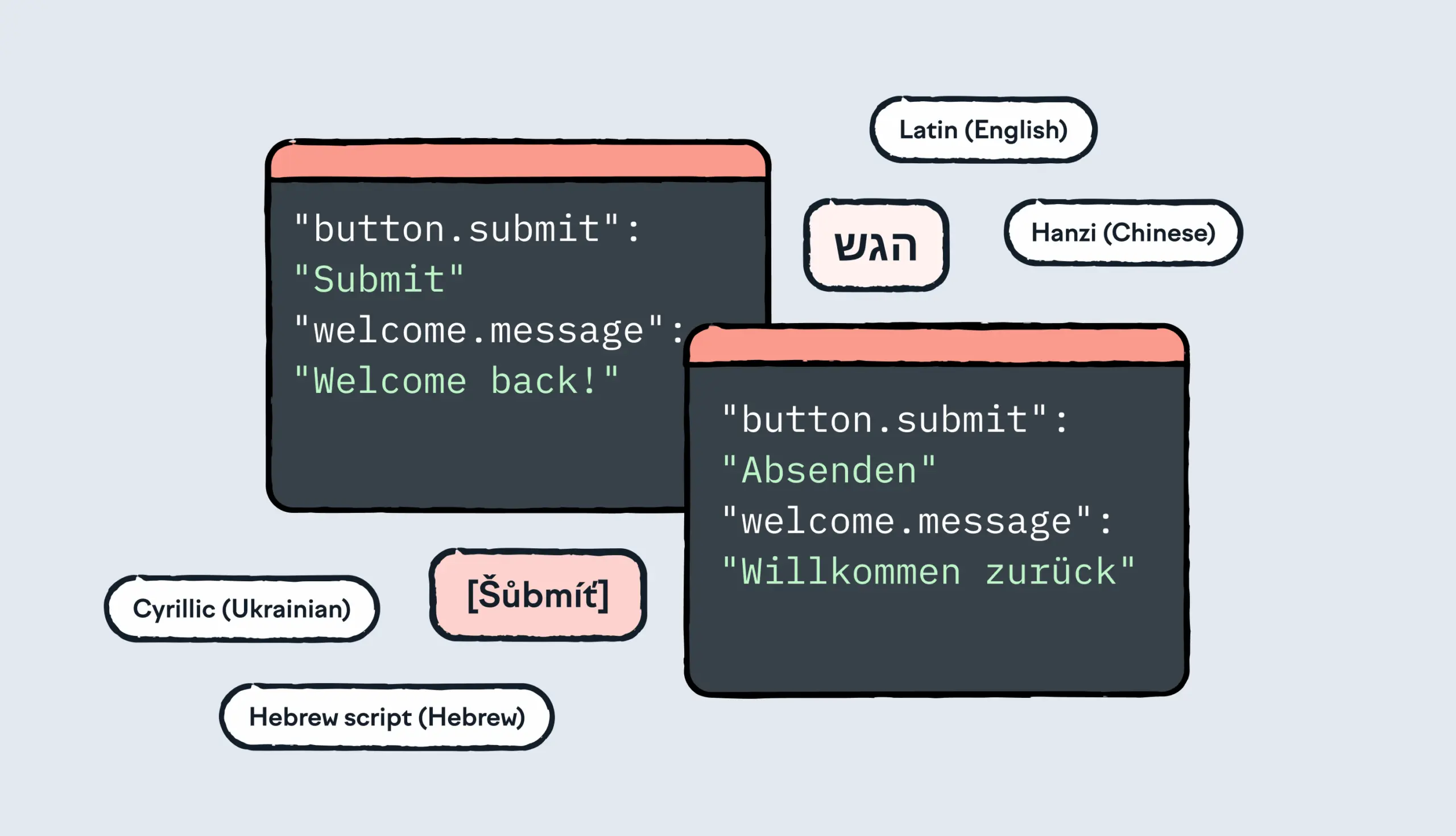
When companies take their product global, something almost always breaks. Text doesn’t fit. Interfaces glitch. The UI layout looks off. Sometimes, features even stop working entirely. This isn’t just bad luck or sloppy translation. It’s a technical issue that happens when localization is treated as an afterthought instead of something to build for from day one. And that’s the part that trips most teams up. There’s no single “owner” of technical localization. It’s shared across eng

Read more Easy guide to technical localization (+ free checklist)

Hero GitHub

Hands‑on guide to GitHub Actions for Lokalise translation sync: A deep dive

In this tutorial, we’ll set up GitHub Actions to manage translation files using Lokalise: no manual uploads or downloads, no reinventing a bicycle. Instead of relying on the Lokalise GitHub app, we’ll use open-source GitHub Actions. These let you push and pull translation files directly via the API in an automated way. You’ll learn how to: Push translation files from your repo to LokalisePull translated content back and open pull requests automaticallyWork w

Read more Hands‑on guide to GitHub Actions for Lokalise translation sync: A deep dive

Localization made easy. Why wait?


Try for free or let us show you how it works.