ChatGPT vs. a localization platform: Which translation solution is right for your business?

Mia Comic,Updated on February 3, 2026·11 min read
chatgpt vs localization platform

Translation used to be a bottleneck for businesses looking to grow internationally. Thanks to AI, now it can happen in seconds, which changes how teams make decisions about localization.

ChatGPT can produce quick translations for many everyday needs. But when quality requirements rise or the workload grows, teams start running into familiar problems: inconsistent terminology, formatting and placeholder issues, missing context, and a lack of review workflows.

That’s where localization platforms come in, with the systems needed to manage translation across people, tools, and languages.

Keep reading to learn more about the practical trade-offs between ChatGPT vs localization platforms, including when each option makes sense and when a hybrid setup delivers the best results.

❗ Important note

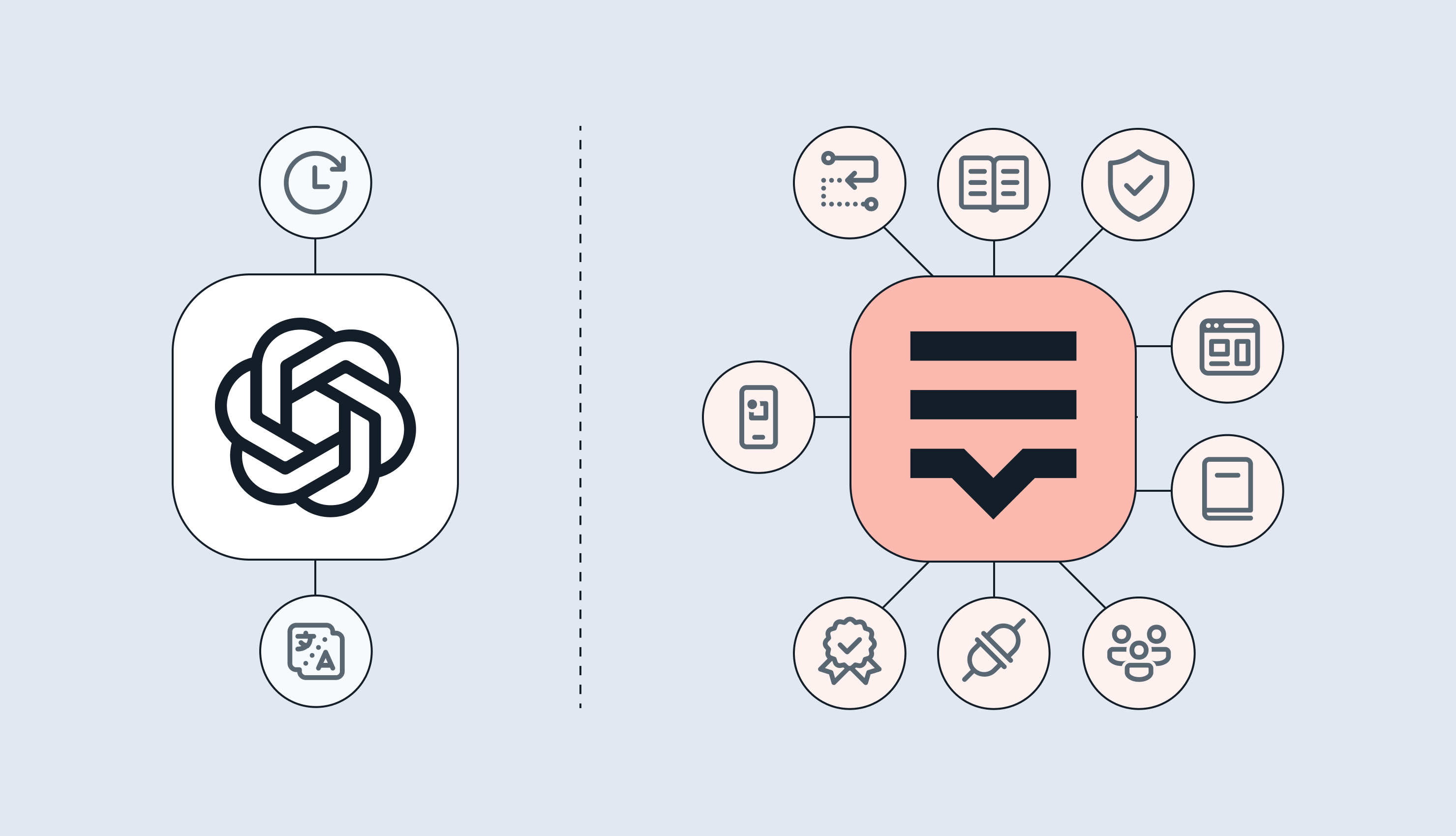
ChatGPT and other LLMs are actually built into most modern localization platforms. Lokalise, for example, includes GPT-5, Claude, DeepL, and other AI engines, giving you the speed of AI translation with the structure, quality controls, and workflow automation that standalone LLM tools lack.

Using ChatGPT vs localization platform for translation

ChatGPT is a large language model designed for generating human-like text, answering questions, and assisting with a wide range of language tasks.

While it's often used to generate translations or assist with language-related queries, it's not a dedicated localization tool. Users can input text in one language and request translation into another, receiving instant results.

You can also create custom GPTs, tailored models with specific knowledge and instructions. For example, you might create a GPT that specializes in translating content for an online game with its unique terminology.

While custom GPTs can improve consistency for ad-hoc use, they don't enforce terminology, they suggest it. There's no built-in QA, no translation memory, and no way to share configurations across teams with proper governance. For production workflows, these gaps become blockers.

How ChatGPT translates text

ChatGPT translates using the same mechanism it uses to write anything: next-token prediction.

Step #1: Your text gets broken into tokens

Tokens are small pieces of text (parts of words, whole words, punctuation). ChatGPT doesn’t “see” your sentence as letters. It sees a sequence of tokens.

Step #2: It builds an internal representation of meaning and context

The model has been trained on lots of multilingual text, so it has learned statistical patterns that connect how ideas are expressed across languages. It uses attention to relate words and phrases to each other in the sentence.

📚 Further reading

Learn more about natural language processing (NLP) and LLMs in this easy-to-follow guide.
 

Step #3: It generates the translation token by token

At each step, it calculates probabilities for what the next token in the target language should be, given:

  • The source text
  • Your instruction (target language, tone, constraints)
  • Everything it has generated so far

Then it outputs the next token and repeats until it finishes.
 

🧠 Good to know

Your instructions steer the output, but they don’t “lock” behavior by default. If you specify constraints (formal tone, preferred terms, “don’t change placeholders like {name}”), the model will usually follow them better because you’ve narrowed the set of likely outputs. But it can still slip because it’s generating, not executing hard rules.

Pros of using ChatGPT translation

When teams compare ChatGPT vs a localization platform, the appeal of ChatGPT is straightforward: it removes friction and gets you a workable translation fast. Here’s where it tends to deliver the most value.

Cost-effective for low-volume work

For simple, occasional translation tasks, ChatGPT can be the cheapest way to get usable output fast. There’s no platform setup, no tooling overhead, and no need to buy seats for multiple contributors. That makes it a practical option for teams that translate infrequently, are testing a new market, or need quick support content without committing to a full localization stack.

Fast turnaround for time-sensitive needs

ChatGPT returns translations in seconds, which is useful when speed matters more than perfection. It works well for situations like triaging customer messages, scanning competitor content, translating internal notes, or getting a rough draft you can refine. The value here is momentum and speed.

Easy for non-specialists to use

ChatGPT’s biggest advantage is accessibility. Anyone can paste text and get a translation without training, file handling, or learning a new workflow. That reduces friction across the business, especially for ad-hoc requests from sales, support, or product teams. It also makes it easier to standardize “first draft” translation help for people who don’t have access to professional translation tools.

Cons of using ChatGPT for translation

ChatGPT can produce fluent translations, especially when you give it strong direction. The problems start when teams use it as a standalone tool in a manual, copy-paste workflow.

That setup has no built-in way to carry context forward, enforce consistency, or catch errors before content ships. Here are the downsides that show up most often.

It can sound right and still be wrong

ChatGPT optimizes for likely phrasing, not verified accuracy. That means it can introduce small meaning shifts, soften or intensify tone, or choose a “close enough” word that changes intent. The risk climbs fast with technical terminology, legal or compliance language, and marketing copy where nuance matters.

It doesn’t enforce terminology or brand voice at scale

In the UI, ChatGPT won’t consistently apply your glossary, style guide, or preferred translations unless you supply them every time and check the output. Over multiple sessions and contributors, the same term starts showing up in different forms. That inconsistency is hard to spot and expensive to clean up later.

It’s not very good with placeholders, tags, and structured text

Product and software content often includes elements that must not change. Think variables, placeholders, markup, and formatting, things like {user_name}, {{count}}, or HTML tags. ChatGPT can accidentally move, translate, or delete these pieces, even when the surrounding text looks fine. Teams then have to manually inspect strings to prevent UI issues, broken formatting, or runtime errors.

There’s no quality control or workflow layer

ChatGPT doesn’t come with automated QA checks, review steps, approvals, or version tracking. It also doesn’t support collaboration workflows across translators, reviewers, and developers. If quality matters, your team has to build the guardrails manually. You need functional workarounds to track versions, run checks, coordinate reviews, and decide what’s safe to publish.

ChatGPT vs localization platform: Risks you shouldn’t ignore

The operational risks of using ChatGPT vs localization platform for translation usually come from scale, coordination, and governance.

Content volume limitations

ChatGPT works best in small, contained batches. For larger projects, teams have to split content into multiple prompts, then stitch the output back together. That fragmentation creates extra manual work and makes consistency harder to maintain across pages, sections, and releases.

It also increases the chance of drift in terminology, tone, and formatting because each prompt becomes its own isolated “translation job” with slightly different context. The risk here lies in getting seduced by the speed of the translation, then losing the time savings to everything around it. The overhead scales with every extra prompt.

No workflow integration

Localization is a team sport. Content typically moves through translation, review, fixes, approvals, and handoff to production, often across multiple roles and tools. ChatGPT doesn’t provide collaboration features, version control, or integration with CMS and development workflows.

Your team ends up managing everything manually: copying and pasting, tracking changes in documents, coordinating feedback, and re-running translations when source content changes. The output is fast, but the surrounding work adds friction and makes it harder to run a repeatable, auditable localization workflow.
 

💡 Did you know?

While the translation bit itself is instant, teams spend up to 19 hours per 100,000 words managing ChatGPT output, which is quite a lot. Things like copy-pasting content, fixing formatting, manually tracking changes, and proper reviews take time when you don’t embed them inside the localization process.

Security and compliance concerns

Using ChatGPT for translation often means pasting sensitive text into a general-purpose interface. That can include proprietary product information, customer data, internal strategy, or regulated content.
For teams with strict governance requirements, this raises immediate questions: what data is allowed to be shared, who approved it, how access is controlled, and how risk is documented. In regulated industries, those questions can be enough to block adoption.
 

❗ Important note

The limitations discussed here apply to using ChatGPT as a standalone web UI tool with a manual copy-paste workflow. In that setup, context has to be provided each time, prompts are isolated, and there are no built-in controls for terminology, placeholders, or automated QA at scale.

This isn’t a critique of LLMs in general. The same models perform more reliably when they’re used inside a managed workflow that consistently supplies context, validates formatting and variables, and routes output through review when needed.

Learn more about the top LLMs for translation and how Lokalise tested different types to give the final verdict.

Do you need a localization platform for translation?

Localization platforms are tools built purposefully for translation and localization. As such, they automate context management and quality checks, enable team collaboration, and have ChatGPT and other AI engines built in. 

Key capabilities include:

  • Translation memory (TM): Databases that store previously translated content, automatically suggesting matches for similar text to ensure consistency and reduce costs
  • Terminology management: Centralized glossaries that enforce consistent translation of specific terms across all content
  • Quality assurance: Automated checks for formatting errors, missing translations, terminology violations, and consistency issues
  • Workflow automation: Customizable processes for routing content through translation, review, and approval stages
  • AI translation engines: Modern platforms include GPT, Claude, DeepL, and other AI tools, letting you leverage AI translation within a structured, controlled environment
  • Collaboration features: Real-time coordination between translators, reviewers, and project managers with commenting, task assignment, and progress tracking
  • Broad connectivity: Plug-and-play integrations with modern tech stacks for quick set up and automation

Knowing this, should you invest in a localization platform? It really depends on your needs. 

Localization platform vs ChatGPT: Key questions to ask

Whether you should opt for a localization platform vs ChatGPT comes down to assessing your needs. The answer usually becomes clear when you pressure-test four areas: risk, volume, complexity, and governance. Below are the key questions to ask:
 

  • What’s the cost of a wrong translation? Would an error damage trust, cause churn, create legal risk, or break a product experience?
  • How much content do you translate, and how often? Is this occasional support and internal content, or an ongoing program with frequent updates?
  • Do you need consistency across channels and releases? Do the same terms, features, and brand phrases need to stay consistent across product, marketing, and help content?
  • Are you translating product/UI strings with placeholders or formatting? If yes, how will you prevent broken variables, tags, and character-limit issues?
  • How many people touch the workflow? Is translation handled by one person, or do you need translators, reviewers, developers, and PMs in the loop?
  • Do you need integrations into your stack? Would it save time to connect directly to your CMS, repo, or design files instead of copy-pasting?
  • Do you have security or compliance requirements? Are you allowed to paste this content into a general-purpose tool, and can you prove governance around it?
  • How will you measure quality and throughput? Do you need visibility into turnaround time, review cycles, error rates, and vendor performance?
     

Let’s look at the benefits and trade-offs that come with using a localization platform.

The benefits of using a localization platform vs. ChatGPT

Localization platforms offer significant advantages over standalone AI tools, like ChatGPT, but that doesn’t mean they’re necessarily the best option for you. We’ll come to that a bit later. First, let’s take a look at the pros. 

Quality and consistency at scale

Localization platforms use translation memory to identify previously translated content, ensuring brand terminology remains consistent across all projects. Glossary features also allow teams to define exact translations for critical terms.

Rather than repeatedly prompting an AI tool and hoping for consistency, platforms enforce terminology standards across all translations automatically. 

💡How to get 90% of publish-ready translations

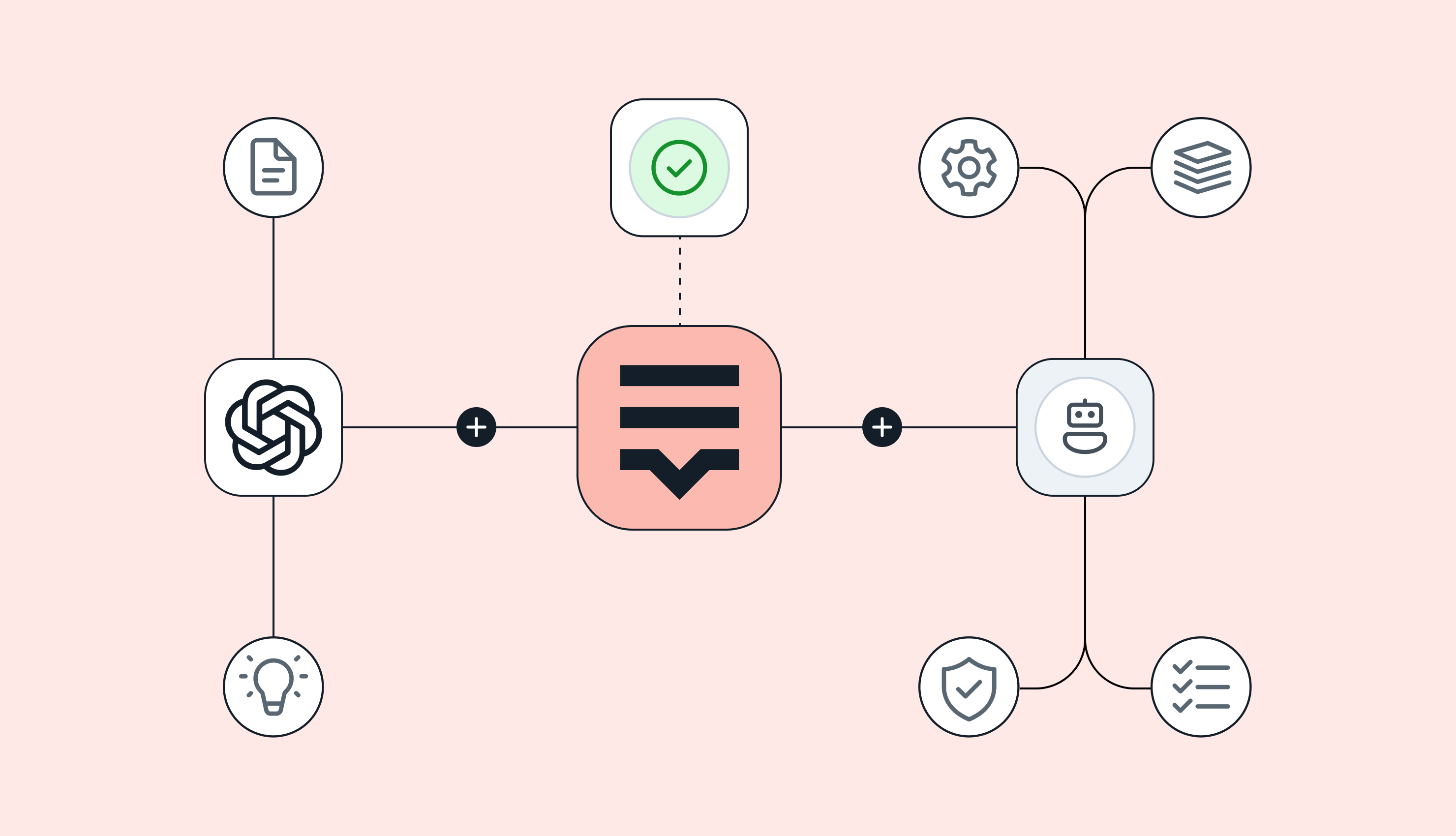
Advanced platforms like Lokalise improve translation quality through custom AI models powered by Retrieval Augmented Generation (RAG), a system that feeds your specific context (translation memory, glossaries, style guides) directly into the AI engines.

Workflow efficiency and integration

Most localization platforms integrate directly with modern tools, like Figma, GitHub, and content management systems, allowing translations to flow automatically without manual copy-pasting or file management.

And believe it or not, but localization platforms with robust integrations can reduce processing time to 1-2 hours per 100,000 words, a dramatic improvement over the 19 hours required for manual ChatGPT-based workflows.

Contextual accuracy and visual context

Many platforms provide visual context through screenshot integrations and design tool connections. Translators see where text appears in an interface, helping them understand space constraints and contextual meaning, dramatically improving accuracy compared to working with isolated text strings.

Scalability for growing businesses

Unlike ChatGPT's content limitations that require splitting projects into smaller chunks, localization platforms can process entire websites with millions of words across dozens of languages.

Multiple engines, not just one

Instead of relying on standalone ChatGPT, modern localization platforms orchestrate multiple AI engines (GPT-5, Claude Sonnet 4.5, DeepL, and Google Translate) auto-routing each job to the best engine based on your context and language pair. 

AI and human workflows

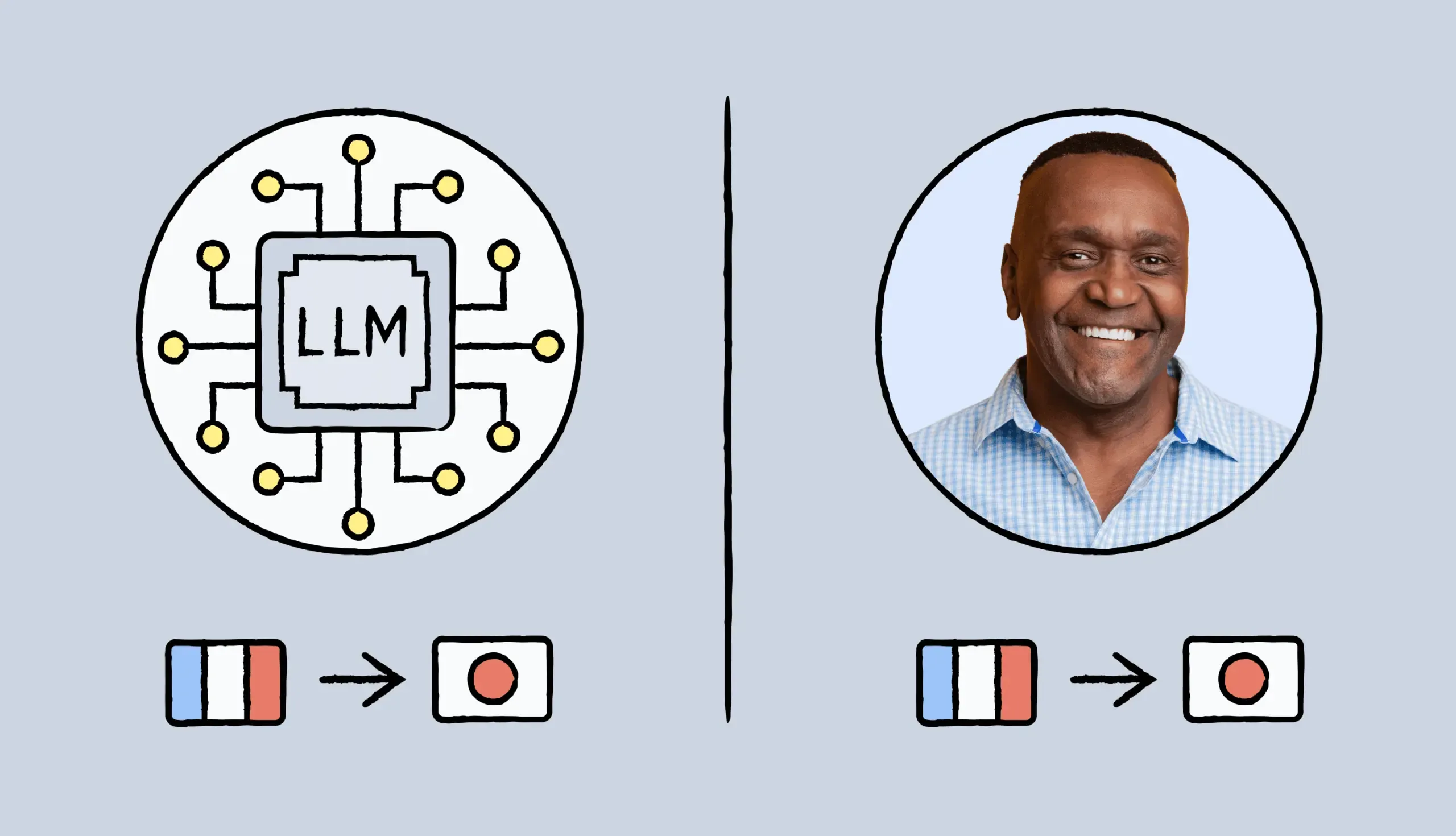
Teams can use AI-powered machine translation for initial drafts, then apply translation memory, human review, and quality assurance tools to refine results, combining AI efficiency with professional quality controls.

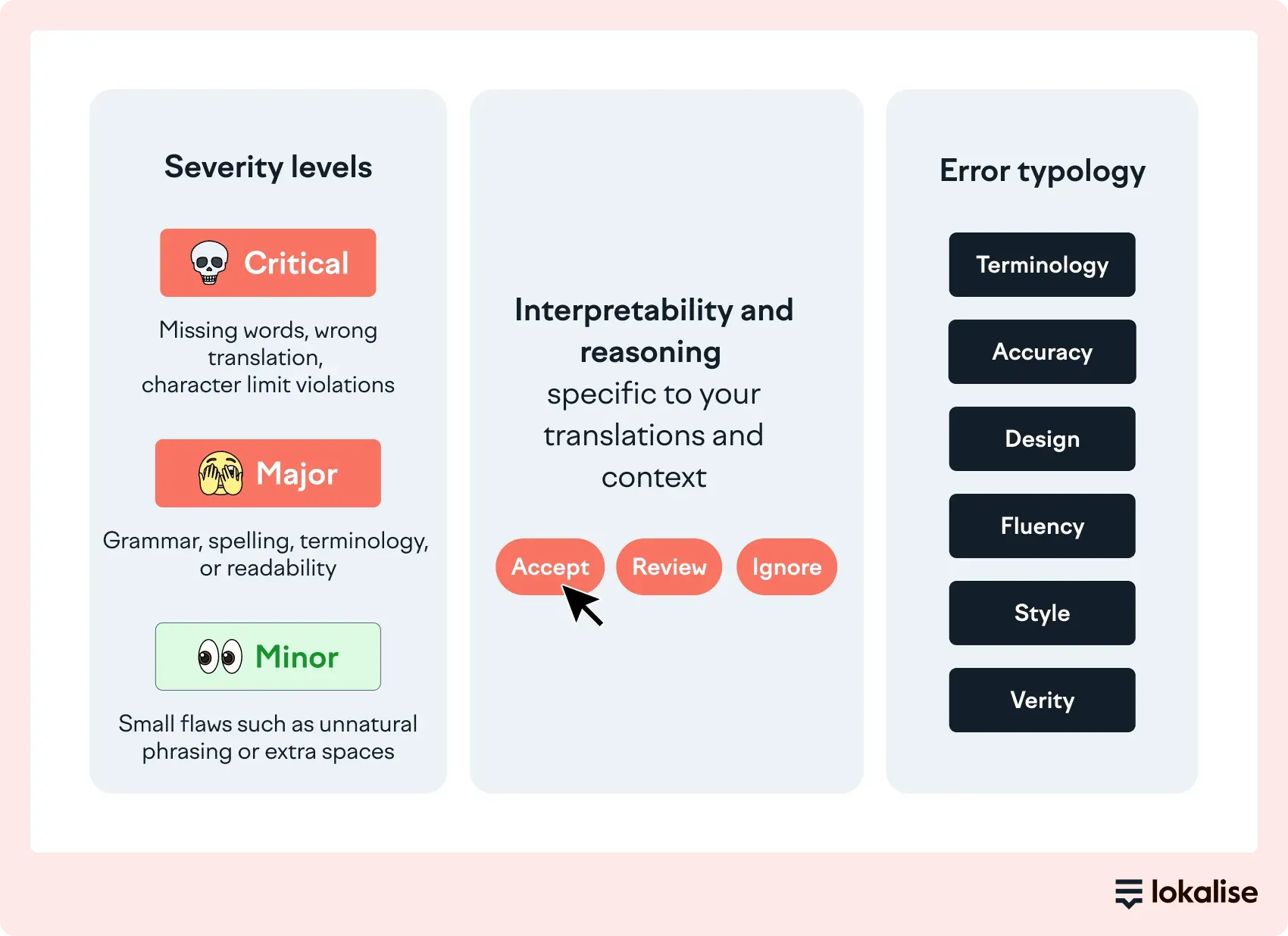
It’s important to explain automatic AI scoring and routing to reviewers here. Unlike manual verification required with ChatGPT, localization platforms have built-in quality assurance tools that dramatically improve accuracy.

For example, character limit adherence jumps from 43.5% (baseline with GPT) to >98% with platform-based quality checks, reducing manual effort and ensuring UI strings fit properly.  If translated content reaches a score above your set threshold, it's automatically approved and sent to production. If not, it's flagged for human review.

chatgpt vs localization platform.webp

Examples of flagged errors:

  • Missing, modified, or incorrectly positioned placeholders
  • Incorrect tone, e.g. informal ‘tu’ used in a formal message
  • Word/sentence length exceeds character limits
  • Incorrect terminology used

Additionally, localization platforms automatically detect and preserve code placeholders, variables, and formatting tags.

When a translator works on a string like "Welcome back, {user_name}!", the platform locks the placeholder {user_name} to prevent accidental modification, deletion, or translation. The system ensures placeholders are correctly positioned for each target language's grammar rules. 

In the context of security and compliance, platforms like Lokalise ensure customer data cannot be used for training third-party AI models. This gives organizations full control over their proprietary content with options for on-premise deployment and strict data handling protocols, critical for regulated industries.

Why a localization platform might not be right for you

Despite their advantages, localization platforms aren’t suited for every organization. Here are the three main reasons why.

Overkill for low-volume, one-off projects

For teams translating fewer than 5,000 words annually, the cost and setup overhead outweighs the benefits. ChatGPT's simplicity makes more sense for one-off, small-scale needs, even with its quality limitations. Localization platforms become valuable only when translation volume reaches a scale where consistency and automation deliver measurable time and cost savings.

Higher ongoing costs

Localization platforms offer plans that can range from hundreds to thousands of dollars monthly, depending on usage and features. For small teams or occasional translation needs, these costs may outweigh the benefits. ChatGPT's lower entry price makes it attractive for budget-conscious teams, even if translation quality suffers.

Learning curve and setup time

You’ll need to factor in time to set up translation memory, glossaries, workflows, and integrations, as well as onboard teams. For organizations needing immediate results, this onboarding period creates friction that simple GPT-like interfaces avoid entirely.
 

When to use ChatGPT vs localization platform

Choose ChatGPT for...Choose a localization platform for...
  • Quick, one-off translations
  • Understanding foreign-language competitor content or customer feedback
  • Low-stakes content where inconsistencies won't impact business outcomes
  • Generating initial translation drafts that will be heavily edited anyway
     
  • Customer-facing content where quality impacts brand reputation and revenue
  • Projects with hundreds or thousands of strings across multiple languages
  • Software and product localization requiring placeholder preservation
  • Maintaining brand consistency across multiple languages and content types
  • Technical or specialized content requiring domain expertise and context
  • Regulated industries with data security and compliance requirements
  • Workflows involving multiple stakeholders (translators, reviewers, developers, PMs)
  • Ongoing localization programs that need scalability and automation
     

Make the right choice for your business

For product managers and business decision-makers, the choice between ChatGPT and localization platforms ultimately depends on your answers to a few critical questions:

  • What's at stake if translations are inconsistent or inaccurate? For customer-facing content, the risks of damaging brand reputation and impacting revenue are often too high for unmanaged AI translation.
  • What's your localization volume? If you’re translating large volumes of content across ten languages, you’ll need a structured platform.
  • How complex are your workflows? If multiple stakeholders are involved in the review process, you’ll need collaboration tools that ChatGPT cannot provide.
  • Do you have security or compliance requirements? Regulated industries typically can’t use general-purpose AI tools for translating sensitive content.

Still unsure? Check out this side by side comparison of Lokalise vs ChatGPT.

For businesses expanding globally, standalone ChatGPT works for quick, informal translations, or small-scale projects. But enterprise localization demands the structure and quality controls that platforms provide.

The good news is you don't (and shouldn’t) abandon AI translation. Modern localization platforms give you ChatGPT and other AI engines within a system designed for consistency, accuracy, and scale.

When evaluating localization platforms, consider solutions like Lokalise that combine AI orchestration with comprehensive workflow automation and developer-friendly integrations, ensuring your localization program scales efficiently alongside your business.

Take it for a test drive: try Lokalise for 14 days, for free. 

Author

mia.jpeg

Writer

Mia has 13+ years of experience in content & growth marketing in B2B SaaS. During her career, she has carried out brand awareness campaigns, led product launches and industry-specific campaigns, and conducted and documented demand generation experiments. She spent years working in the localization and translation industry.

In 2021 & 2024, Mia was selected as one of the judges for the INMA Global Media Awards thanks to her experience in native advertising. She also works as a mentor on GrowthMentor, a learning platform that gathers the world's top 3% of startup and marketing mentors. 

Earning a Master's Degree in Comparative Literature helped Mia understand stories and humans better, think unconventionally, and become a really good, one-of-a-kind marketer. In her free time, she loves studying art, reading, travelling, and writing. She is currently finding her way in the EdTech industry. 

Mia’s work has been published on Adweek, Forbes, The Next Web, What's New in Publishing, Publishing Executive, State of Digital Publishing, Instrumentl, Netokracija, Lokalise, Pleo.io, and other websites.

Can LLM translate text accurately

Can LLM translate text accurately, without human help?

How accurate are LLMs when translating text? It’s a fair question, one that’s becoming increasingly important as AI translation tools keep getting better and companies look for new ways to optimize costs. But you’re probably here because you’re wondering if LLMs are accurate enough to use without a human in the loop.In this article, you’ll learn how LLMs translate text, how their approach differs from traditional machine translation, and

Read more Can LLM translate text accurately, without human help?

Chat GPT vs machine translation

ChatGPT vs. machine translation: Is it a fair comparison?

Most teams today are asking themselves: Should we use ChatGPT or machine translation for localization? The real question should be: How can we get the best results from both, without wasting time or money? Large Language Models (LLMs) like ChatGPT are changing the way we approach translation. They offer fluency, creativity, and context awareness that traditional Neural Machine Translation (NMT) engines can’t always match. However… To get localization-ready output fro

Read more ChatGPT vs. machine translation: Is it a fair comparison?

Best translation tools

The best AI translation tools in 2026

Can AI translation tools really replace human translators? Not quite, but they can still save you tons of time and effort. At Lokalise, we tested the top ten AI translation tools to find out which ones are worth your attention. Whether you need quick document translations, website localization, or real-time multilingual support, we’ve got you covered.

Read more The best AI translation tools in 2026