What is a tech stack for a global app launch?
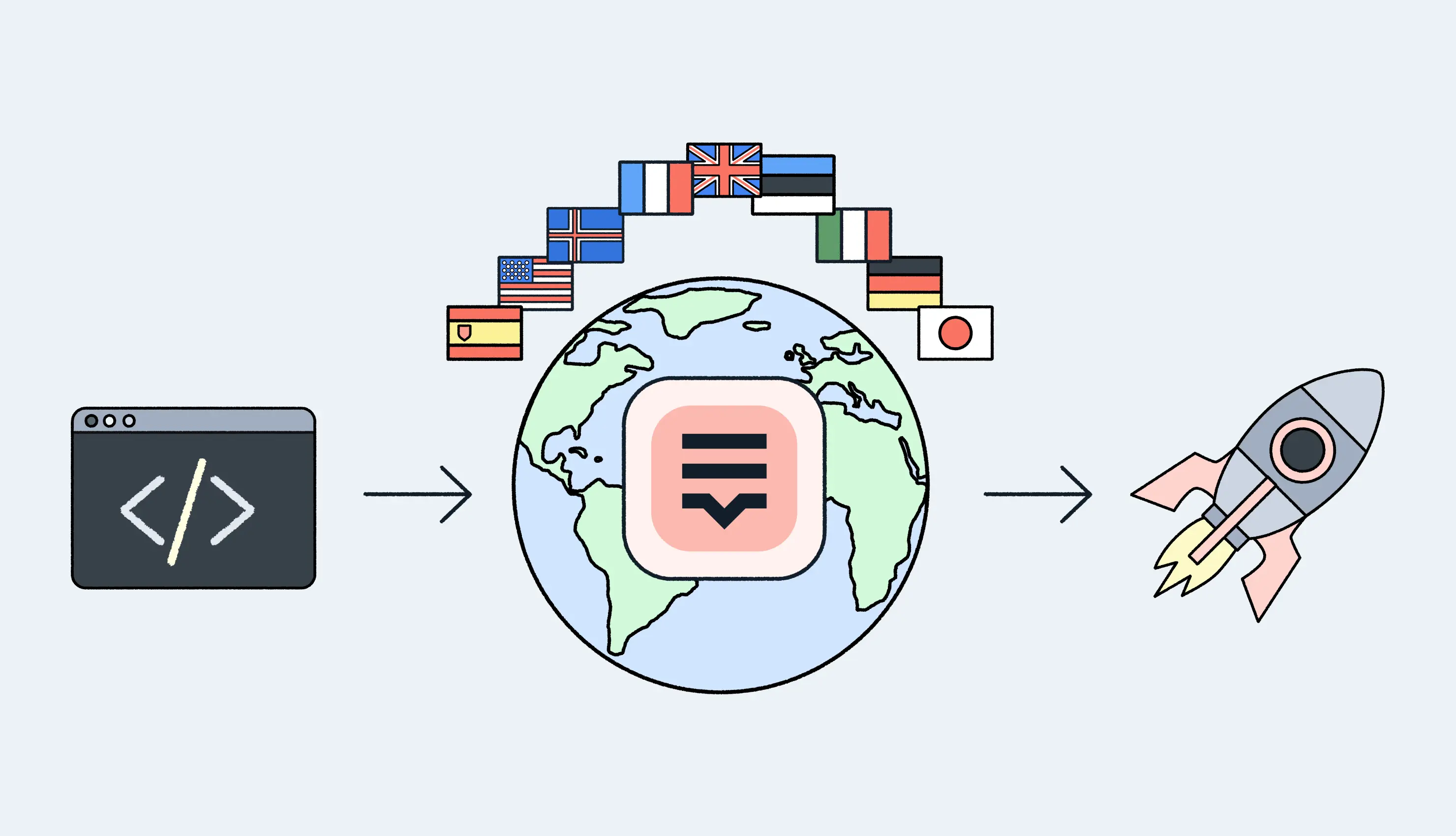
In the context of a global release, a tech stack isn’t just the programming language or framework you use. A tech stack for a global app launch is the full set of tools that help a team build the app, manage translations, and ship updates to multiple markets without slowing everything down. At a minimum, it has three layers. You need development tools to build the app itself, localization tools to handle multiple languages, and deployment tooling to release updates reliably. If these layers don’t work together, every new language or market adds friction instead of scale.
This is where many products struggle as they grow. What works for one language quickly breaks when you add five or ten more. Manual translation workflows don’t keep up, releases get blocked by missing strings, and teams start shipping “almost ready” builds. A proper global launch stack exists to prevent exactly that — by turning localization and deployment into predictable, repeatable parts of the release process.
Why global app launches fail without the right stack
- Manual localization doesn’t scale. Copying strings into spreadsheets, sending files back and forth, and pasting translations into the codebase might work for one or two languages. It completely falls apart once an app grows. Every new market adds more manual steps, more room for mistakes, and more delays right before release.
- Development and localization teams work in silos. When localization lives outside the development workflow, teams stop moving at the same pace. Developers ship features faster than translations can keep up, while translators work without context or version control. The result is constant back-and-forth, last-minute fixes, and releases that get blocked for non-technical reasons.
- CI/CD pipelines weren’t designed for localization. Modern apps rely on automation, but many pipelines aren’t built with localization in mind. Missing strings, outdated locale files, or mismatched versions can break builds or force teams to pause deployments. Without the right tooling, adding languages turns CI/CD from an advantage into a bottleneck.
The three layers of a global app launch stack
A global app launch only works when the right tools are grouped into clear layers. Each layer has a specific role, and problems usually start when one of them is missing or treated as an afterthought. In practice, a scalable global launch stack is built around development, localization, and deployment working as one system.
Layer 1 — Development stack
The development layer is where a global app launch actually begins. Multilingual support isn’t something you “add later”: it’s defined by how the app is built from day one. Mobile frameworks like React Native, iOS, and Android all support localization natively, but only when text is treated as data, not hardcoded UI.
At this layer, the core responsibility is separating text from code and standardizing how strings are defined, formatted, and reused. In a typical React Native localization stack, this means using libraries like i18next or FormatJS together with structured JSON or ICU message formats. Native apps rely on platform-specific systems such as .strings and .stringsdict on iOS and strings.xml on Android, including proper handling of plurals, gender, and regional formats.
A well-designed development stack ensures that:
- all user-facing text lives in versioned resource files
- keys are stable and reusable across the app
- layouts can expand or shrink for different languages without breaking
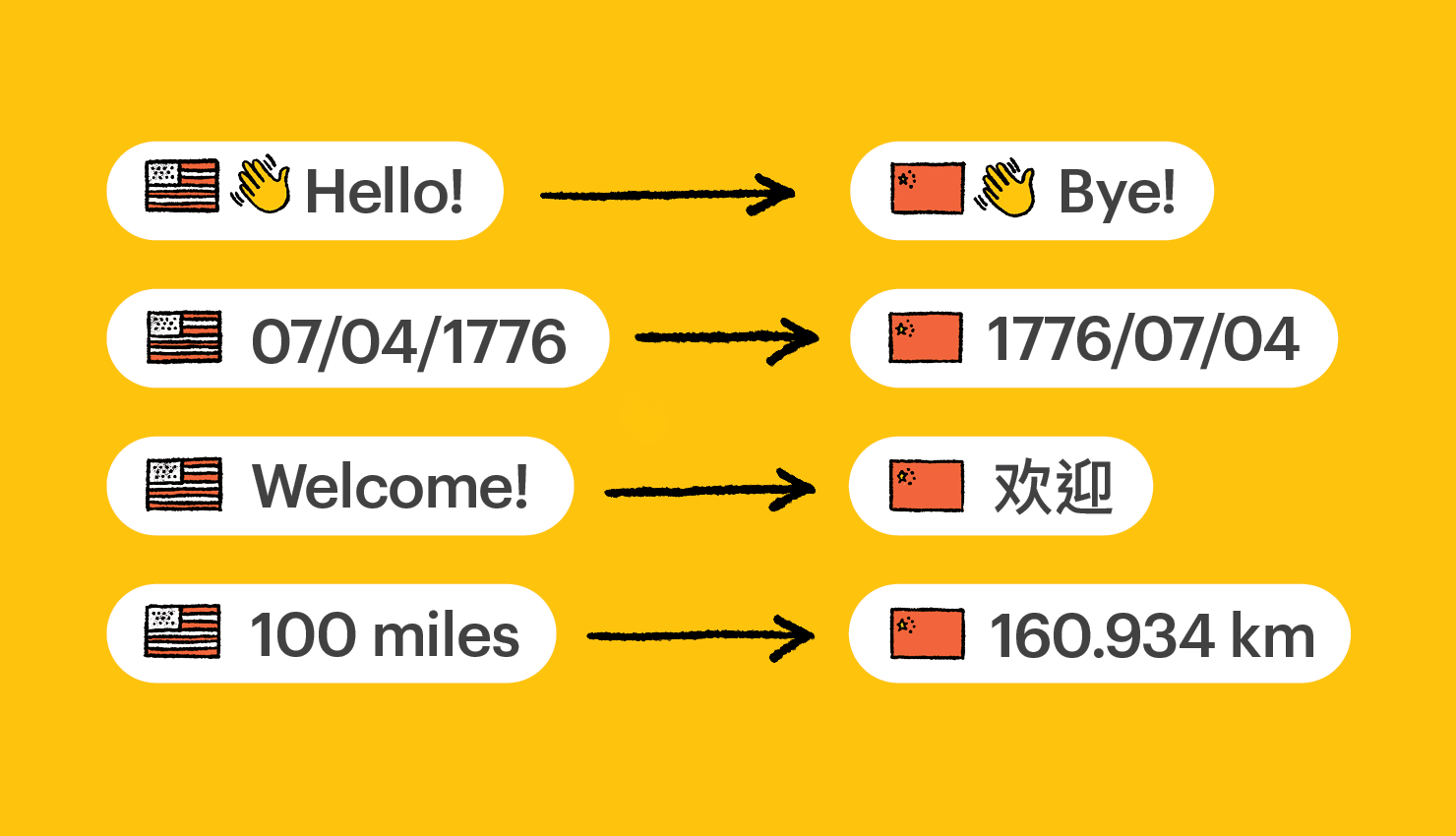
- locale-specific rules (dates, numbers, plurals) are handled consistently
When this layer is neglected, localization issues surface late and expensively. Hardcoded strings, duplicated keys, or missing plural rules turn into UI bugs, clipped text, and emergency fixes right before release. A solid development stack prevents those problems by making localization a first-class concern long before translations ever enter the picture.
Layer 2 — Localization infrastructure (TMS)
This is the layer that determines whether a global app launch scales cleanly or turns into constant release pain. A centralized localization layer replaces spreadsheets, email attachments, and manual file uploads with infrastructure that development teams can actually depend on.
Lokalise is a translation management system (TMS) designed for developers and automated localization workflows. Instead of treating translations as static files that are passed around manually, a TMS acts as the single source of truth for all languages. Translation keys, values, context, and versions live in one place and are synchronized directly with the codebase and CI/CD pipelines.
In a modern setup, localization is no longer a separate, manual phase. The TMS connects translation workflows to version control and automation, allowing translations to move at the same pace as code. When strings change, updates flow through the same pipelines developers already use, without ad-hoc scripts or last-minute imports.
Without this layer, global launches often fail in subtle but expensive ways. Developers add or modify UI strings and commit the changes, but translations lag behind. Builds go out with missing or outdated locale files, leading to fallback languages, empty strings, or broken layouts that only affect certain markets. Because localization lives outside the delivery system, these issues are discovered late — sometimes after release.
A centralized TMS integrated into CI/CD removes this failure mode. Localization becomes part of the delivery process itself: translations are pulled automatically, validated against the current code, and kept in sync across environments. This makes localization predictable, testable, and repeatable instead of fragile.
Key benefits of a TMS-based localization layer include:
- a single source of truth for all translations across platforms and languages
- automated synchronization with repositories and CI/CD pipelines
- early detection of missing, outdated, or invalid strings
- faster localization updates that don’t block development or releases
By turning localization into infrastructure, this layer removes uncertainty from global launches and creates a stable foundation for automated deployment in the next stage of the stack.
Layer 3 — Deployment and automation
The final layer is what turns development and localization into a shippable global release. CI/CD systems handle builds, tests, and releases, while deployment tooling ensures updates are delivered consistently across platforms, regions, and languages.
At this stage, DevOps tools for mobile deployment connect the app’s code and localization infrastructure into a single automated pipeline. Instead of treating localization as a manual step right before release, CI/CD workflows can pull the latest translations from the translation management system, validate locale files, and bundle them directly into each build.
A well-configured pipeline typically:
- fetches up-to-date locale files from the TMS during CI
- validates localization data (missing keys, format errors, unsupported locales)
- builds the app with the correct language resources included
- blocks or flags releases when localization requirements aren’t met
Deployment automation tools complete the picture. Tools like Fastlane handle mobile delivery and support localization automation for app store metadata, screenshots, and release assets across regions. This allows teams to update in-app content and store listings together, without maintaining separate manual workflows for each market.
When localization is fully integrated into CI/CD, global releases become repeatable instead of fragile. Every build follows the same predictable process, translations stay in sync with code, and teams can ship multilingual updates without slowing down the release cycle or adding last-minute risk.
Developers push code and source strings
New UI features and copy changes land in the repository as part of normal development. Updated base-language resource files (for example, en.json, strings.xml, or .strings) are versioned together with the code.
CI pushes source strings to the TMS using lokalise-push-action
A CI workflow uploads updated base-language files to the TMS. The open-source lokalise-push-action is commonly used to sync source strings from the repository into the TMS automatically, keeping localization aligned with the latest code changes.
Localization happens in the TMS
Translations are created, reviewed, and managed centrally with proper context and version history. Localization work runs independently from development instead of blocking feature delivery.
CI pulls translations back into the repository using lokalise-pull-action
Once translations are ready, the pipeline pulls updated locale files back into the repository as a pull request. The open-source lokalise-pull-action handles this step, making translation updates reviewable, auditable, and tracked like any other code change.
CI validates localization before building
After translation updates are in the repo, CI runs validation checks for missing keys, invalid formats, or unsupported locales. If requirements aren’t met, the pipeline fails early or enforces a defined fallback.
Build and release automation ships globally
With validated translations in place, builds include the latest locale files by default. Deployment tools like Fastlane then automate delivery and can also handle localized app store metadata, screenshots, and release assets across regions.
Benefits of a centralized global launch stack
Faster global releases. When development, localization, and deployment run through the same pipeline, releases stop getting stuck on last-minute translation work. Teams can ship updates to multiple markets at once instead of rolling them out language by language.
Fewer localization bugs. Centralized workflows reduce the risk of missing strings, outdated translations, or broken layouts in certain languages. Automated checks and consistent file handling catch issues early, before they reach production.
Scalable multilingual updates. Adding a new language no longer means reworking the entire process. With the right stack in place, multilingual updates follow the same repeatable flow, whether an app supports three languages or thirty.
Less manual work for developers. Developers don’t need to manage spreadsheets, copy files, or fix avoidable localization issues. Automation handles repetitive tasks, letting teams focus on building features instead of babysitting releases.
Choosing the right stack for your global app
There’s no single “best” stack for every global app. What matters more is whether the tools you choose can grow with your product and fit naturally into how your team already works. The right stack removes friction instead of adding more process.
One thing to look for is API-first tooling. When development and localization tools expose clear APIs, they can be connected, automated, and extended without custom hacks. This makes it easier to adapt workflows as your app evolves.
Strong CI/CD integrations are just as important. Localization should work with your existing pipelines, not around them. Tools that plug directly into CI/CD help ensure translations are always in sync with code and releases stay predictable across markets.
Finally, pay attention to developer-friendly localization. If managing translations feels foreign or manual to engineers, it won’t scale. A good localization setup feels like part of the development workflow, not a separate process owned by someone else.
Conclusion
A global app launch isn’t a single event — it’s a system. Development, localization, and deployment all need to move together if a product is going to scale across markets without constant friction. Localization works best when it’s treated as infrastructure, not a final step. When translations flow through the same pipelines as code, teams ship faster and with fewer surprises.
That’s why a centralized translation management system matters. Tools like Lokalise help teams integrate localization directly into CI/CD workflows, so global launches stay predictable as apps grow.
FAQ
What is a tech stack for a global app launch?
A tech stack for a global app launch is the combination of development, localization, and deployment tools that allow an app to be released and updated across multiple languages and markets at the same time. It focuses on automation, scalability, and reducing manual work as the product grows.
Why is localization important in a global app launch?
Localization affects more than just translated text. It impacts UI, release timing, store listings, and user experience in different regions. When localization isn’t built into the launch process, releases slow down and bugs appear in specific languages or markets.
Can you launch a global app without a translation management system?
It’s possible at a small scale, but it doesn’t scale well. Manual workflows like spreadsheets and file sharing quickly break as languages and updates increase. A translation management system helps teams centralize translations and automate localization as part of the CI/CD pipeline.
How does localization fit into CI/CD pipelines?
In modern workflows, CI/CD pipelines automatically pull the latest translations from a TMS, validate localization files, and include them in builds. This ensures every release uses up-to-date translations without manual steps or last-minute fixes.
What role does Lokalise play in a global app launch stack?
Lokalise acts as the localization layer of the stack. As a translation management system built for developers, it connects localization workflows directly to code repositories and CI/CD tools, making global releases faster and more predictable.
What does a React Native localization stack look like?
A typical React Native localization stack separates all user-facing text from the UI and manages it through structured resource files. Most teams use a library like i18next or FormatJS together with JSON or ICU message formats. Locale detection is usually handled by tools like react-native-localize, while translations themselves are stored and managed in a centralized translation management system (TMS).
In this setup, React Native handles rendering, the i18n library handles language logic and formatting, and the TMS acts as the source of truth for all translation keys and values. This makes it easy to update languages, add new locales, and keep translations in sync with the codebase through CI/CD.
How does Fastlane localization automation work for store listings?
Fastlane localization automation focuses on app store content rather than in-app strings. Using Fastlane, teams can manage localized metadata such as app descriptions, titles, keywords, screenshots, and release notes for different regions in a structured, automated way.
Instead of manually editing store listings per market, Fastlane pulls localized assets from version-controlled files or connected localization systems and uploads them to the App Store and Google Play during the release process. This allows store metadata to stay aligned with in-app localization and ensures that global releases update both the app and its listings at the same time.
Multilingual mobile releases rely on standard CI/CD and DevOps tools, extended with localization-aware automation. Common components include CI platforms like GitHub Actions, GitLab CI, or Bitbucket Pipelines for running builds, tests, and validation steps.
These pipelines are typically connected to a translation management system to pull and validate locale files automatically. Deployment tools such as Fastlane handle signing, uploading builds, and managing store releases across regions. Together, these DevOps tools ensure that every build includes the correct translations and that global deployments remain consistent, repeatable, and scalable.