When a static glossary is enough
A glossary works well when terminology decisions are simple, stable, and easy to enforce socially. Here are some common business scenarios where it works:
One language + low volume
If you’re mostly publishing in one language and you’re not producing a high volume of new UI strings, campaigns, help articles, or AI-assisted drafts, a glossary can be “good enough.” People can quickly check preferred wording and move on, without needing governance or tooling.
One team owns the words
Glossaries fit best when a single team (usually marketing or product) owns naming decisions end to end. There are fewer handoffs, fewer reviewers, and fewer places where terminology can get reinterpreted. The glossary becomes a shared reference and is typically sufficient.
No enforcement needed (reference-only)
If “wrong terminology” isn’t costly, meaning it won’t confuse buyers, break UX patterns, cause legal risk, or create SEO noise, then you may not need enforcement. A glossary can live as a lightweight document that supports consistency without policing it.
When you need a dynamic term base
A term base becomes necessary when consistency stops being a style preference and starts being an operational requirement. This is especially true when you have multiple teams or a cross-functional translation project.
Multiple languages and multiple contributors
Once several people (and several locales) are involved, smart terminology management becomes more urgent. Translators make choices that make sense to them, reviewers apply their own preferences, and different teams end up using different “correct” terms.
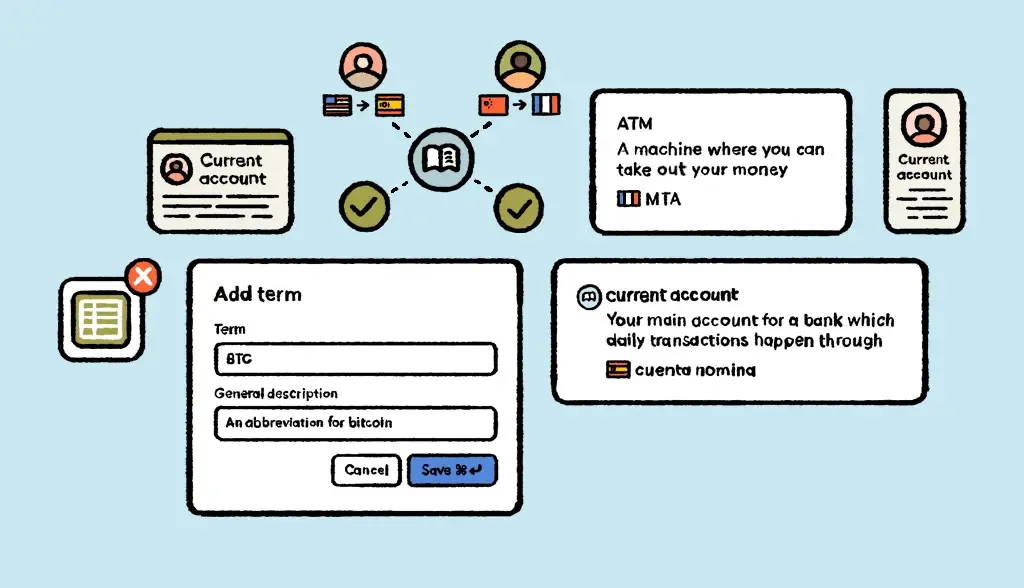
A term base prevents that by anchoring terminology to concepts, context, and rules that scale across languages.
Product + marketing + support need to stay aligned
This is where most brand inconsistency is born. Product uses one name in the UI, marketing uses a more “marketable” variant, support uses a third version because it matches how customers talk.
A term base creates a single source of truth so the same concept shows up consistently across the pricing page, onboarding flows, release notes, help center, and customer comms.
You care about consistency, forbidden terms, and reducing rework
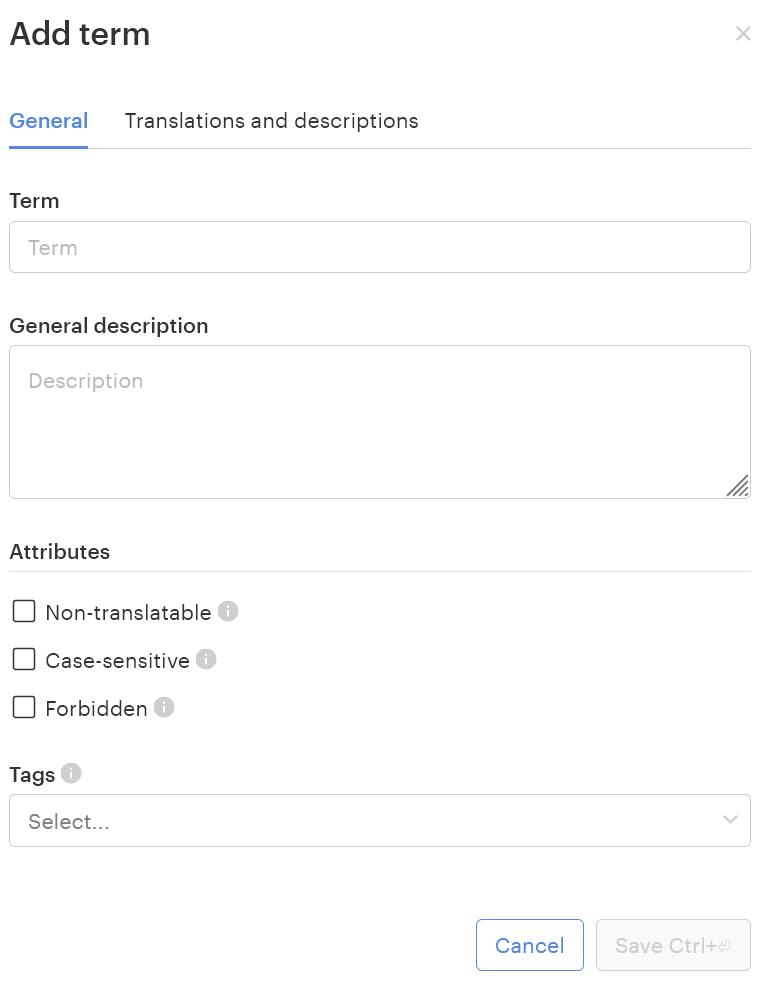
If terminology mistakes trigger rewrites, approvals, or customer confusion, the cost adds up fast. Term bases are designed for high-impact rules: approved variants, forbidden variants (brand/legal/SEO), and notes that prevent edge-case mistakes. That’s what turns terminology into a lever for quality and speed.
You want terminology checks to happen in the workflow, not after
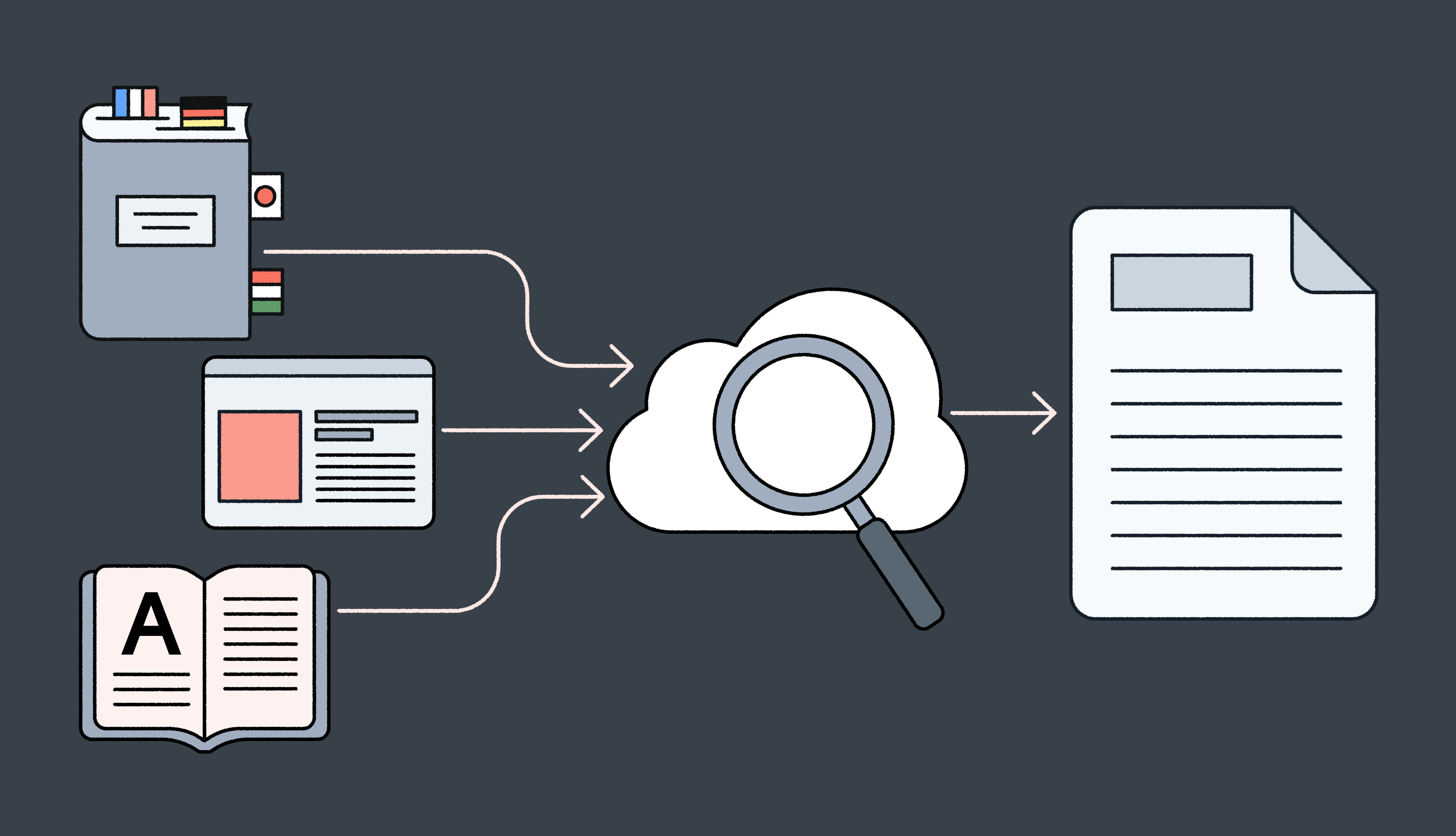
A glossary gets consulted when someone remembers to check it. But a term base can be integrated into the tools people already use to translate and review, so terminology issues get flagged early, before they show up in QA, in review comments, or worse, in production.
That shift from reactive cleanup to proactive prevention, is the clearest line between a glossary and a term base.
Feeding AI with context
When teams use AI to draft landing pages, support articles, release notes, or in-product copy, they can produce 10x more content, but that also means 10x more chances to introduce the wrong term.
And AI is especially good at the kind of mistakes that slip past a quick skim, such as near-synonyms, “close enough” phrasing, and legacy naming that sounds plausible.
AI scales output, so it scales inconsistency
Without guardrails, AI will happily rotate between:
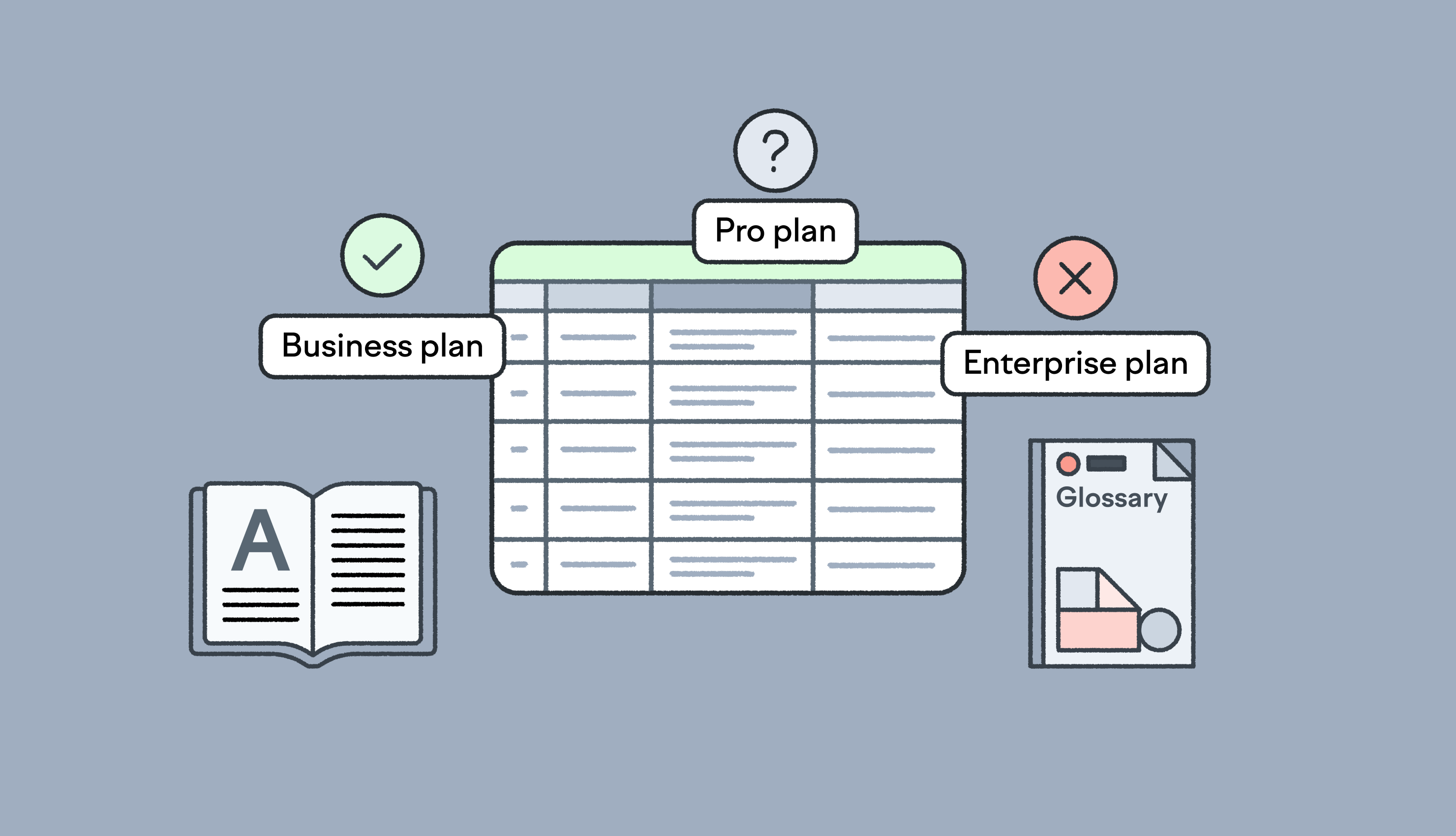
- Business plan vs Enterprise plan vs Pro plan
- Feature names that sound similar but aren’t the same thing
- Tone-shifted variants that don’t match your brand
In a single language, that’s annoying. But across multiple languages, it becomes a compounding problem, because every inconsistency gets translated, localized, and repeated.
A term base turns terminology into guardrails for humans and AI
A modern term base helps both translators and anyone who’s working with content, especially when the first draft comes from an AI assistant.
If your terminology lives in a system like Lokalise (instead of a doc), you can make it:
- Context-rich (so “Business plan” isn’t just a label, it’s a defined tier with rules)
- Enforceable (flag forbidden variants before they spread)
- Available inside the workflow (so the right term is suggested while content is being written or translated)
That’s the difference between “AI writes faster” and “AI writes on-brand.”