




In-context editing and translations, powered by AI
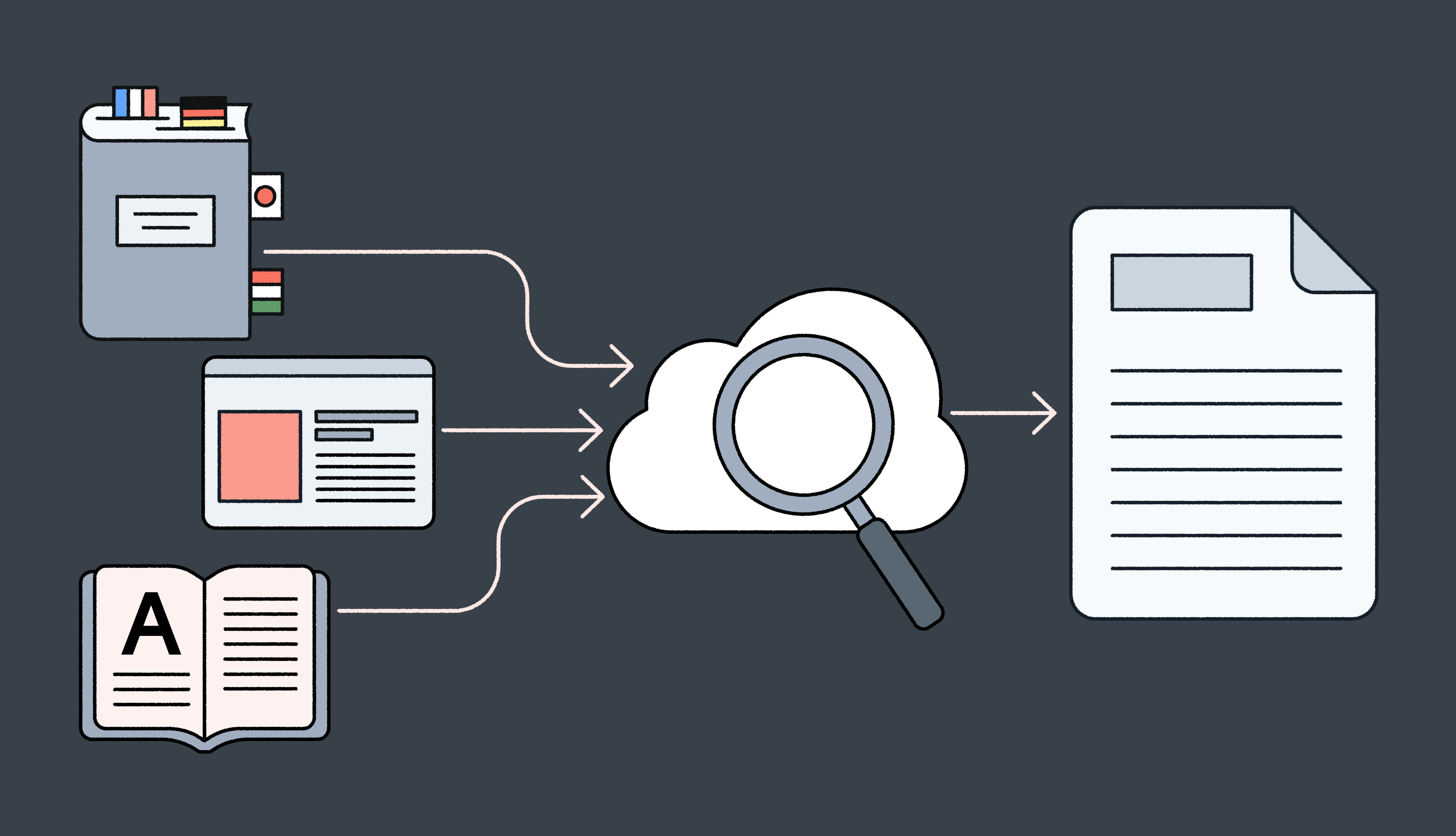
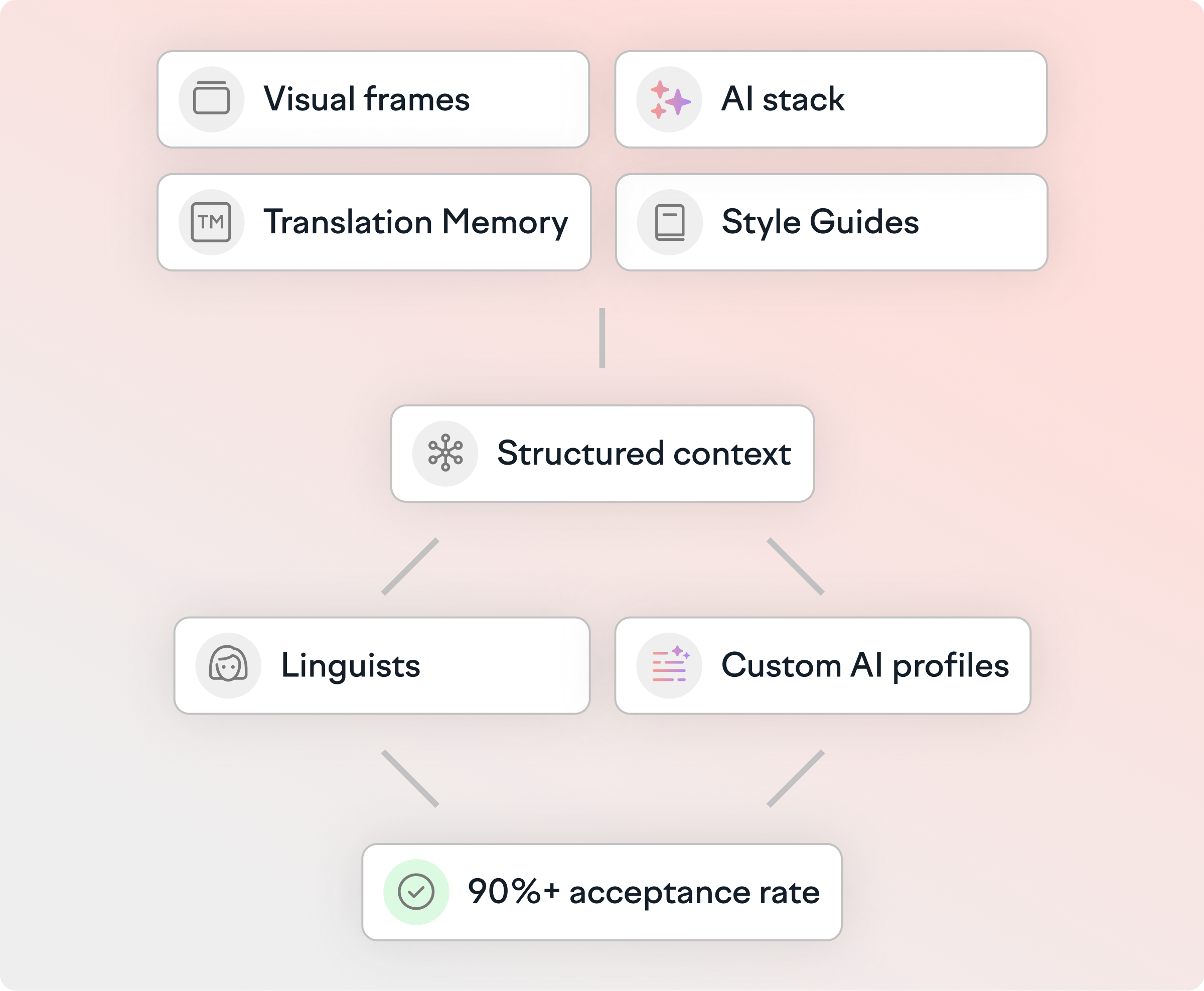
Translate without guesswork. Lokalise turns your visual frames, style guides, translation memory, and its proprietary AI stack into structured and precise context that helps linguists and Custom AI Profiles reach 90%+ acceptance rates.
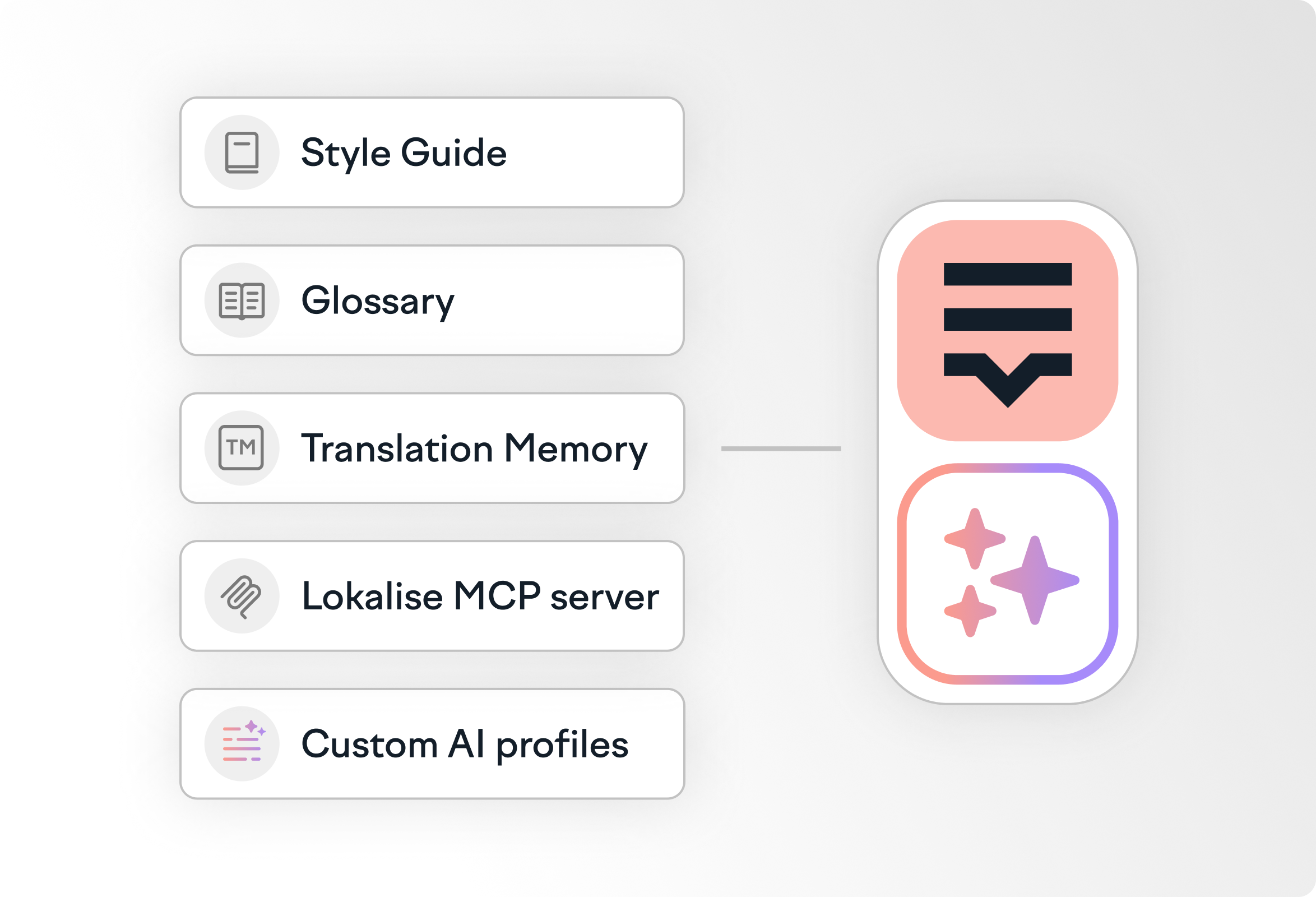
Lokalise structures context for translators and AI
Context breaks when it’s scattered. Lokalise centralizes visual cues, language rules, and structured metadata that linguists and AI need to translate consistently.
Glossary
A unified glossary prevents terminology drift
Custom AI Profiles treat your glossary as an unbreakable rule, ensuring technical terms and product names are 100% accurate across 60+ languages.
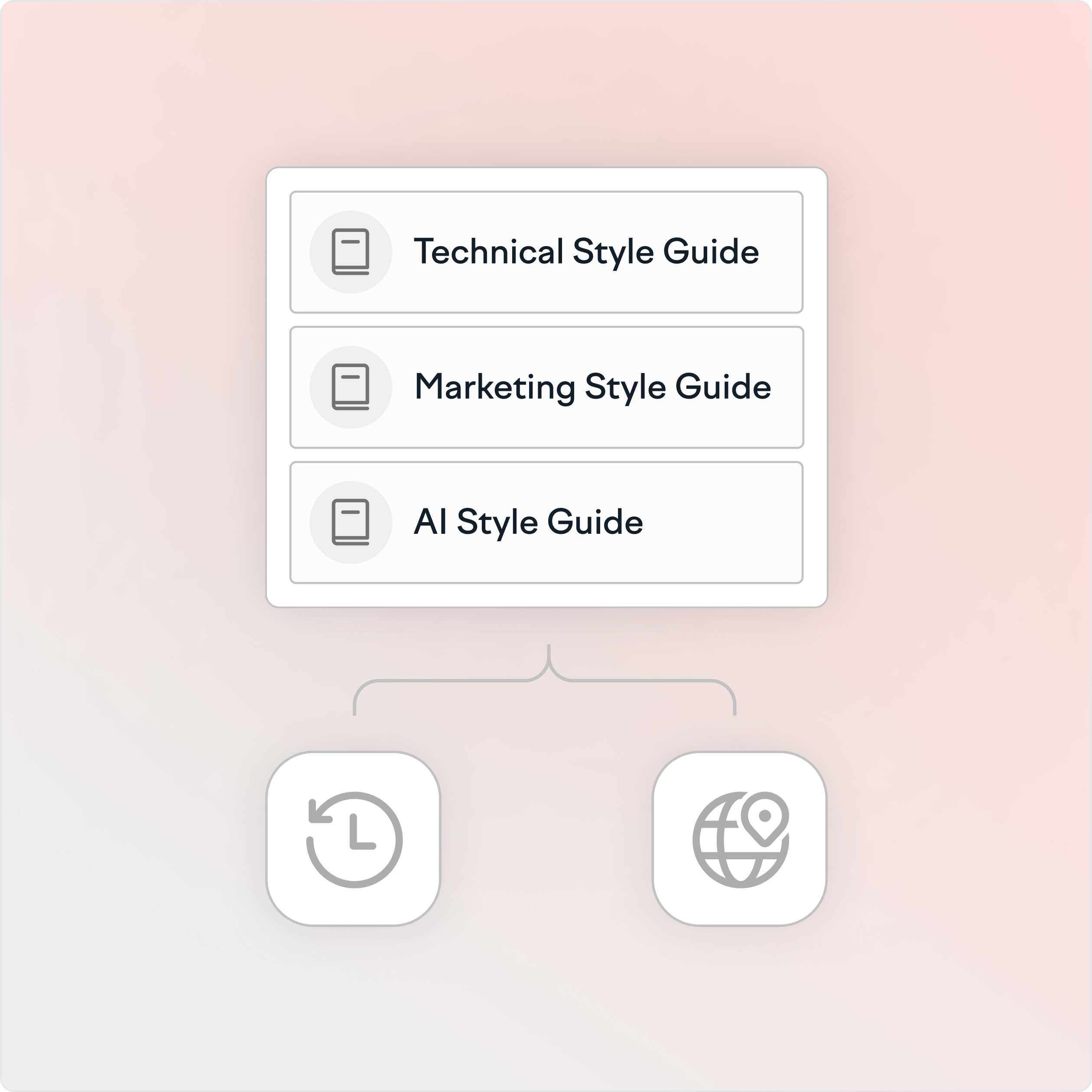
Turn a style guide into structured rules and examples so Custom AI Profiles follow the same tone, inclusive language, and formatting in every language.
Translation memory
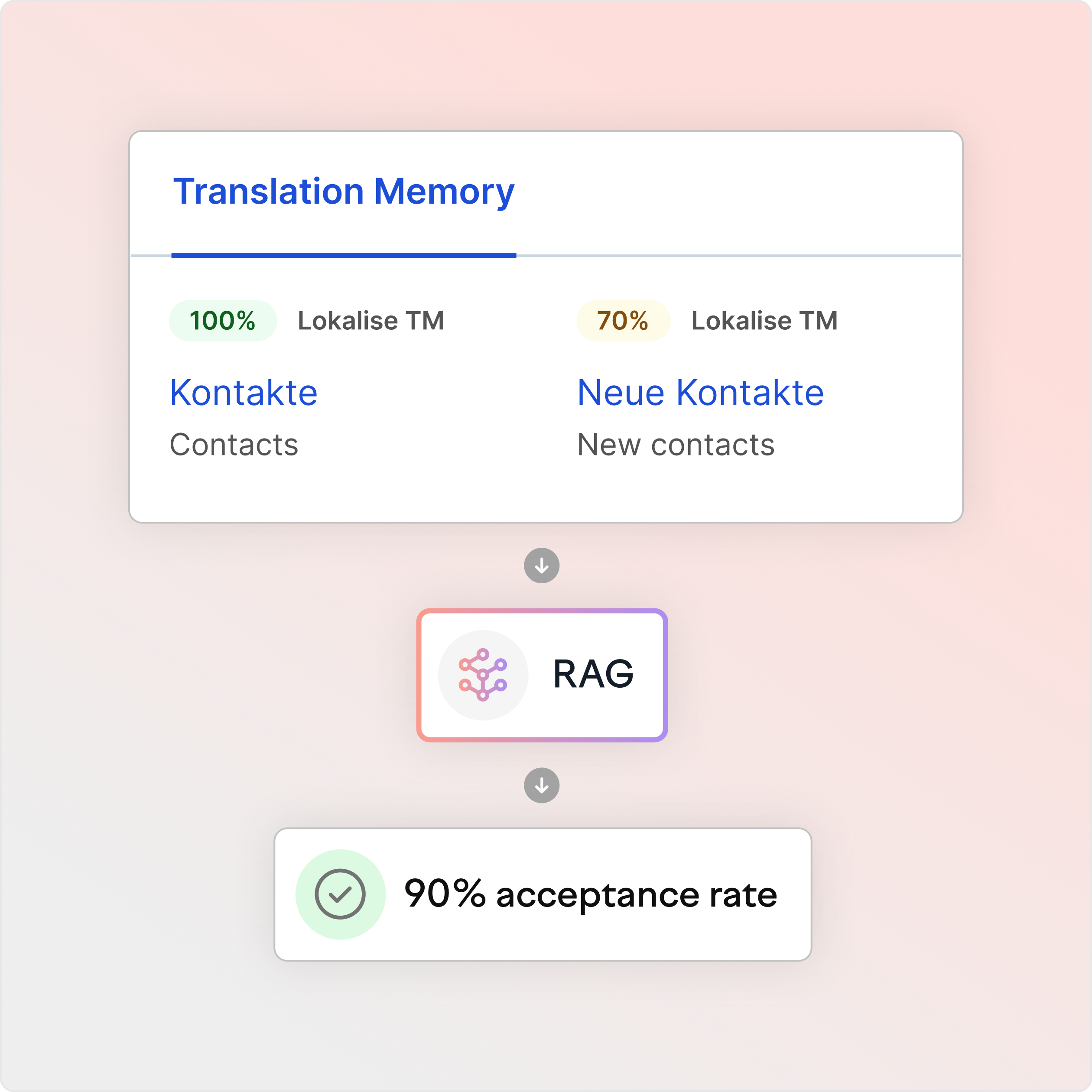
Translation memory retrieves approved segments for AI
Custom AI Profiles use RAG to pull approved translation memory (TM) entries for each new string, keeping terminology and phrasing consistent across files and releases.
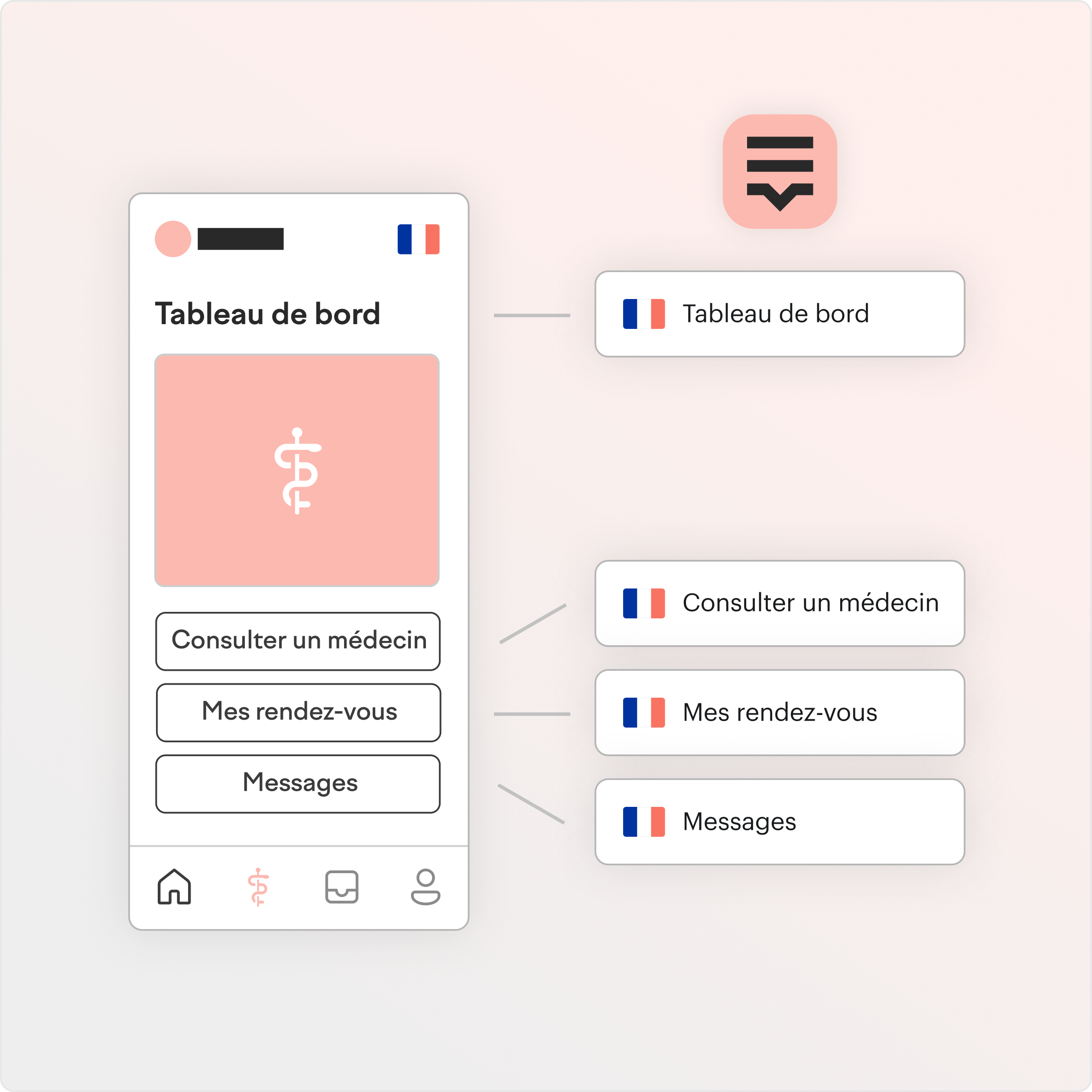
Screenshots with OCR link UI text to translation keys
Lokalise recognizes text on uploaded screenshots and automatically links it to the right keys. Translators see the exact string location on the screen, which reduces guesswork and cuts review fixes.
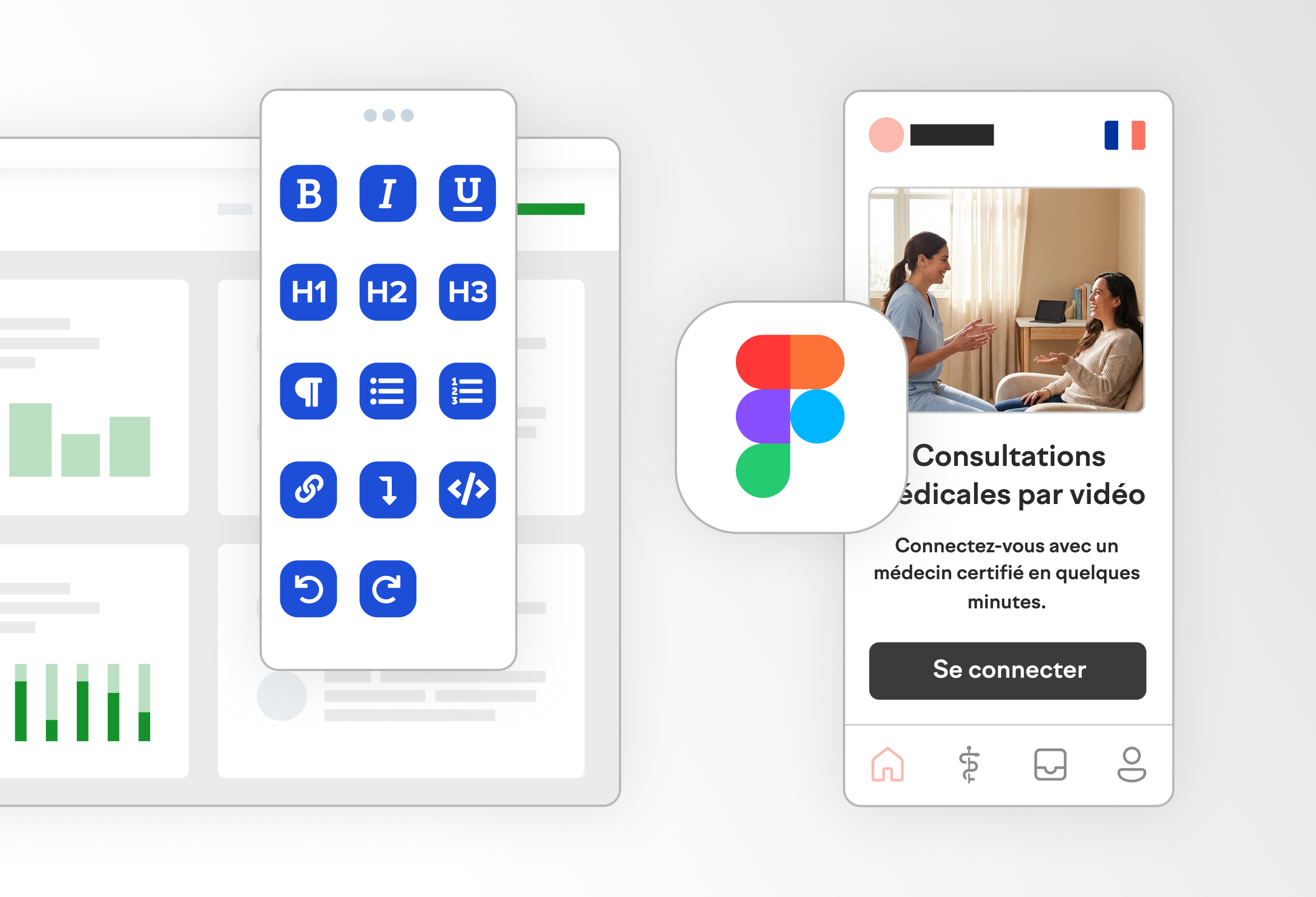
Design tool plugins share visual context with Lokalise
Figma, Adobe XD, and Sketch plugins push design frames and screenshots into Lokalise. Translators and reviewers get the right visual context without chasing links or manual uploads.
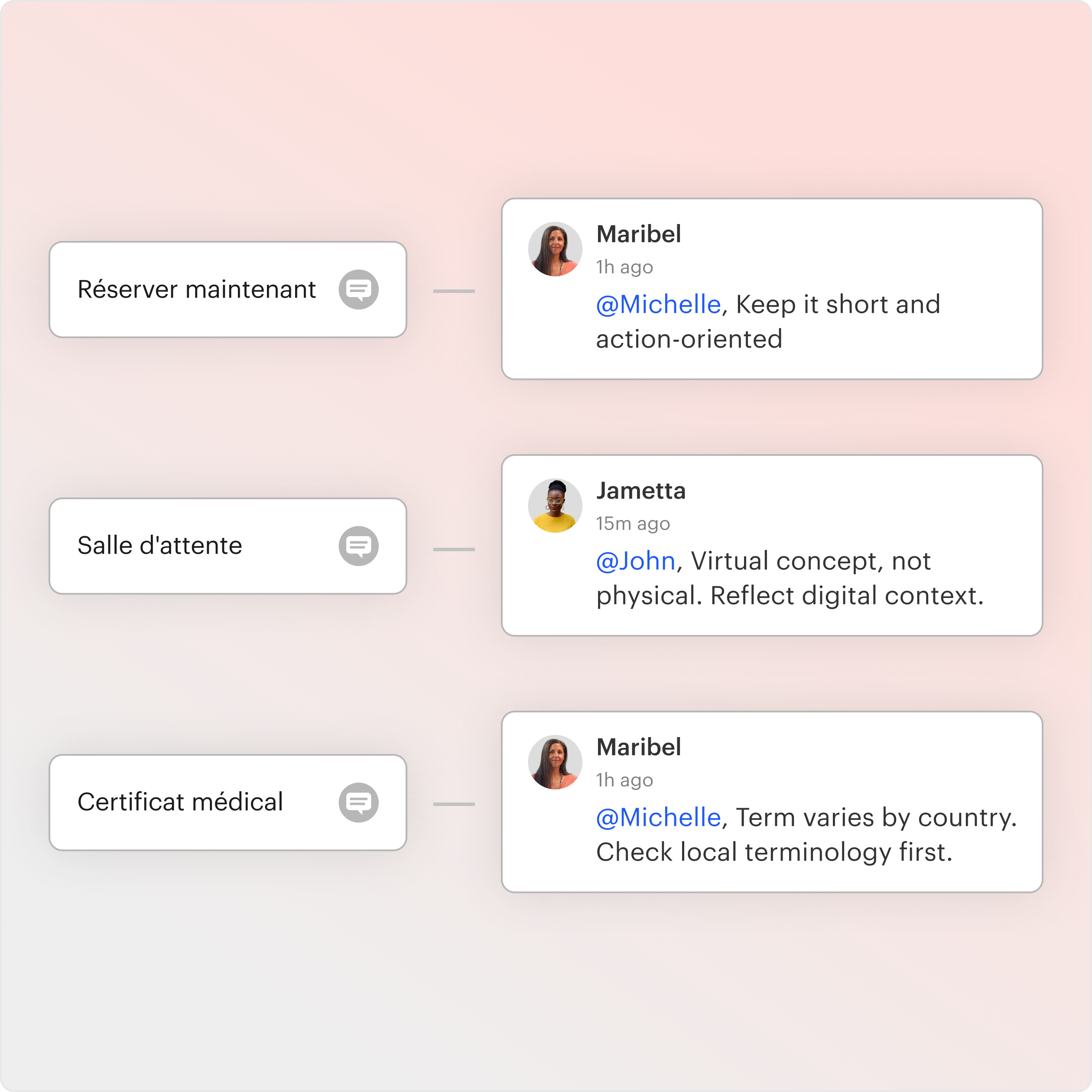
Key comments capture intent and translation instructions
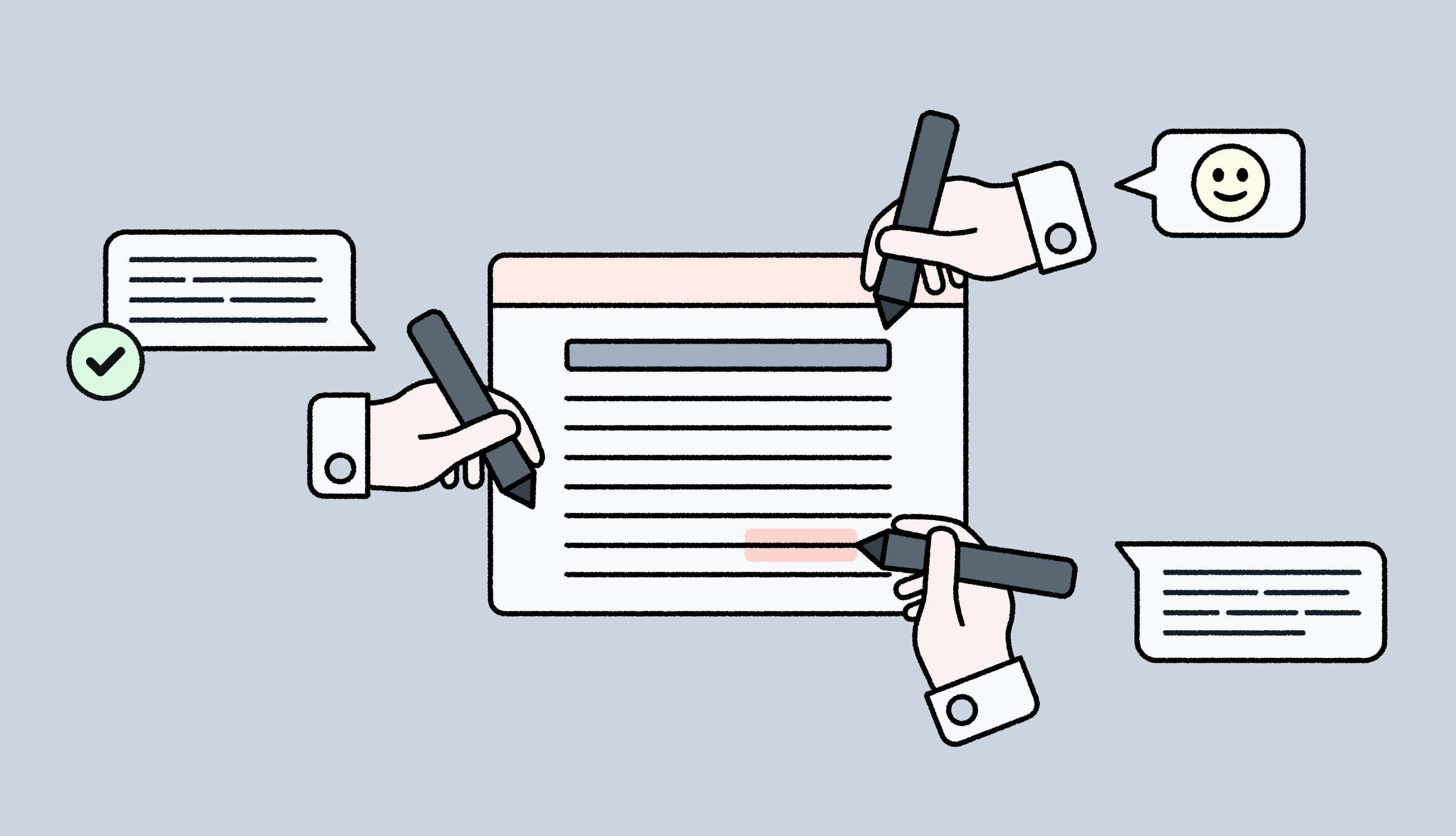
Lokalise comments attach directly to a specific key or translation, so instructions stay tied to the string that needs them. Use comments for intent, UI constraints, and edge cases that do not show up in a screenshot.
Context built for linguists and AI
For the human (visual)
Live in-context previews and Figma screenshots show linguists exactly where text appears in the UI, what surrounds it, and how much space they have to work with. That context helps them make better calls on tone, terminology, and phrasing before strings ever go live. Combined with the glossary and style guide, it reduces ambiguity upfront and leads to fewer LQA issues and less back-and-forth.
For the AI (structural)
AI does not learn from screenshots. It needs structured inputs. Lokalise feeds Custom AI Profiles the glossary, approved translation memory, and any key descriptions or task instructions. Style guides get converted into clear rules and examples AI can follow. Under the hood, Lokalise’s MCP server orchestrates model selection, so teams can route work to the base models, private models, or specialized LLMs that best fit the task.
FAQs
What is the context deficit in localization?
Context deficit in localization happens when translators or AI work with isolated strings without seeing where text appears in the UI or what it is meant to do. That leads to wrong tone, truncation, and extra rework. Lokalise reduces this gap by connecting strings to design and product context, including Figma and in-context previews.
How does RAG improve translation quality?
Retrieval-Augmented Generation (RAG) improves translation quality by retrieving relevant context, such as glossary terms and approved translation memory, before AI generates output. In Lokalise, Custom AI Profiles use RAG so AI follows your approved terminology and phrasing
Is my style guide compatible with AI?
Most style guides need a rewrite for AI. Humans can interpret narrative guidance, while AI needs clear rules and examples. Lokalise AI-proofing turns style guidance into structured instructions so Custom AI Profiles can apply tone, inclusive language, and formatting consistently.
Why is it so hard to get translations that tick all these boxes? Sensitive to cultural normsIndustry-specificOn-brandAccurate If you’ve translated product copy, marketing content, or anything else in the past, you’ll know that it’s hard to get translations right—at least the first time around. This is where many begin asking: what is AI transl
Read more How to give AI translation tools more context
Most localization teams struggle with finding the right context. Translators jump between the TMS, Jira, Figma, Slack, and old docs just to understand a single string. Reviewers approve copy without ever seeing the screen it lives on. Developers spend hours every week explaining where text appears and what it must not break. All of this context switching in localization slows releases and drives up translation rework. On paper, it looks like “bad translation.” In reality, it
Read more How to automate context management in translation
The 5 best in-context editor (ICE) tools for localization quality
When translators work on a bunch of strings listed in spreadsheets and CSVs, they're essentially flying blind. Without seeing where these phrases appear, even experienced linguists struggle to make the right call on tone, length, and word choice. In-context editors (ICE) tools like Lokalise solve this issue by giving translators a real-time preview of the pages or apps they’re translating. So, they can see each string in the actual interface and edit it accordingly.
Read more The 5 best in-context editor (ICE) tools for localization quality
Case studies
Behind the scenes of localization with one of Europe’s leading digital health providers