A practical workflow to automate context management with Lokalise
Once you see how much time you’re losing to scattered context, the next question is: What do we actually do differently?
Here’s a simple workflow you can run, without changing your entire stack overnight.
Step 1: Audit where your context lives today
Start by picking one high-impact journey such as onboarding, checkout, billing, upgrade, wherever mistakes and questions hurt the most. Then list all the strings and related content for that flow:
- UI copy in the product
- Help articles, FAQs
- System emails or notifications
For each string, ask two questions:
- Where does the context live right now? It can be in tickets, Figma file, doc, Slack thread, someone’s head… or nowhere.
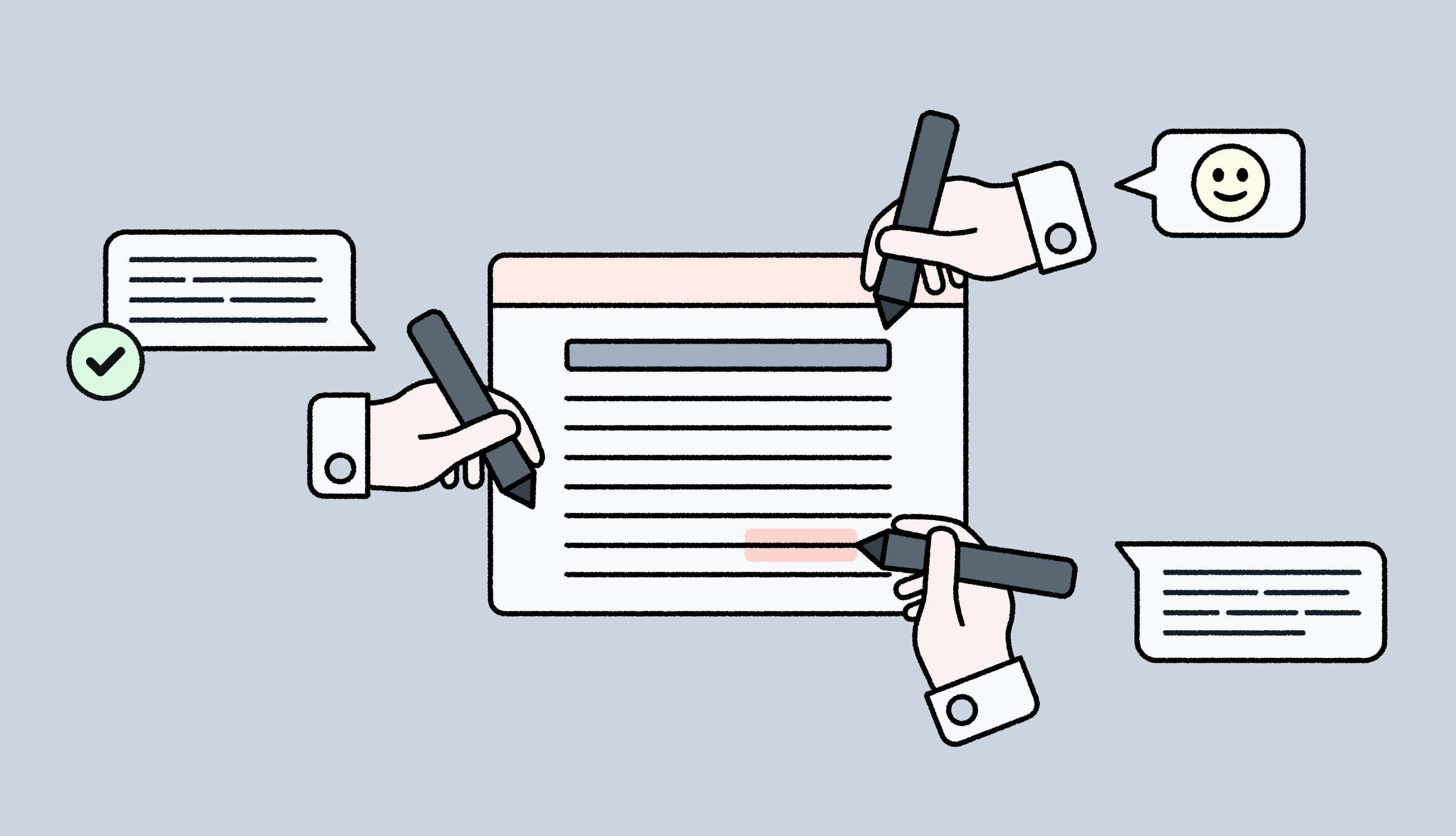
- Who gets pinged for clarification? This could be a PM, dev, designer, support, or your “one person who knows how this works”.
You’re not fixing anything yet. The goal is just to expose the hidden context switching in localization for that one flow, and see how often people leave the TMS to get basic answers.
Step 2: Standardize what “good context” means
Before you automate anything, you need a shared definition of “enough context”. Create a short, repeatable template that anyone creating strings can follow. For example:
- Screen / feature / flow: Where this appears
- User type and state: New vs existing, admin vs. end user, trial vs. paying
- Purpose of the text: Warn, confirm, guide, nudge, celebrate
- Edge cases and constraints: Max length, variables, platform, can it wrap within design
This will give you enough info to create a “context checklist” for PMs, designers, and writers. The rule is to fill this in whenever you create a new string. That way, “good context” stops being a nice idea and becomes part of how content is written from day one.
Step 3: Centralize context inside your TMS
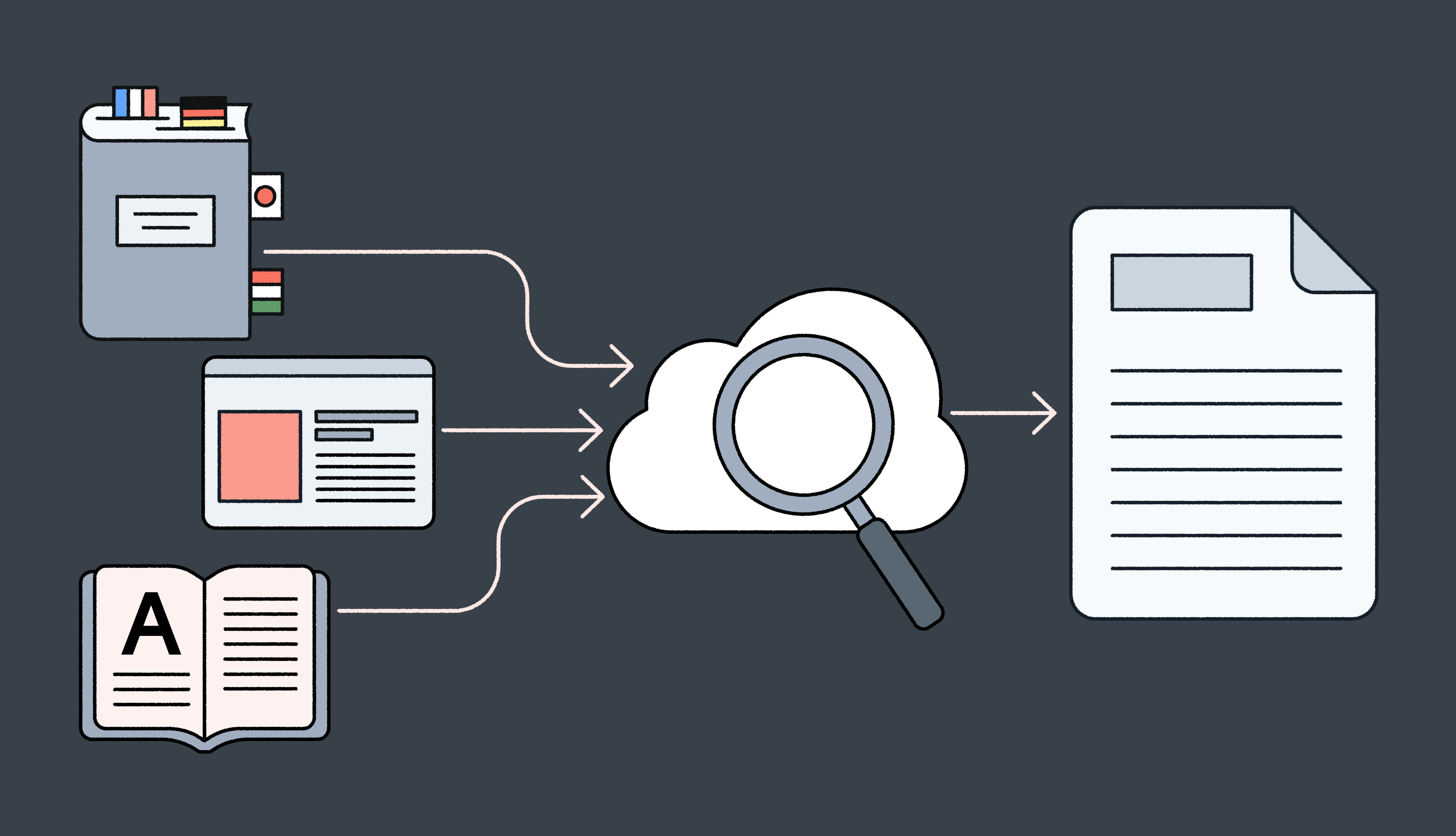
Next, move from “context scattered everywhere” to “context lives where translation happens”. You can use Lokalise to:
- Bring in visual context in TMS: Attach screenshots or Figma frames to keys. With in-context previews, people see the string on the actual screen.
- Expose code and structural context: Pull key names, namespaces, file paths, and platform info from your repos. Show pluralization rules, variables, and constraints directly next to the string.
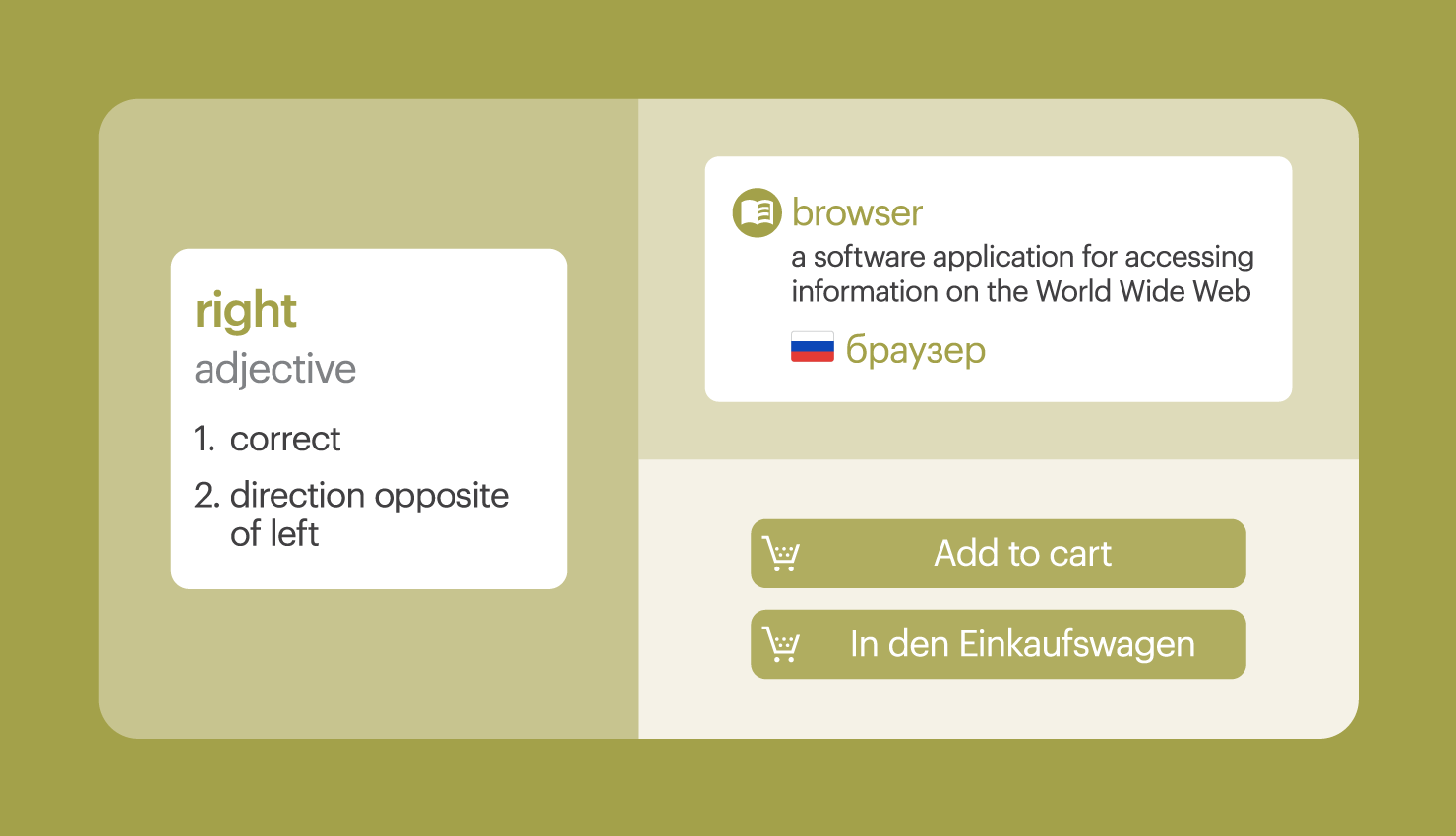
- Connect linguistic and brand context: Link glossaries, style guides, and translation memory. Make sure translators and AI see the same terminology and tone rules you agreed on.
In this way, your TMS becomes the single source of truth for context.
Step 4: Automate how context flows through your pipeline
Once the basics are in place, you can stop pushing screenshots and specs around by hand. Connect tools so context moves automatically:
Design → TMS
Use the Figma–Lokalise integration or automated screenshot sync, so new or updated designs bring their visual context with them.
Dev → TMS
Use branch-based workflows or CI/CD hooks to pull new keys (and their metadata) into Lokalise as part of your normal release process.
Docs / help center → TMS
Set up content integrations or structured exports for help articles and knowledge base content, so they arrive with the right tags and relationships.
Then you can configure Lokalise workflows so that:
- Strings with full, reliable context can be safely pre-translated with AI
- String with low-context are automatically routed to human experts
Automation here means fewer manual uploads, fewer “did you see that screenshot?” messages, and a lot less back-and-forth to clarify basics.
Step 5: Measure the impact on rework and developer time
To prove this matters, you need to show what changed. For the flow you started with, track a small set of KPIs before and after you automate context:
- Questions per 100 strings
- Reopened strings per release (a direct view into translation rework)
- Time from translation start to approval
- Reported developer time on context (tickets, Slack threads, impromptu calls where engineers explain how things work)
Even simple counts or rough logs will show a trend. If questions drop, reopens go down, and developers get fewer pings, you’ve got proof that better context is buying back focus and time.