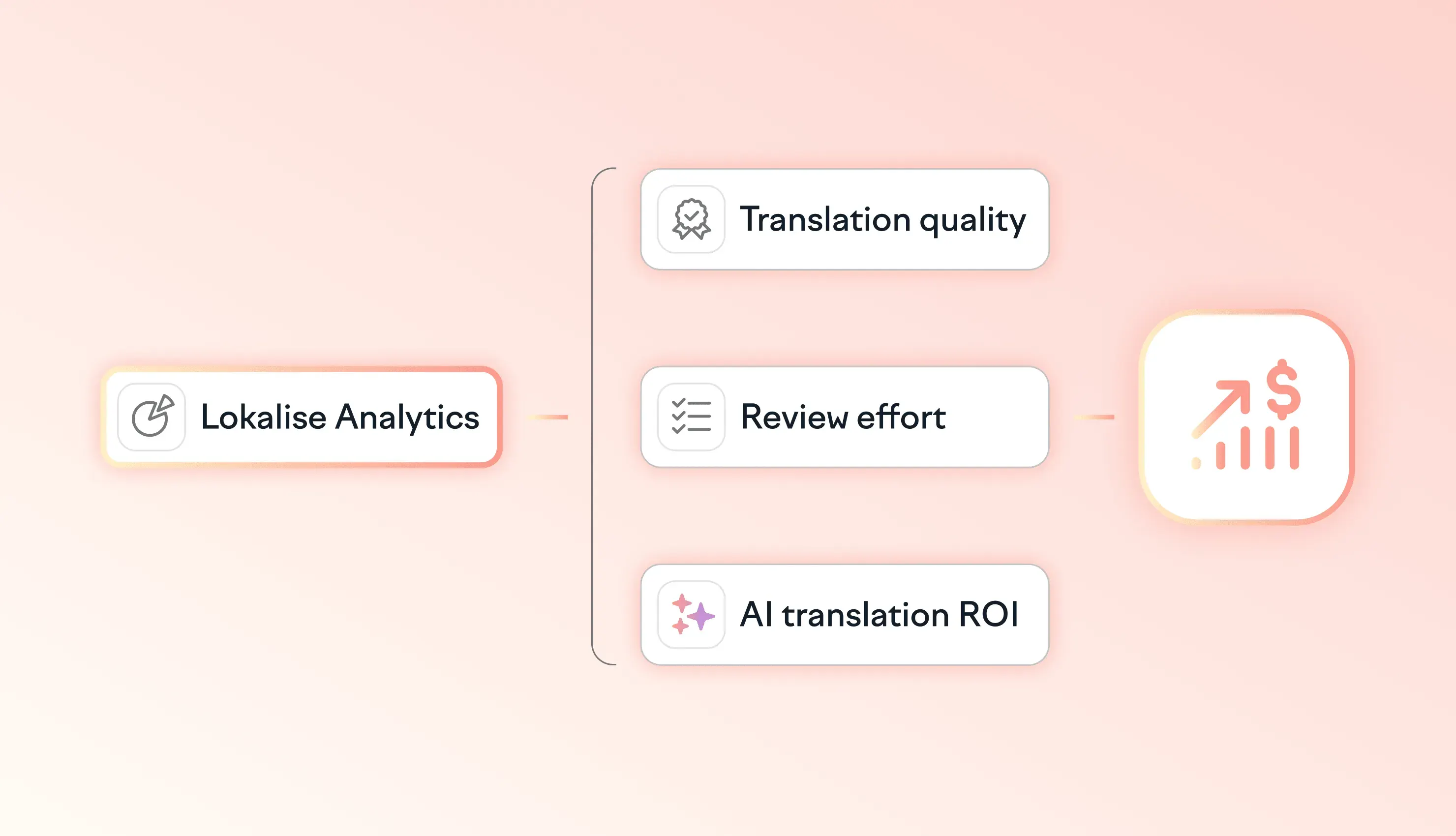
See how your localization program is performing with Lokalise Analytics
Measure translation quality, review effort, task performance, and AI impact across your localization program with Lokalise Analytics.

Purpose-built for campaigns and documents, embedded in the systems and tools marketing teams already use.

Measure translation quality, review effort, task performance, and AI impact across your localization program with Lokalise Analytics.
The model API is the cheap part. This is what it actually costs to automate AI translation, give it your company's context, learn to trust the output, and keep the system running.
Purpose-built for campaigns and documents, embedded in the systems and tools marketing teams already use.
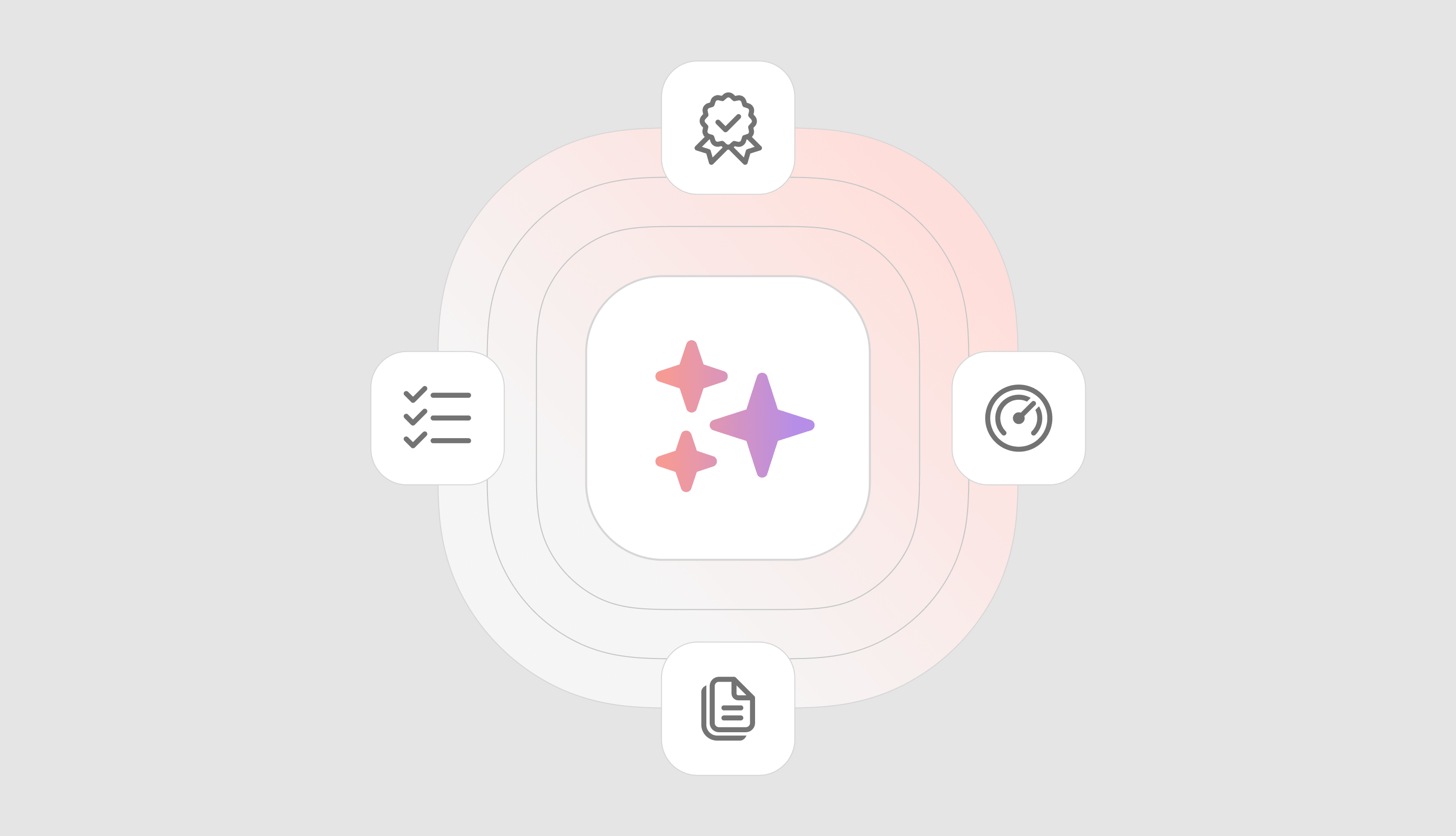
Here's a stat that should make every localization leader uncomfortable: 57% of localization teams say their number one barrier to using AI more is that they don't trust the quality. Not that the quality is bad. That they don't trust it. The distinction matters. AI translation has improved dramatically. Models are better, context-aware systems like
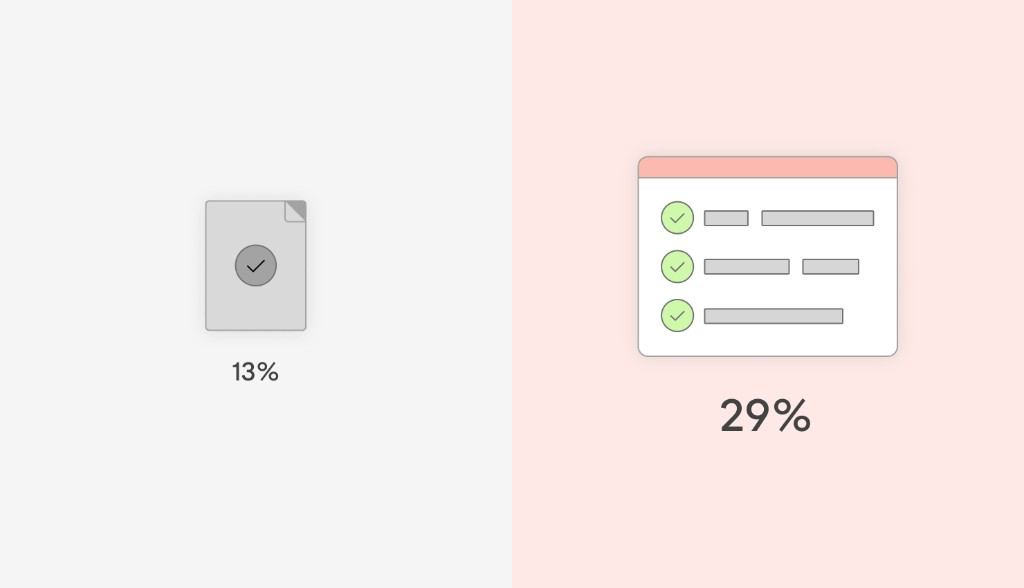
The meeting is going well. Translation costs are down, turnaround times are shorter, and AI is taking on more of the work. Then your VP asks a question: “How do you know the quality of AI translations is good enough?” The expensive part usually starts once you try to answer that question inside a system you built: the real cost of buildi
Figma Config changed the localization game for designers. Here’s how to connect Figma’s native AI agent to Lokalise via MCP — and manage translations without leaving your canvas. Something significant shifted at Figma Config. Figma introduced a native AI agent built directly into the app — and it can connect to external tools through MCP (Model Context Protocol, an open standard that lets AI assistants talk to other software). For designers who localize
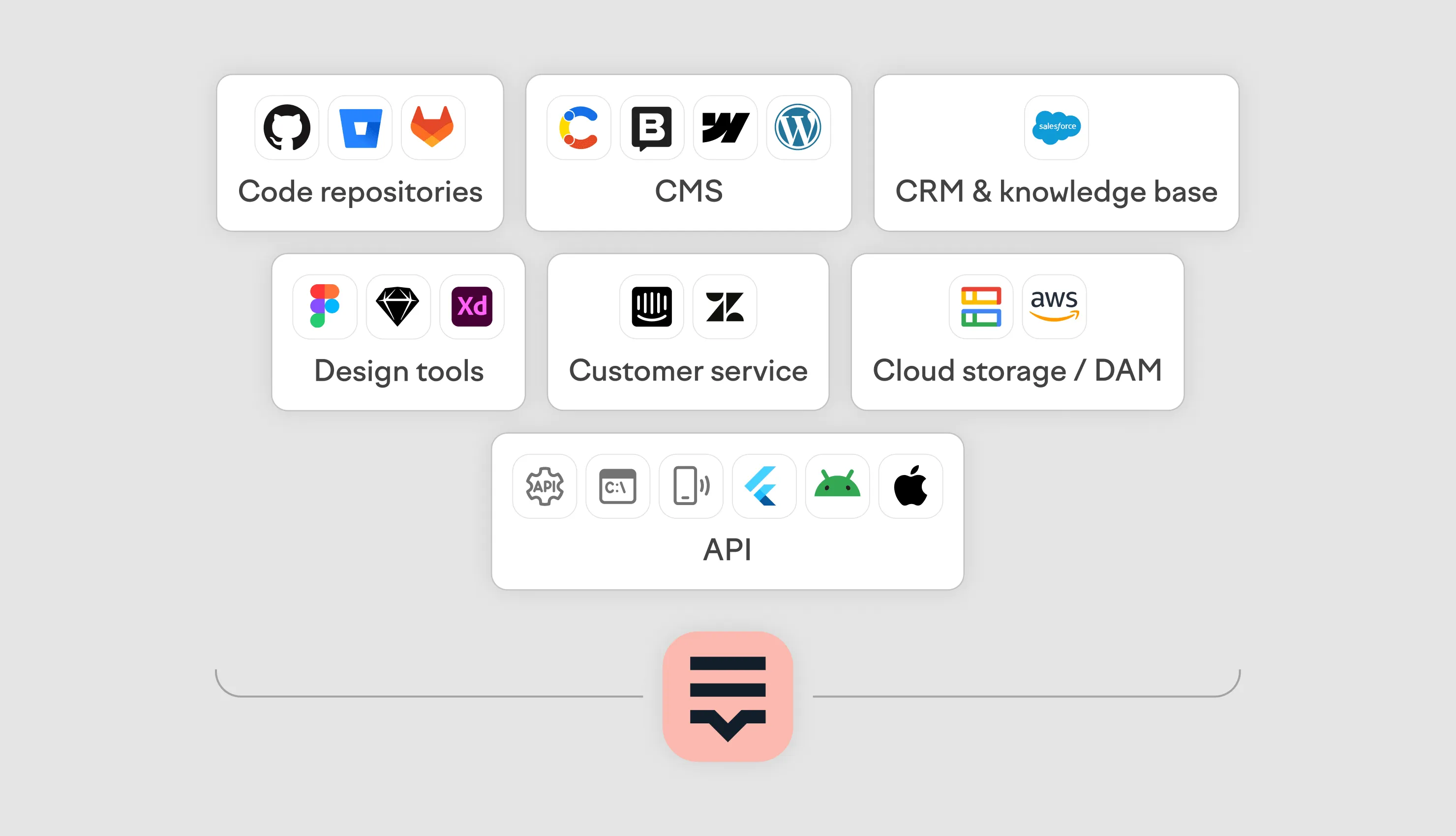
Enterprise localization doesn't fail because of bad translations. It fails because tools don't talk to each other. Content sits in a CMS. Code lives in GitHub. Sales teams work in Salesforce. Support runs on Zendesk. Designers are in Figma. When the localization platform can't connect to all of them, someone ends up exporting files, emailing them around, and importing them back. That's where errors, delays, and missed launches come from. Lokalise
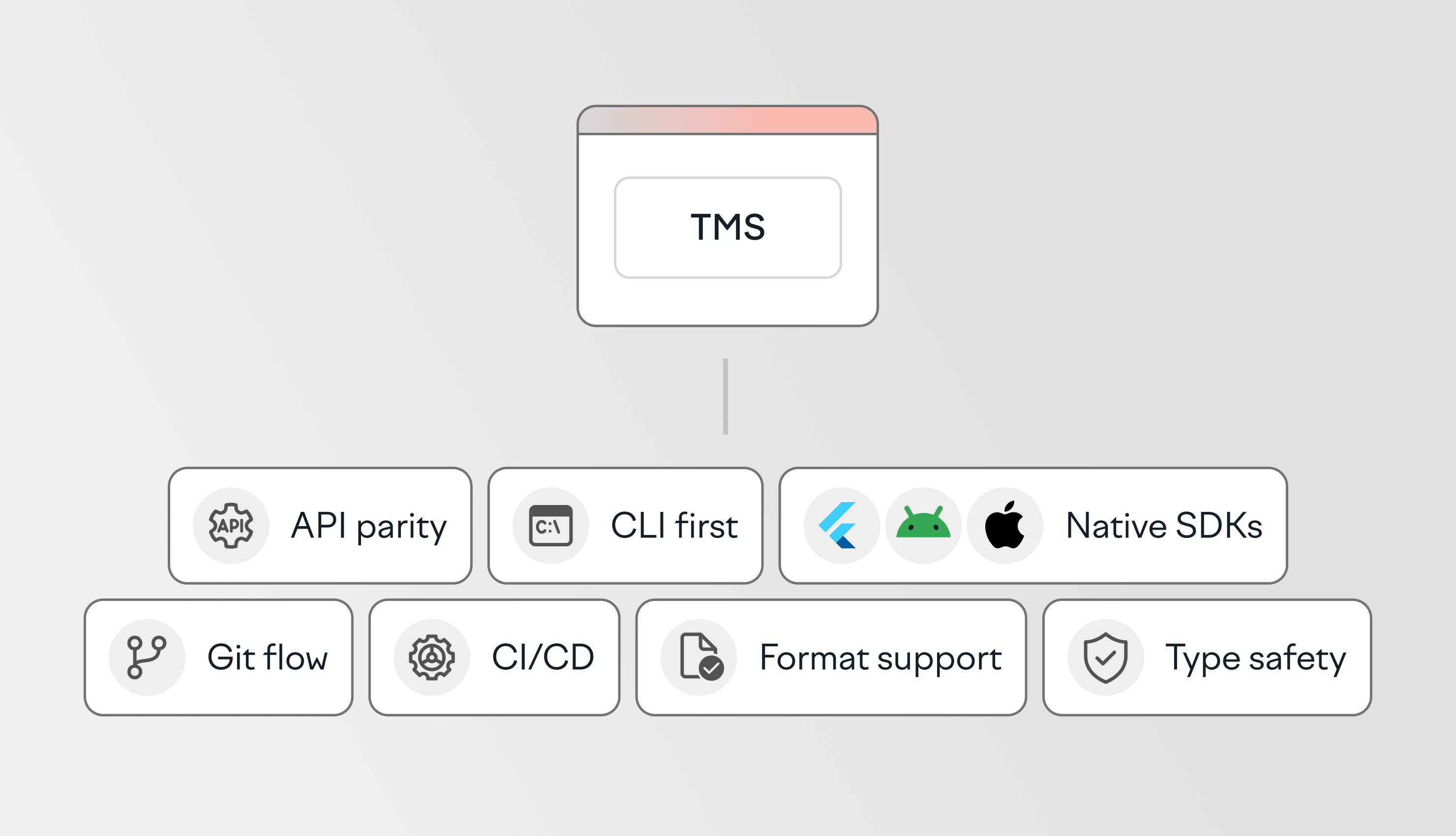
Developer-focused translation management systems (TMS) are designed to fit into existing engineering workflows. Instead of relying on manual exports, imports, and handoffs, they help teams automate localization through APIs, version control, CI/CD pipelines, and SDKs. This guide compares the best TMS platforms for developers, based on what actually matters in practice:








Behind the scenes of localization with one of Europe’s leading digital health providers
Read more Case studies



Localization workflow for your web and mobile apps, games and digital content.
©2017-2026
All Rights Reserved.
