
Developer Guides & Tutorials

Best TMS platforms for developers: API, CLI, and SDK support compared

Mia Comic,Updated on June 29, 2026·13 min read
best tms for developers

Developer-focused translation management systems (TMS) are designed to fit into existing engineering workflows. Instead of relying on manual exports, imports, and handoffs, they help teams automate localization through APIs, version control, CI/CD pipelines, and SDKs.

This guide compares the best TMS platforms for developers, based on what actually matters in practice: API coverage, CLI tooling, SDK support, CI/CD integration, and Git-based workflows. If you’re evaluating a developer-first TMS, this is where to start.
 

🤝 Written in collaboration with engineers

We work with engineering teams that ship localized products across web and mobile, often on weekly release cycles.

Lokalise is built with developers in mind, offering robust APIs, CLI tooling, SDKs, and integrations that fit naturally into existing development workflows. Teams use these capabilities to automate localization tasks and incorporate localization into their CI/CD pipelines.

This comparison reflects how these tools behave in real environments based on implementation patterns, developer feedback, and hands-on experience (so, not feature lists alone).
 

What makes a TMS “developer-first”?

A developer-first translation management system integrates directly into your development workflow. This is how localization runs through your existing tools.
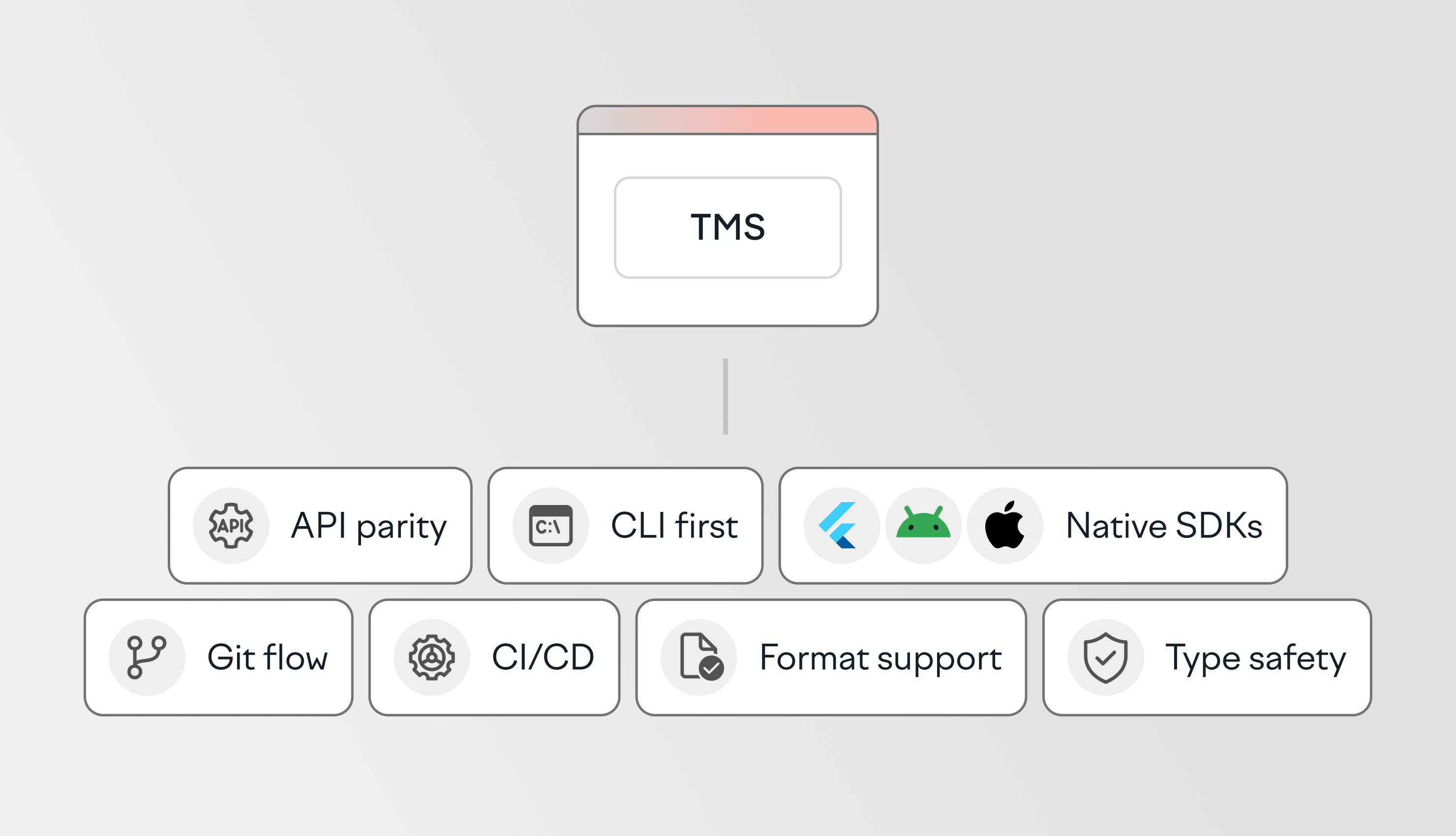
To qualify as developer-first, a TMS should provide:

  • Robust API that support automation and integration with existing tools
  • CLI tooling for scripting and automating localization tasks where appropriate
  • Powerful SDKs and framework integrations for desktop, web, and mobile environments
  • Works naturally with Git-based development workflows
  • Ability to be fully automated through APIs and CI/CD pipelines
  • Support for standard formats like JSON, YAML, and XLIFF
  • Structured content handling and validation to help prevent formatting and localization errors

If these are missing, localization becomes a separate process instead of part of how you ship.

Best TMS platforms for developers in 2026

We will now compare TMS platforms based on how well they fit into real developer workflows and take a look at the API-first architecture, CLI usability, SDK coverage, and CI/CD integration.
 

1. Lokalise: Developer-first TMS with full automation across workflows

Lokalise developer-first tms

Lokalise is developer-first TMS. Its API, CLI, SDKs, and integrations help teams automate localization workflows and incorporate localization into existing CI/CD pipelines. It's designed for teams that want localization to fit naturally into how they build and release software.

API

Lokalise provides a REST API that supports the core localization workflows most teams automate, including keys management, uploads and downloads, webhooks, task management, and translation delivery. The API is well documented and designed to integrate with existing development workflows.

When chatting with Ilya Krukowski, Lead of content, SDK/integrations dev at Lokalise, he pointed out something interesting:

Of course, API coverage is important. But in practice, teams focus on a smaller set of core workflows such as uploads, downloads, webhooks, task management, and OTA-related operations. Some endpoints exist but are rarely used. What matters is that the core translation workflows are fully accessible via API.

And that’s exactly what you get with Lokalise.

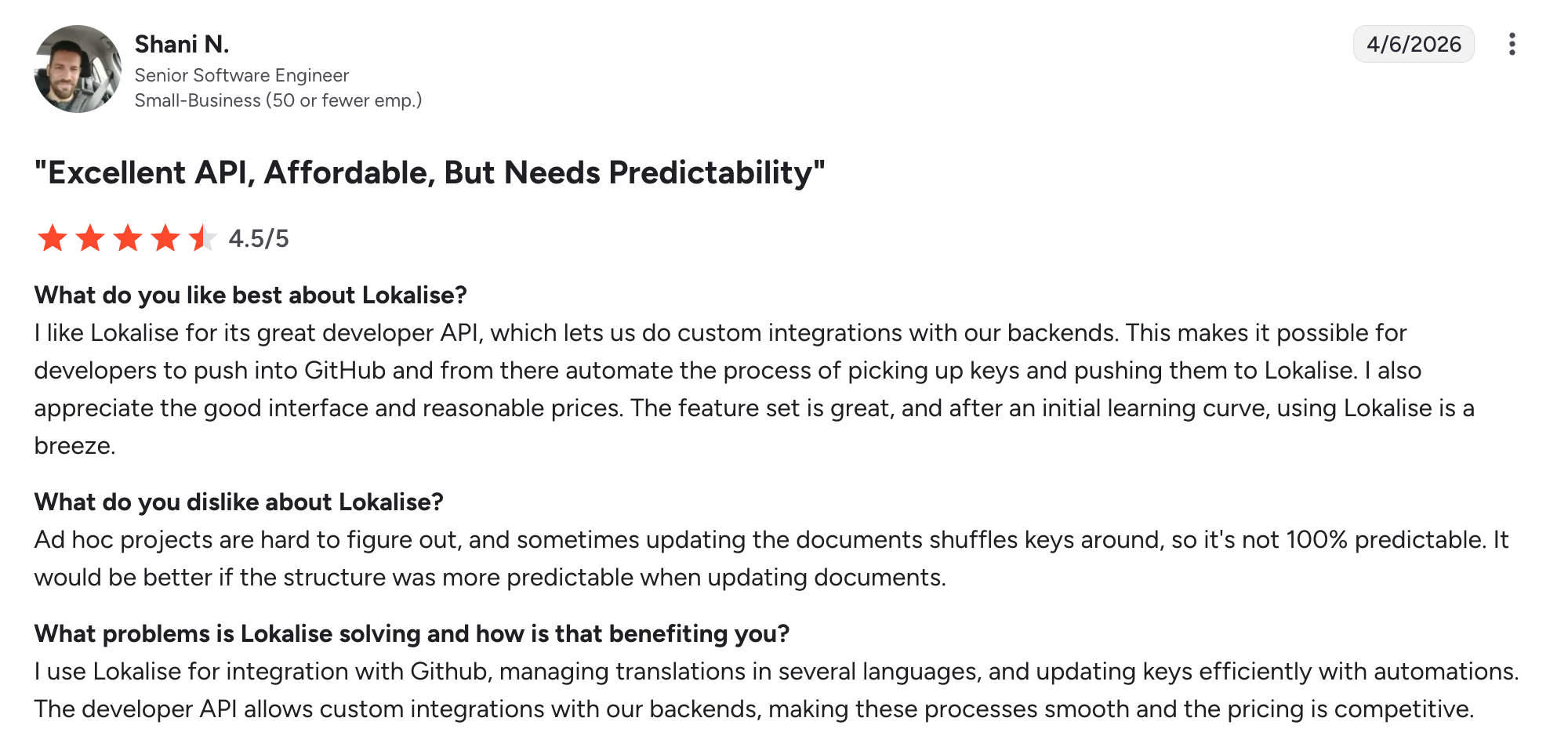
Lokalise developer-first tms API review
G2 review

CLI

Lokalise CLI 2 (Go-based, open-source) supports common operations such as pushing and pulling translation files, making it suitable for CI/CD pipelines and repeatable build jobs. 

SDK

Lokalise provides SDKs and client libraries for multiple platforms and languages, including iOS, Android, PHP, Ruby, Node.js, and others. Mobile SDKs support over-the-air translation updates, allowing teams to deliver localization changes without releasing a new app version.

For web and backend projects, Lokalise also offers framework and ecosystem integrations, including Ruby on Rails, Node.js, Elixir, and other environments. These integrations are mainly used to automate translation file upload and download workflows, often alongside APIs, CLI tooling, Git synchronization, and CI/CD pipeline
 

🧠 Good to know

Lokalise is not a replacement for an app’s i18n implementation. Its main role is to help teams manage, review, sync, and deliver translation files across existing development workflows. That includes Git sync, API and CLI automation, CI/CD pipelines, framework integrations, and mobile SDK-based over-the-air updates where needed.
 

CI/CD

Direct integrations with GitHub, GitLab, and Bitbucket. Supports Git-based workflows, branching, and automation via webhooks. Works with GitHub Actions and other pipeline tools to enable continuous localization.

If you want to learn more, check out this tutorial covering how to connect with GitLab and with GitHub.

Integrations

Offers 60+ integrations, including a Figma plugin for design-to-development workflows. Learn more about Lokalise developer tools.

Pricing model

Tiered subscription (per-seat) with unlimited basic seats and usage-based add-ons (e.g. AI translation). You pay for processed words. Learn more about Lokalise pricing and how the platform measures usage.

Best for

Engineering teams that want full control over localization workflows through API-driven automation inside CI/CD pipelines.

Limitations

Lokalise is strongest when localization is treated as an ongoing workflow rather than an occasional file handoff. To get the most value from it, teams usually need to configure project settings, roles, integrations, automation rules, workflows, and review processes upfront. For very small projects or one-off translation tasks, this setup may be more than necessary.
 

📚 Further reading

Learn more about the best practices by exploring the Lokalise Developer Hub.

2. Crowdin: TMS for developers with Git-based workflows

Crowding tms for developers
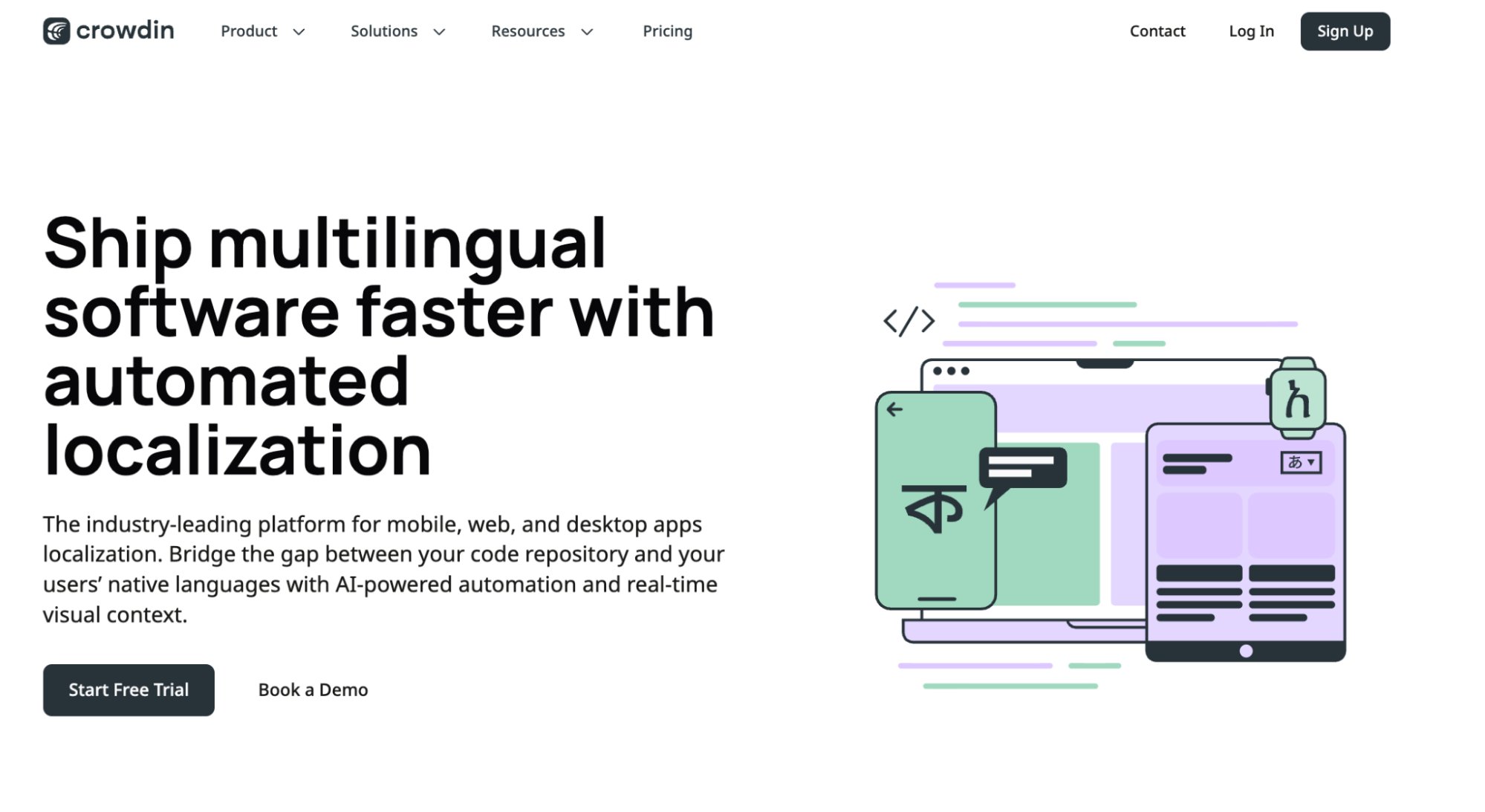
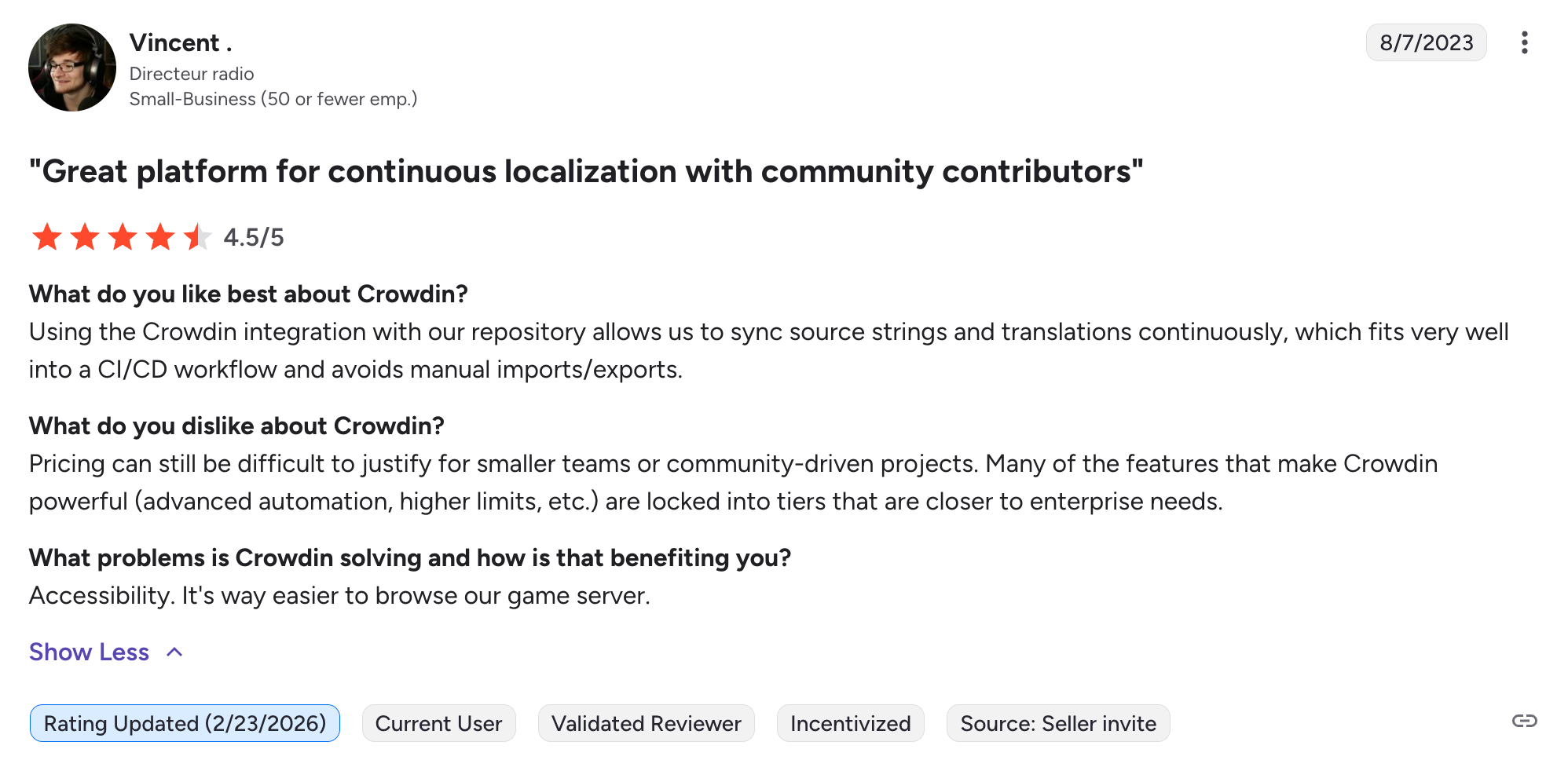
Crowdin is a flexible TMS with a large integration ecosystem and strong adoption in open-source projects. It’s a solid option for teams that rely on Git-based workflows and need broad connectivity across tools.

API

REST API with solid coverage across core localization workflows, including file management, translations, and project configuration. Documentation is comprehensive and widely used by developer teams. Supports automation, though some advanced capabilities depend on plan and setup.

CLI

Crowdin CLI supports push/pull, file synchronization, and key extraction. It’s commonly used in automation scripts and CI pipelines, with configuration-based workflows that integrate into build processes.

SDK

Provides SDKs for iOS and Android, including support for OTA-style delivery of translations. Compared to some platforms, workflows rely more on integrations and file-based sync than framework-specific SDKs like Next.js.

CI/CD

Supports GitHub Actions, GitLab CI, and Bitbucket integrations. Strong Git-based workflows with automatic repository sync and pull request-based localization. Webhooks are available.

image3.webp
G2 review

Integrations

Offers a wide range of integrations across developer tools, CMS platforms, and design tools, enabling teams to connect localization with their existing stack.

Pricing model

Tiered subscription (per-seat and usage-based), with pricing scaling based on features and project size.

Best for

Teams that rely on Git-based workflows and want reliable integration with their existing tools and repositories.

Limitations

Some users report UI complexity, which can slow down onboarding and day-to-day workflows. Advanced setups may require manual configuration.
 

3. Transifex: TMS for developers built around runtime delivery

Transifex localization platform for devs

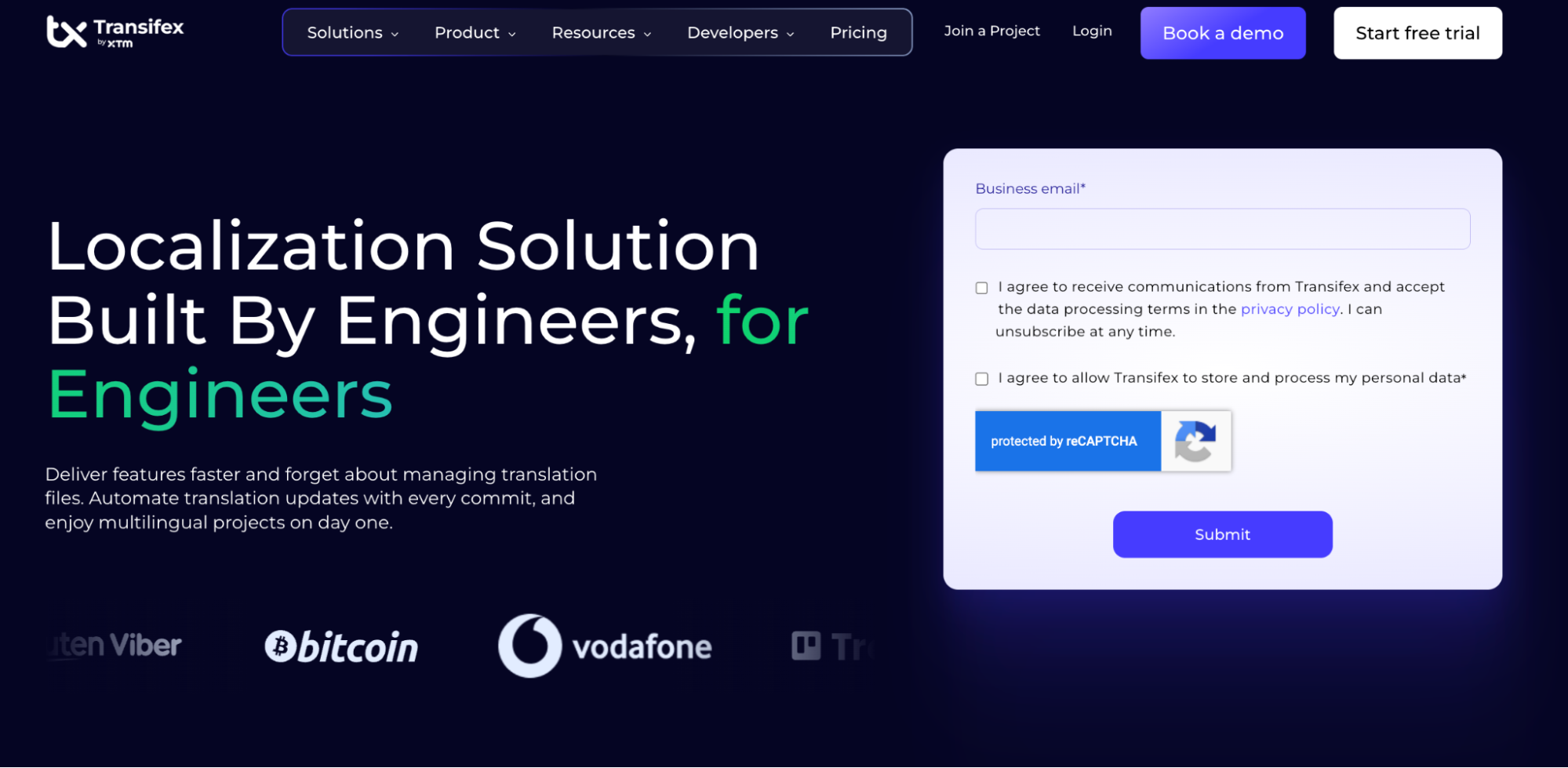
Transifex is a developer-focused TMS built around continuous localization, with support for runtime translation delivery through Transifex Native. It’s a good option for teams that want to update translations dynamically. 

API

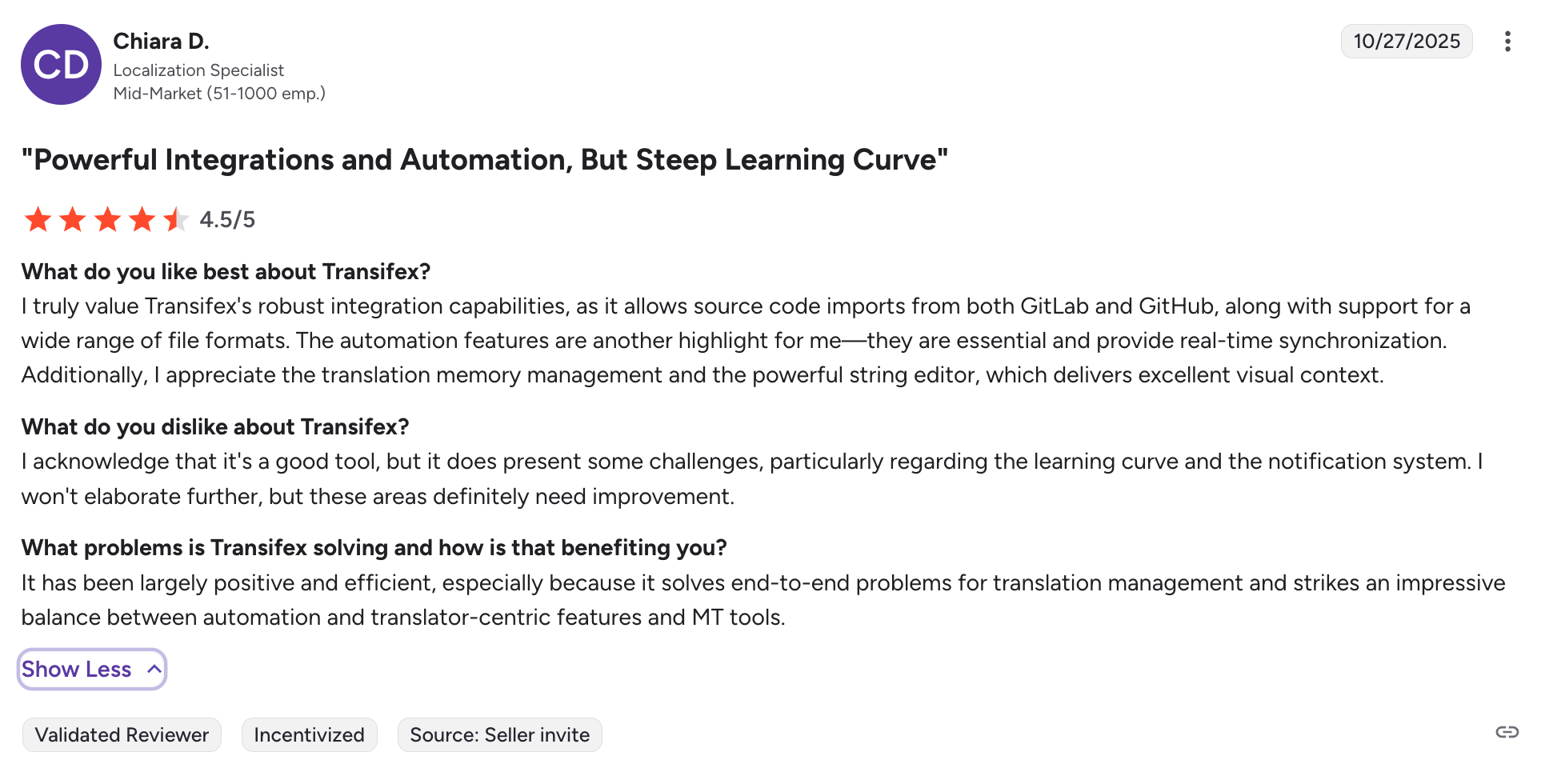
REST API supports core localization workflows, including file management, translations, and project configuration. Documentation is comprehensive and designed for integration into developer workflows. Supports automation across projects, though some advanced capabilities depend on plan and configuration.

CLI

Transifex CLI supports push/pull, file synchronization, and automation in development workflows. It’s commonly used to sync translation resources with repositories and integrate localization into CI pipelines.

SDK

Provides SDKs for iOS, Android, and JavaScript, along with broader framework support (e.g. React, Angular, Vue, Django). Includes Transifex Native, which enables runtime (fileless) delivery of translations directly in applications without redeployment.

CI/CD

Supports integration with GitHub, GitLab, Bitbucket, and other repository-based workflows. API, CLI, and webhooks enable automation in CI/CD pipelines.
 

Transifex for devs review
G2 review

Integrations

Offers integrations with CMS platforms, design tools, and developer tools, including GitHub, GitLab, Bitbucket, and Jira.

Pricing model

Tiered subscription based on plan, collaborators, hosted words, and add-ons. AI Words are included in annual Growth and Enterprise+ plans up to a set allowance. Starter and monthly subscribers can add AI capacity as a paid add-on.

Best for

Teams that want continuous localization with runtime translation delivery and reduced reliance on deployment cycles.

Limitations

AI capabilities are not fully included across all plans and may require additional cost depending on usage. Platform scope has expanded beyond developer-first use cases, which can introduce additional complexity for teams focused purely on engineering workflows.
 

4. Smartling: enterprise localization platform for developers

Smartling enterprise localization for developers
Smartling is an enterprise-grade TMS built for large-scale localization programs. It combines API-driven workflows with managed translation services. It’s best suited for organizations that need structured processes, vendor management, and scalability across multiple teams and markets.

API

REST API with extensive endpoint coverage for file management, translation jobs, and workflow automation. Well-documented and designed for enterprise integrations and custom workflows.

CLI

Provides an open-source CLI for file management and automation. While it supports push/pull workflows, API and UI-based workflows are more central to the platform.

SDK

SDKs for backend integrations (Java, Python, PHP) to accelerate implementation. Compared to some platforms, Smartling is less focused on frontend or mobile SDK workflows.

CI/CD

Supports GitHub, GitLab, and Bitbucket integrations, along with webhooks and API-based automation. Localization workflows can be triggered during builds, pull requests, or deployments.

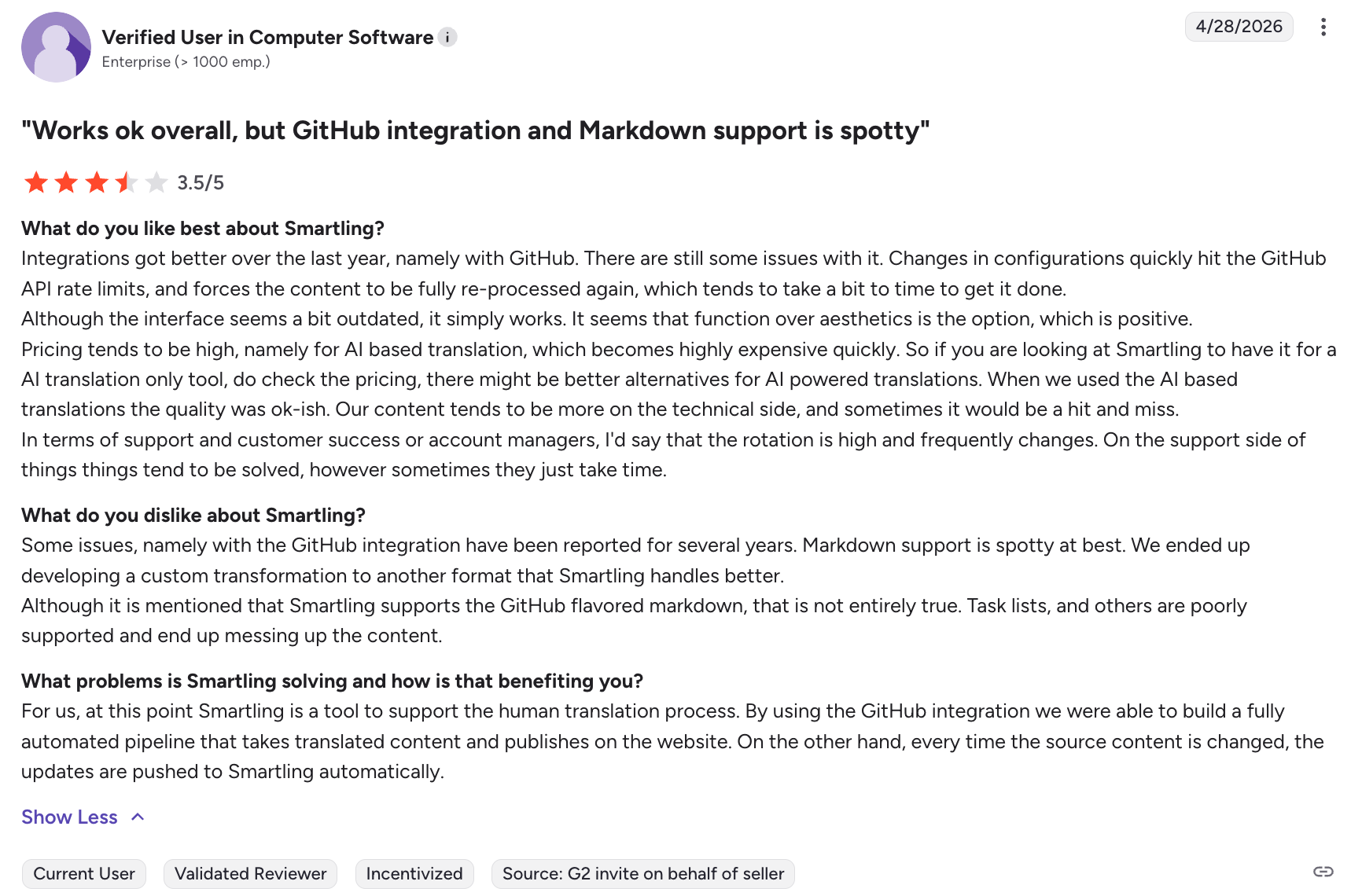
Smartling tms for developers review
G2 review

Integrations

Offers a broad integration ecosystem across CMS, design tools, and product systems.

Pricing model

Primarily usage-based, with per-word pricing tied to translation volume. Pricing is not publicly available. You need to contact sales for a custom quote.

Best for

Enterprise organizations that need scalable localization with structured workflows and optional managed services.

Limitations

Pricing is gated and not transparent. Developer workflows may feel less flexible compared to CLI-first or API-centric tools.

5. Phrase: localization platform for developers with CI/CD support

Phrase software localization tool

Phrase is a localization platform for developers built around Phrase Strings and Phrase Orchestrator. It is designed to support complex workflows across engineering, localization, and operations teams. It’s a solid option for organizations that need flexibility across different systems and processes.

API

REST API with broad coverage across core workflows, including keys, translations, and project management. API capabilities vary across products (e.g. Strings vs Orchestrator), but support automation and integration into development environments.

CLI

Phrase CLI supports push/pull, file synchronization, and automation workflows. It’s commonly used in CI pipelines, with setup depending on how different Phrase products are configured.

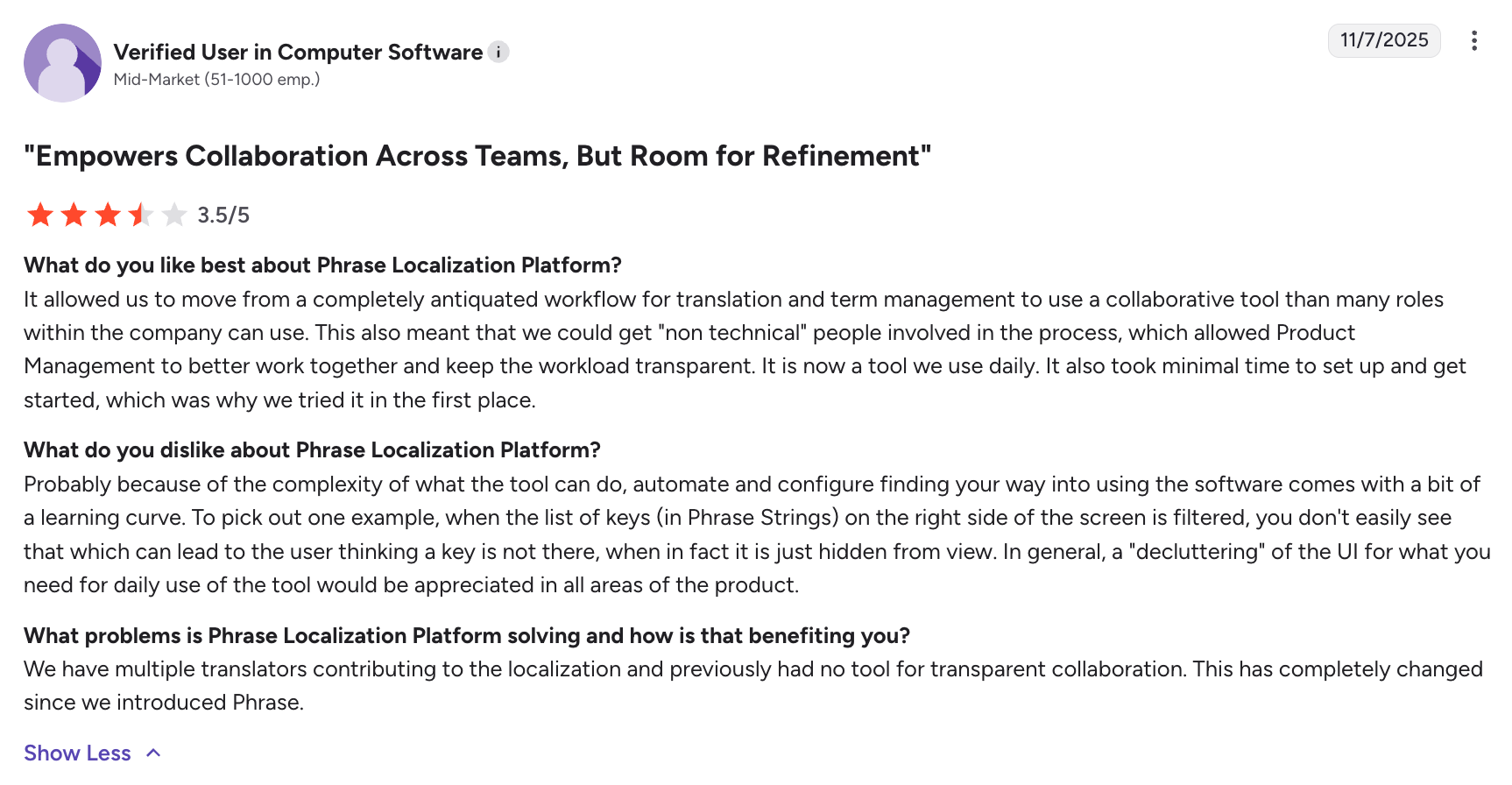
Phrase localization platform for devs review
G2 review

SDK

Provides SDKs and libraries for web and mobile environments (e.g. JavaScript frameworks, iOS, Android), supporting integration into application code and localization workflows.

CI/CD

Strong support for CI/CD through GitHub Actions, GitLab CI, Bitbucket, and webhooks. Phrase Strings integrates directly into development pipelines, while Phrase Orchestrator enables workflow automation across localization processes.

Integrations

Offers 50+ integrations across developer tools, CMS platforms, and design tools (e.g. GitHub, GitLab, Bitbucket, Figma, Contentful, Slack).

Pricing model

Modular pricing based on products (e.g. Strings, Orchestrator), seats, and usage. Costs can vary depending on how workflows are structured across products.

Best for

Teams that need flexibility when managing localization workflows.

Limitations

The modular product structure can require additional setup and coordination across tools. Some users note a learning curve when configuring workflows, especially across multiple products.


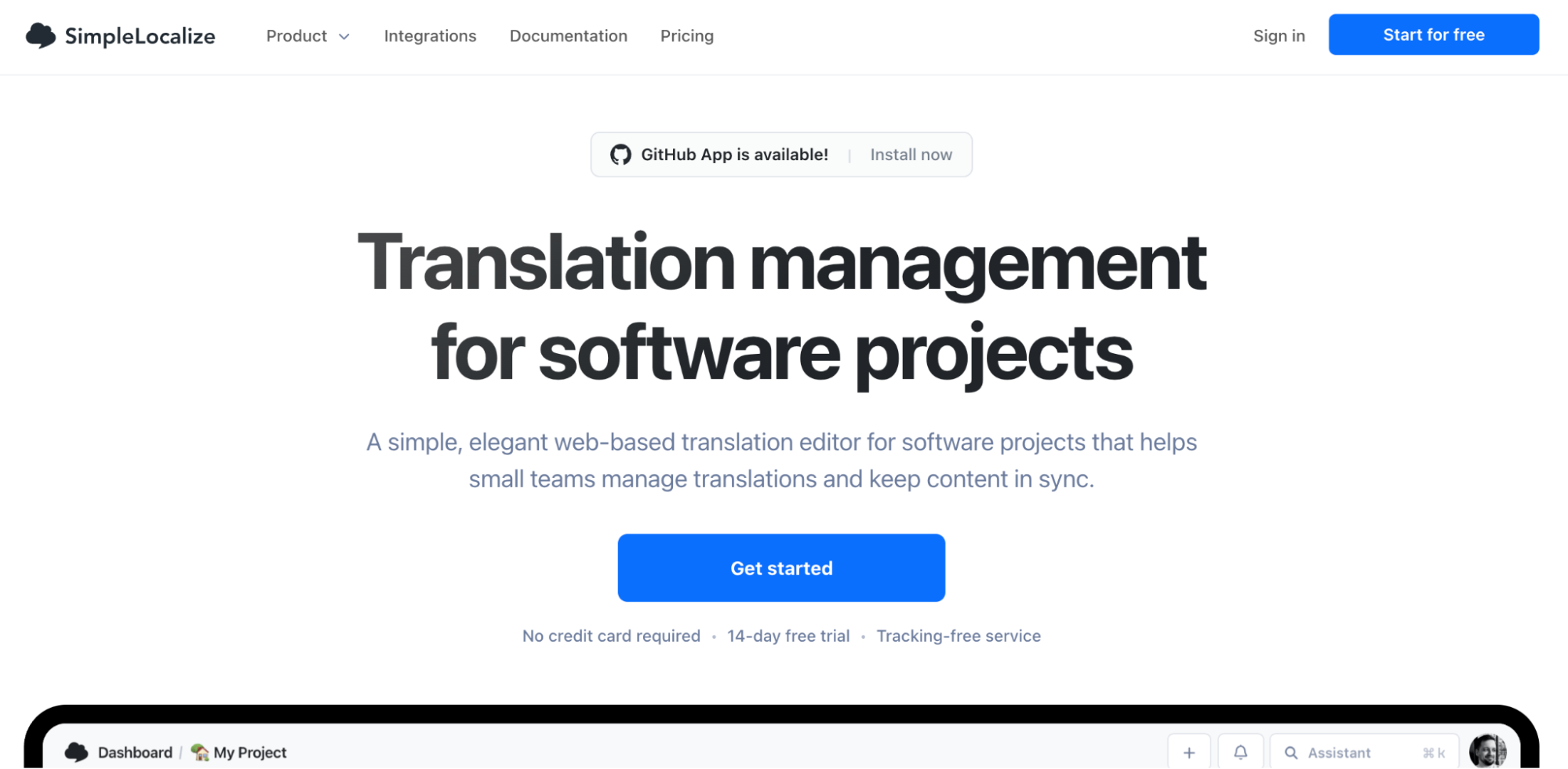
6. SimpleLocalize: lightweight TMS with CDN-based translation delivery

image13.webp

SimpleLocalize is a developer-friendly TMS focused on simplicity and fast setup. It has built-in CDN delivery for serving translations at runtime. It’s well suited for small teams and MVPs that need a straightforward way to manage and deliver localized content.

API

REST API supports core localization workflows, including keys, translations, and project management. Designed for developer workflows with clear endpoints and automation support, enabling integration across applications and CI/CD pipelines.

CLI

Provides a CLI for push/pull, file synchronization, and automation. Commonly used in CI pipelines to keep translation files in sync with codebases.

SDK

Provides integrations and frontend libraries, with a focus on delivering translations via CDN rather than dedicated SDK ecosystems.

CI/CD

Supports CI/CD integration through API and CLI, with compatibility across GitHub, GitLab, and Bitbucket workflows. Enables automation with a relatively simple setup.

Integrations

Supports integrations with developer tools, CMS platforms, and design tools.

Pricing model

Tiered pricing with entry-level plans aimed at smaller teams and early-stage projects.

Best for

Small teams, startups, and MVPs that need a simple and cost-effective localization setup.

Limitations

Limited advanced workflow automation and smaller integration ecosystem compared to enterprise platforms. Less suited for complex or large-scale localization needs. Not many online reviews that you can check to validate the quality of the platform.
 

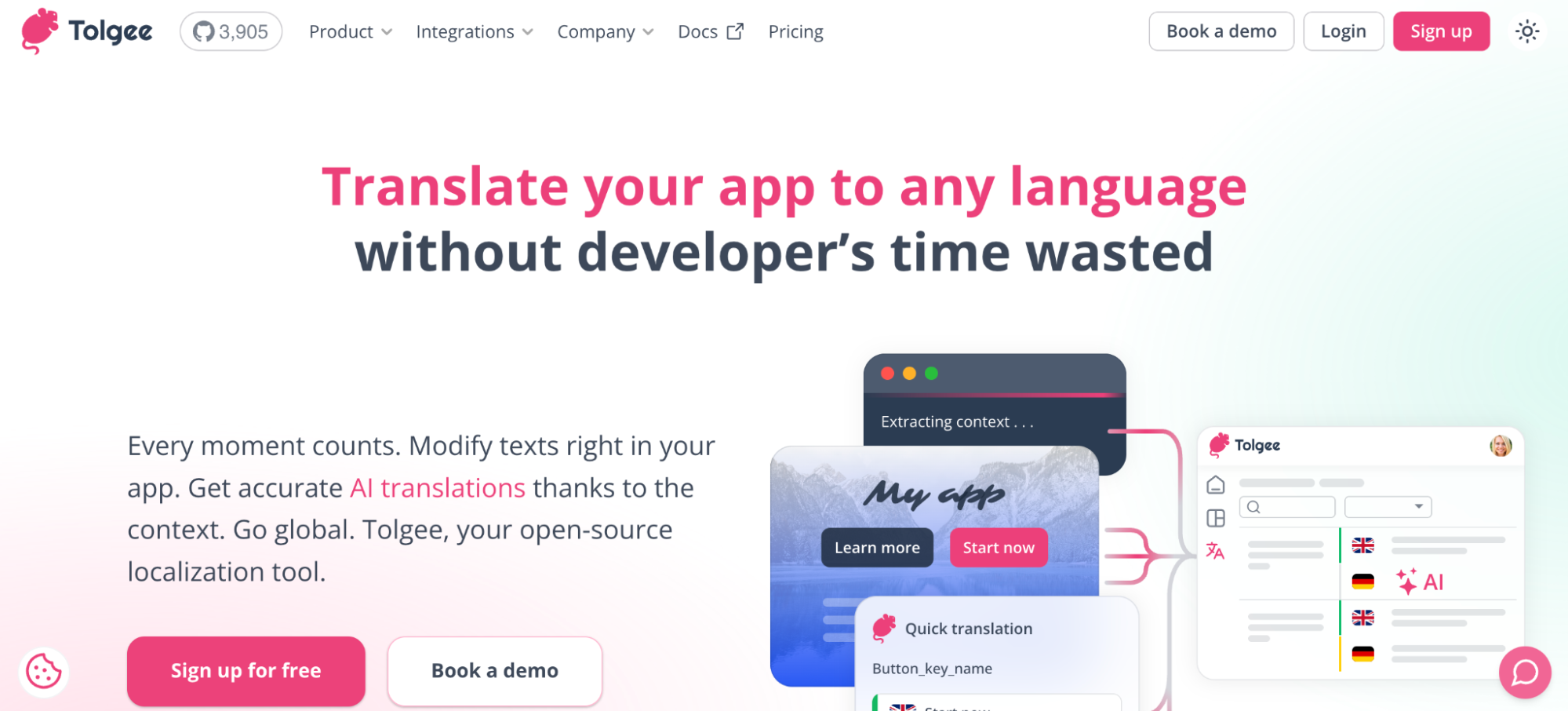
7. Tolgee: open-source translation management system for developers

image4.webp

Tolgee is an open-source, developer-first TMS designed for teams that want full control over their localization stack. It’s built around in-context translation and self-hosting, making it a good fit for teams that prioritize flexibility and ownership over infrastructure.

API

REST API supports core localization workflows, including keys, translations, and project management. Designed for integration into custom applications and workflows.

CLI

Provides a CLI for basic synchronization and automation, though workflows are typically centered around SDK-based integration rather than CLI-first usage.

SDK

Offers native SDKs for frontend frameworks (e.g. React, Angular, Vue, Svelte), enabling in-context translation and editing directly within the application UI.

CI/CD

Can be integrated into CI/CD pipelines via API, CLI, and Git-based workflows, though setup is more manual compared to fully managed SaaS platforms.

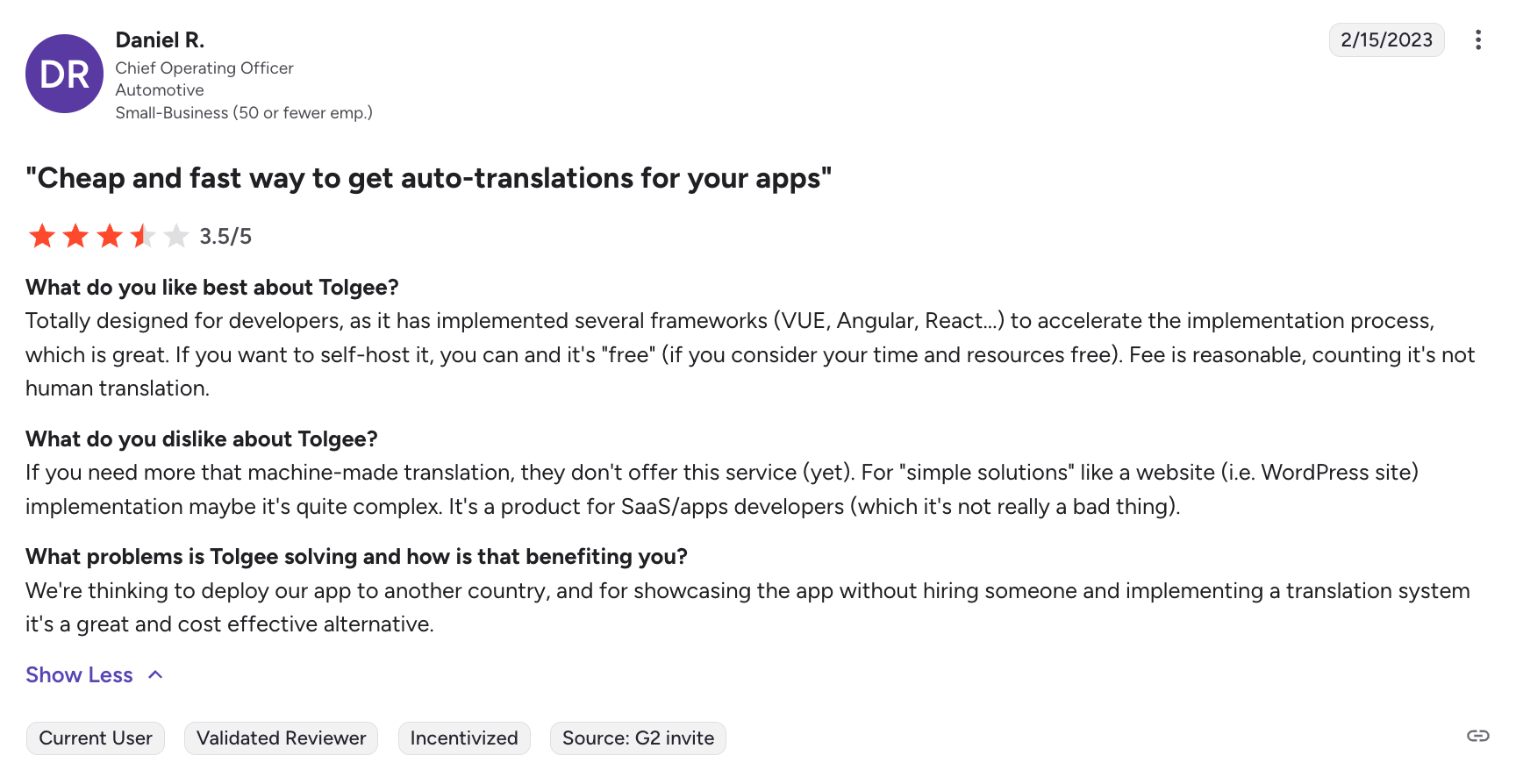
Tolgee for developers review
G2 review

Integrations

Offers a smaller set of integrations and plugins (e.g. GitHub), with a stronger focus on embedding localization directly into applications via SDKs.

Pricing model

Open-source (free for self-hosted use), with paid cloud plans offering managed hosting and additional features.

Best for

Teams that want full control over their localization infrastructure, including self-hosting and customization.

Limitations

Requires setup, hosting, and maintenance when self-hosted. Smaller integration ecosystem and fewer built-in workflows compared to larger platforms.


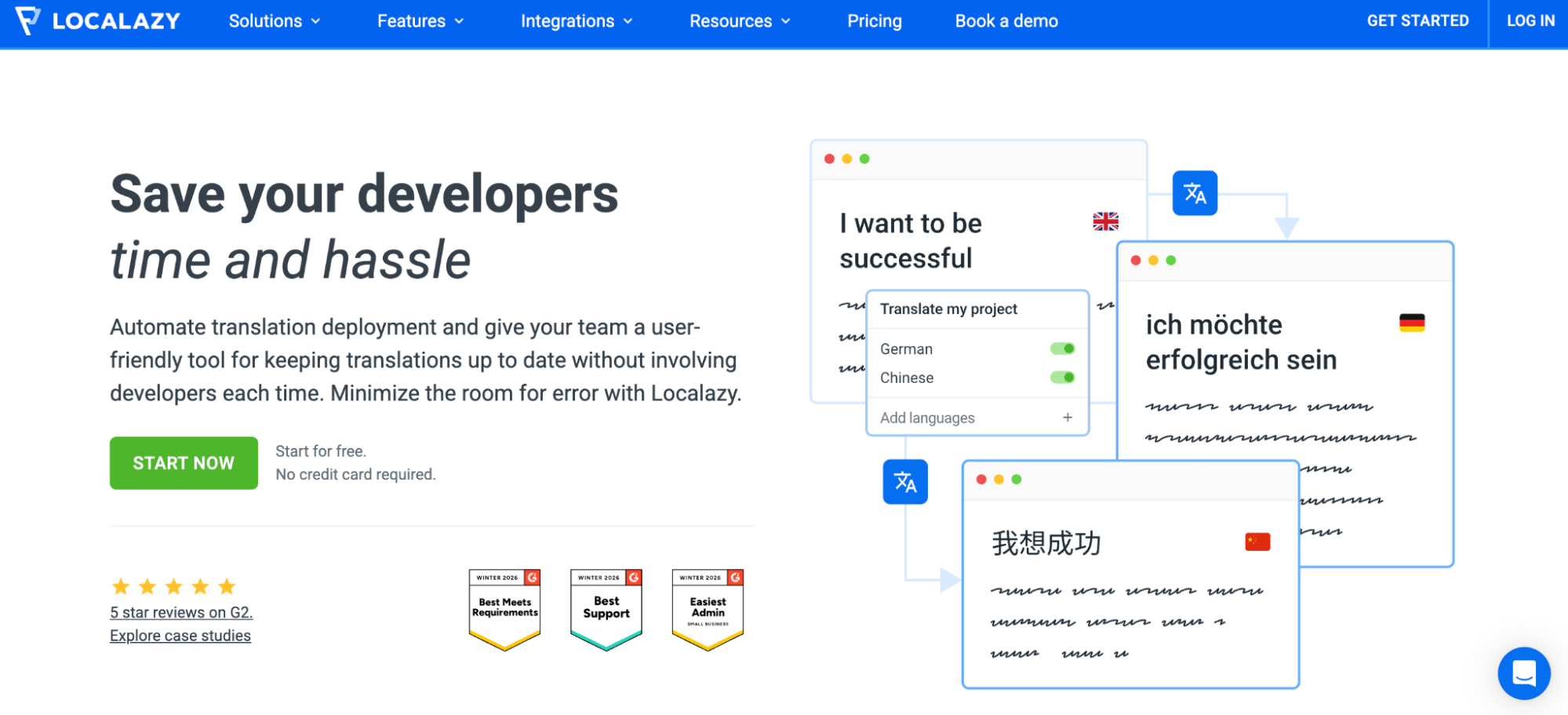
8. Localazy: mobile-focused TMS for developers

Localazy mobile-focused TMS for developers

Localazy is a developer-focused TMS designed around automation, with a strong emphasis on CLI-driven workflows and continuous localization. It’s best suited for teams building mobile apps or products that rely on frequent updates and automated translation pipelines.

API

REST API supports core localization workflows, including keys, translations, and project management. Designed for integration into developer workflows and automation pipelines.

CLI

Localazy CLI is a central part of the platform, supporting push/pull, file synchronization, and automation. It’s designed to run directly inside CI/CD pipelines, enabling continuous localization with minimal manual intervention.

Localazy for devs review
G2 review

SDK

Provides libraries and integration options for applications, with a focus on CLI and CDN/OTA delivery rather than a full SDK ecosystem.

CI/CD

Designed to run inside CI/CD pipelines via CLI and API. Supports automation of translation updates as part of the development lifecycle.

Integrations

Supports a solid set of native integrations (e.g. Figma, Strapi, Directus).

Pricing model

Tiered pricing with a free plan available, making it accessible for smaller teams and open-source projects.

Best for

Teams building mobile apps or developer-driven products that rely on CLI automation and continuous localization.

Limitations

Smaller native integration ecosystem and fewer advanced workflow features compared to Lokalise and other enterprise platforms. Less suited for complex, cross-functional localization programs.


TMS platforms for developers at a glance
 

Localization workflows vary widely depending on how your team ships code, so the right TMS often comes down to how well it fits into your existing developer stack.

The table below compares each platform across the core capabilities that matter most in practice: API coverage, CLI support, SDK availability, CI/CD integration, and Git-based workflows.

PlatformAPICLISDKsCI/CD & GitIntegrationsPricing
LokaliseStrong REST API covering uploads/downloads, keys, webhooks, tasks, OTA workflowsOpen-source Go CLIiOS, Android, PHP, Ruby, Node.js, Rails, Elixir; OTA mobile updatesGitHub, GitLab, Bitbucket, GitHub Actions, branching, webhooks60+ integrations, including FigmaPer-seat + processed words + usage-based add-ons
CrowdinREST API with strong coverage for core workflowsSupports push/pull, sync, key extractioniOS and Android SDKs with OTA supportStrong Git workflows, PR-based localization, GitHub Actions, GitLab CI, BitbucketExtensive ecosystem across dev tools, CMSs, design toolsPer-seat and usage-based tiers
TransifexComprehensive REST API for automationPush/pull and repository synchronizationiOS, Android, JavaScript, React, Angular, Vue, Django; Transifex Native runtime deliveryGitHub, GitLab, Bitbucket, webhooksCMS, design, developer tools, JiraBased on collaborators, hosted words, plans, add-ons
SmartlingEnterprise-grade API with extensive endpoint coverageOpen-source CLI, though API/UI workflows dominateJava, Python, PHP backend SDKsGitHub, GitLab, Bitbucket, webhooksBroad enterprise integration ecosystemUsage-based, custom quotes only
PhraseBroad REST APIs across productsPush/pull and CI automationJavaScript, iOS, AndroidGitHub Actions, GitLab CI, Bitbucket, webhooks, Orchestrator workflows50+ integrations including Figma, Contentful, SlackModular pricing by product, seats, usage
SimpleLocalizeREST API for core workflowsCLI for synchronization and automationFrontend libraries with CDN-based deliveryAPI/CLI support for GitHub, GitLab, BitbucketDeveloper, CMS, and design integrationsAffordable entry-level tiers
TolgeeREST API for custom workflowsBasic CLI capabilitiesReact, Angular, Vue, Svelte; in-context editingAPI, CLI, Git workflows (more manual setup)Smaller plugin ecosystem, GitHub supportOpen-source/self-hosted + paid cloud
LocalazyREST API for automation workflowsCLI is a core part of the platformLibraries and CDN/OTA delivery focusDesigned specifically for CI/CD automationFigma, Strapi, DirectusFree tier + paid plans


Want to take a closer look? Check out Lokalise alternatives to explore differences in greater detail.

How to evaluate a TMS as a developer

When choosing a TMS as a developer, focus on how well it fits into your existing workflow rather than just its feature list.
Use this checklist to evaluate your options:

  • Can you do everything via API that you can do in the UI? Or are key workflows locked behind manual steps?
  • Are there integrations for frameworks you actually use, like React, Next.js, iOS, Android, or Flutter?
  • Can localization run as part of your pipeline with GitHub Actions, GitLab CI, or webhooks?
  • Does it work with branches, pull requests, and version control? Or does it break your Git flow?
  • Does it support your formats (JSON, YAML, XLIFF, etc.) without workarounds?
  • Can you trigger workflows, sync content, and manage translations without manual intervention?

If the answer to most of these is “yes,” the TMS will likely fit naturally into your development process.

Ilya Krukowski, Lead of content, SDK/integrations dev at Lokalise, shared advice on what not to overlook: 

One thing teams often overlook is to evaluate how easily the TMS fits into their existing tools and workflows. A platform can look solid on the surface, but there are often limitations or edge cases that only show up when you try to plug it into your actual setup.

The entire point of having a localization platform that’s developer-friendly is to make your life easier, not add to your workload.

Where do things break for developers handling localization? Ilya Krukowski, Lead of content, SDK/integrations dev at Lokalise shared a few insights, based on his experience:

Localization setups usually break down when there’s no clear ownership or structure. You end up with inconsistent keys, duplicated content, and no shared conventions. Once the content model gets messy, it becomes much harder to automate workflows or introduce CI/CD later on.

So, it’s a combination of having a reliable localization platform and processes on a team level. The most successful organizations tick both things off the list.

Teams like Revolut and Elli built localization into their development process early on using Lokalise, and the results are visible in how quickly they move.

  • Revolut operates in 30+ languages, with localization cycles as short as 48 hours per new language, helping them reach millions of additional users as they expand into new markets. Their setup handles tens of thousands of words per day across 20+ languages, without slowing down release cycles.
  • Elli reduced time to market significantly, bringing full app localization down from 2–3 months to 2–3 weeks, and now ships updates across 23 languages simultaneously every week.

When localization is built into the way your team ships, it becomes easier to scale across markets without adding unnecessary work.

Try Lokalise 14 days for free, no credit card required. 

FAQs

What is the best TMS for developers?

Can a TMS integrate with CI/CD pipelines?
 

What’s the difference between a TMS and a localization library?

Is an open-source TMS better for developers?
 

Developer Guides & Tutorials

Author

mia.jpeg

Writer

Mia has 13+ years of experience in content & growth marketing in B2B SaaS. During her career, she has carried out brand awareness campaigns, led product launches and industry-specific campaigns, and conducted and documented demand generation experiments. She spent years working in the localization and translation industry.

In 2021 & 2024, Mia was selected as one of the judges for the INMA Global Media Awards thanks to her experience in native advertising. She also works as a mentor on GrowthMentor, a learning platform that gathers the world's top 3% of startup and marketing mentors. 

Earning a Master's Degree in Comparative Literature helped Mia understand stories and humans better, think unconventionally, and become a really good, one-of-a-kind marketer. In her free time, she loves studying art, reading, travelling, and writing. She is currently finding her way in the EdTech industry. 

Mia’s work has been published on Adweek, Forbes, The Next Web, What's New in Publishing, Publishing Executive, State of Digital Publishing, Instrumentl, Netokracija, Lokalise, Pleo.io, and other websites.

Key translation software features to look for

17 key translation software features and more

To reach a global audience, you need to be ready to translate your content, product, and customer support into the appropriate languages – fast. There are plenty of translation software solutions with comprehensive tools that can be game-changing for adapting content for different markets. Since you’re probably wondering which features are must-haves, we have compiled this list with everything you need to get going. If you’re alr

Read more 17 key translation software features and more

Travel Far. Feel Alive translated in Japanese

8 software localization issues that could hurt your business, and how to avoid them

The localization process is not easy. You do not necessarily know all the languages you want to expand your product into, so you have to trust your teams that your international offer is solid and relevant. When localizing your software, there are a number of issues and challenges that are—unfortunately—almost inevitable. However, they are fixable. Discover in this article eight software localization issues, how they could harm your business, and what to do to overcome them.

Read more 8 software localization issues that could hurt your business, and how to avoid them

Software_internationalization

Software internationalization: how to expand globally

Software internationalization opens doors to new markets and gives your users a product that “speaks their language”—both literally and figuratively. Imagine you’ve built this great app or software, and people all over the world want to use it. Exciting, isn’t it? To achieve global success, you’d need to make sure that your product feels natural and intuitive for users from Tokyo

Read more Software internationalization: how to expand globally