This month, we’ve introduced support for PPTX format, launched a simplified export page, and made it possible to add multiple team members to your account at once.
Plus, if you've wondered how the Lokalise support team delivers lightning-fast responses, there are some answers below. Finally, we are holding an in-depth webinar on automation in localization, make sure you sign up (and receive the recording if you can't make it live).
Read on to get the updates in full 👉
PPTX format is now supported
Use Lokalise to easily translate your presentations into any language. Import and export .pptx files from PowerPoint and Google Slides to Lokalise with a few clicks and make your sales, marketing or internal presentations ready to be used and shared across the world.
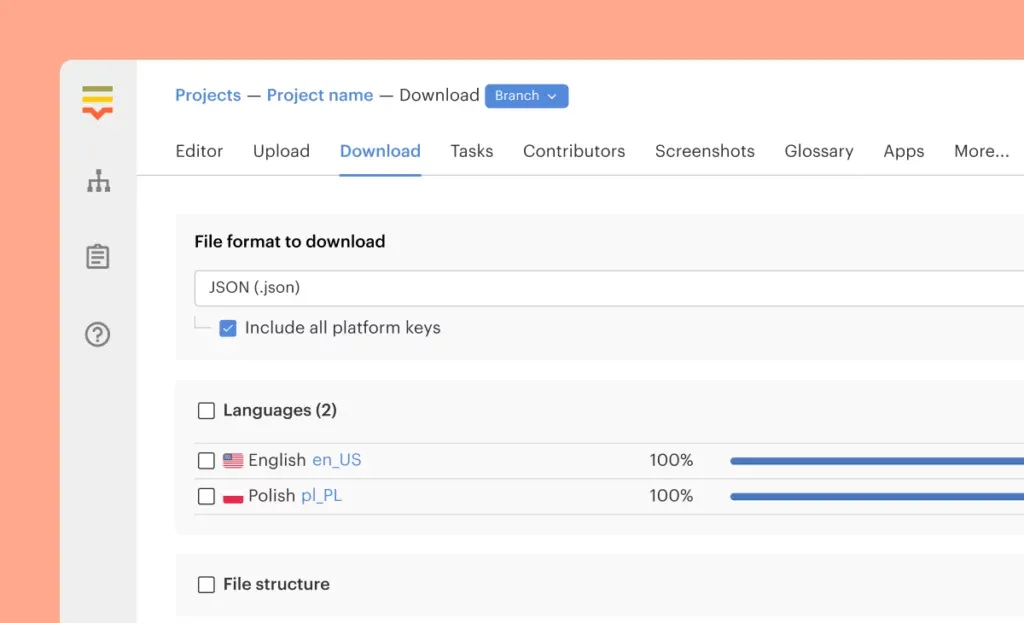
Simplified export page
Export your localization files faster with our simplified export page. Select your file format, choose your export preferences, download the file or create pull request in the code repository of your choice.
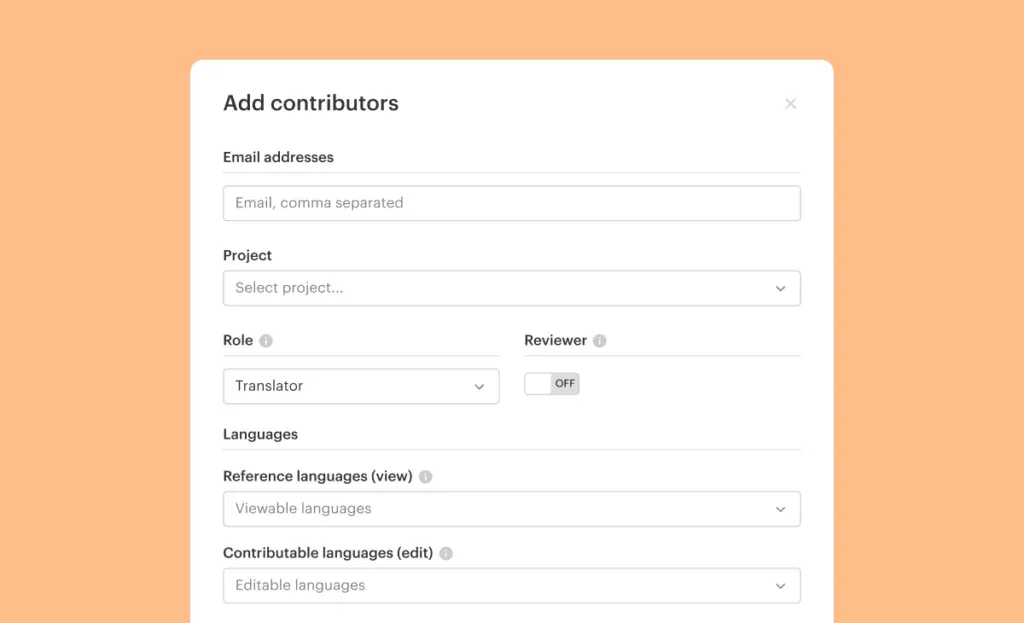
Add multiple team members
Head to the team settings to add new members. You can also add multiple people at the same time.
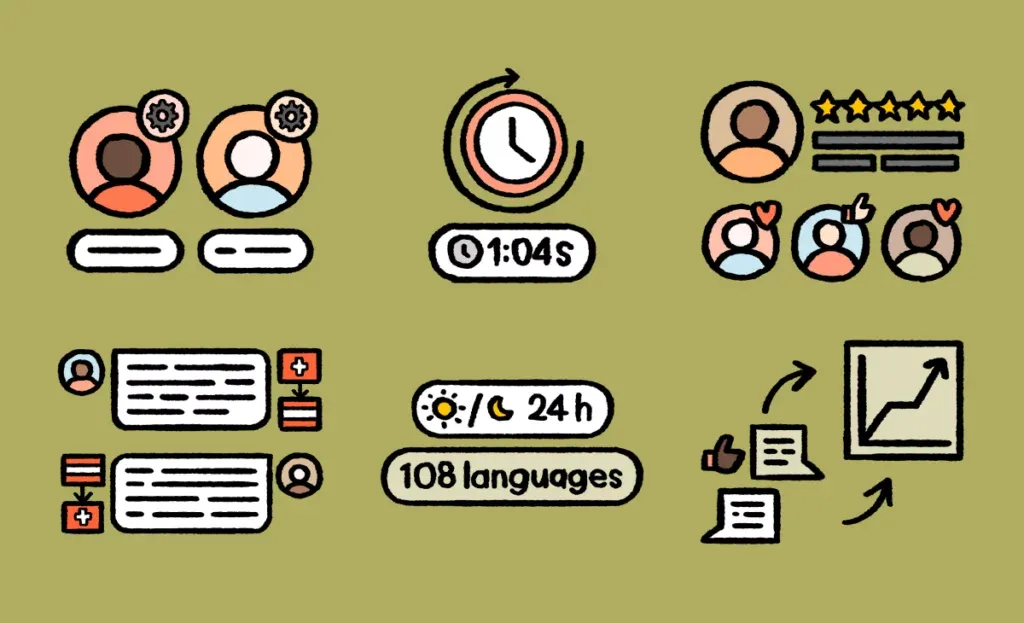
How Lokalise support answers every query in 1 minute, in 108 languages
If you’ve ever engaged with our in-app support, you probably expect swift responses from everywhere. Sorry, we can't guarantee it happens in other places! But did you know that our support is provided in 108 languages? It's possible thanks to Lokalise Messages.Read the blog to learn more.
Upcoming webinar: Crawl, walk, run – Automating Localization
Do you ever wish your localization, development, and design functions could be even more integrated? Do you feel there could be a higher degree of automation? For most of us, there are likely gaps we need to plug – whether we’re still doing things on an iterative basis or have an integrated, enterprise-scale system.
Two of the most knowledgeable people at Lokalise, Miguel Machado Caetano and Tomas Franc, will share insider tricks on April 28 on how to optimize localization processes and automation. Save your seat.
Alex is Product lead at Lokalise, a tech enthusiast, and co-founder of an amateur football league. He has helped many customers to make improvements to their localization workflows and has become Lokalise’s product guru. In his free time, he enjoys travelling, playing football, and basketball.
Alex is Product lead at Lokalise, a tech enthusiast, and co-founder of an amateur football league. He has helped many customers to make improvements to their localization workflows and has become Lokalise’s product guru. In his free time, he enjoys travelling, playing football, and basketball.
What’s new in February: Make your Figma designers punch the air with happiness (and keep ALL keys linked), and make merging branches seamless for all project sizes
Great news for our Figma community! You can copy and paste Frames or Artboards without having to manually link keys. This means you can iterate quickly, ensure consistency, and save valuable time. What's changing with our Figma plugin? All translation keys will be linked when duplicating design elements. This means: When you copy and paste Frames or Artboards, all keys wil