
 Tech Partner of the Year
Webflow localization for growing global content
Translate every Webflow site, component, and CMS page in Lokalise. Keep workflows tight, reviews clear, and every launch on schedule.
Lokalise is loved by 3000+ global companies






Adapt content for every market in one place
with Webflow and Lokalise
Translate your website with just a few clicks.

Effortlessly translate your website in clicks
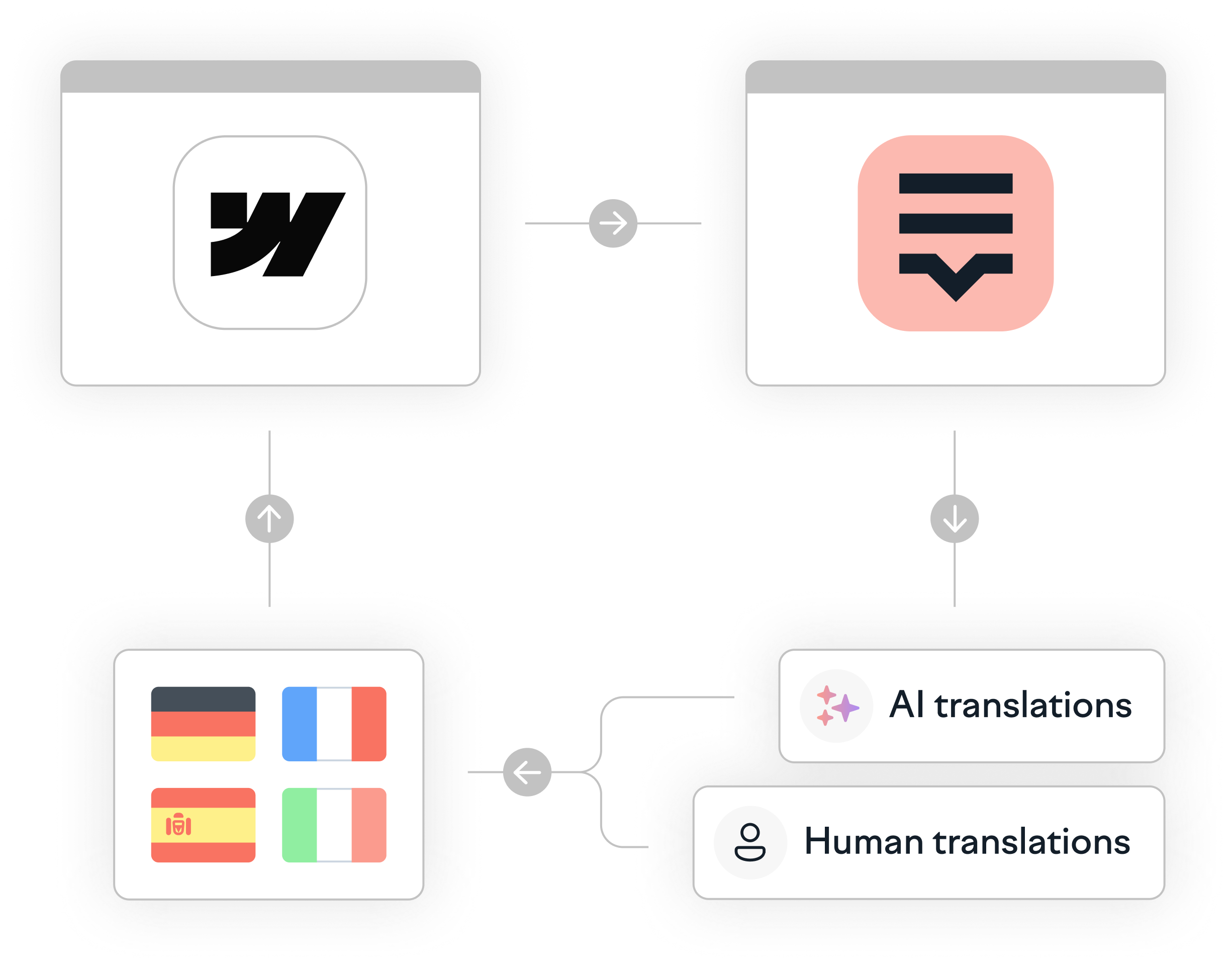
Sync pages, CMS collections, and components into Lokalise. Translate, review, and push ready-to-publish content back to Webflow

Consistent brand voice
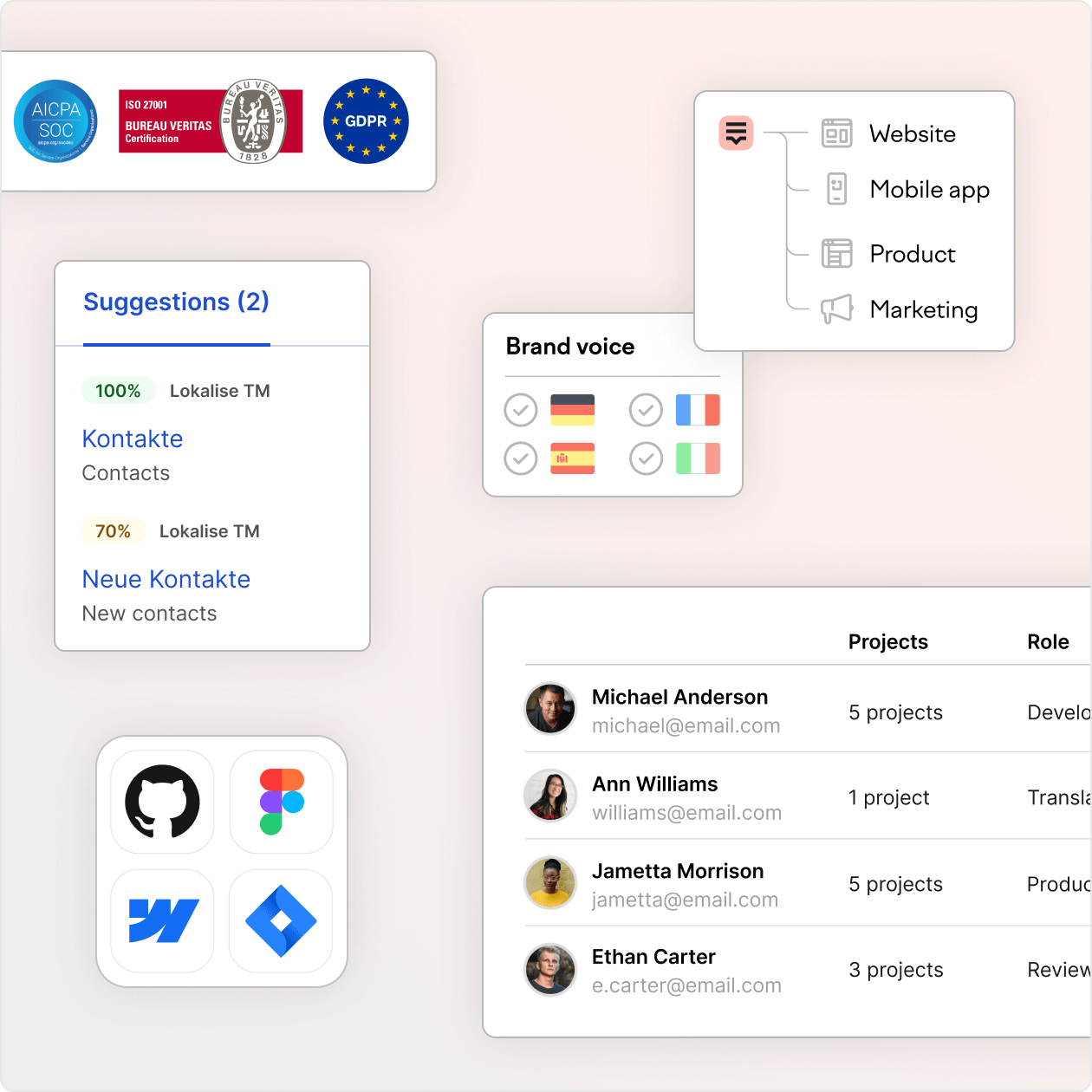
Glossaries, AI-enforced style guides, and QA checks ensure consistency. Up to 95% of translations are ready to publish without edits.

Collaborate across teams
Unite designers, developers, marketers, and translators in one hub. Role-based permissions and workflows keep everyone aligned.

Optimize translation costs
Save with Translation Memory, never pay twice for the same text. Automation and reuse make projects faster and more affordable.

Enterprise-scale localization
Localize high-volume content across unlimited languages. Automate syncs and handle enterprise-level localization with ease.
Effortlessly translate your website in clicks
Sync pages, CMS collections, and components into Lokalise. Translate, review, and push ready-to-publish content back to Webflow
Consistent brand voice
Glossaries, AI-enforced style guides, and QA checks ensure consistency. Up to 95% of translations are ready to publish without edits.
Collaborate across teams
Unite designers, developers, marketers, and translators in one hub. Role-based permissions and workflows keep everyone aligned.
Optimize translation costs
Save with Translation Memory, never pay twice for the same text. Automation and reuse make projects faster and more affordable.
Enterprise-scale localization
Localize high-volume content across unlimited languages. Automate syncs and handle enterprise-level localization with ease.
When to move from
Webflow Localization to Lokalise
Lokalise adds enterprise-grade localization capabilities to help you scale efficiently and maintain consistency across all markets.
Scaling to 3+ languages with plans for further expansion
Managing frequent content updates across multiple markets
Meeting enterprise governance needs (compliance, audit trails, approvals)
Supporting omnichannel localization (web, apps, UI, marketing, support)
Boosting translation efficiency with automation and translation memory
Combining high-quality AI translations with human expertise in one centralized platform
⚙️ How to set up Lokalise and Webflow
Go to the Webflow Marketplace and install the Lokalise app
Connect your Webflow workspace and log in with your Lokalise account
Pick which CMS collections, static pages, or components to sync
Map your Webflow locales to Lokalise languages and start translating
How to manage translation files with Lokalise and Webflow
Sync
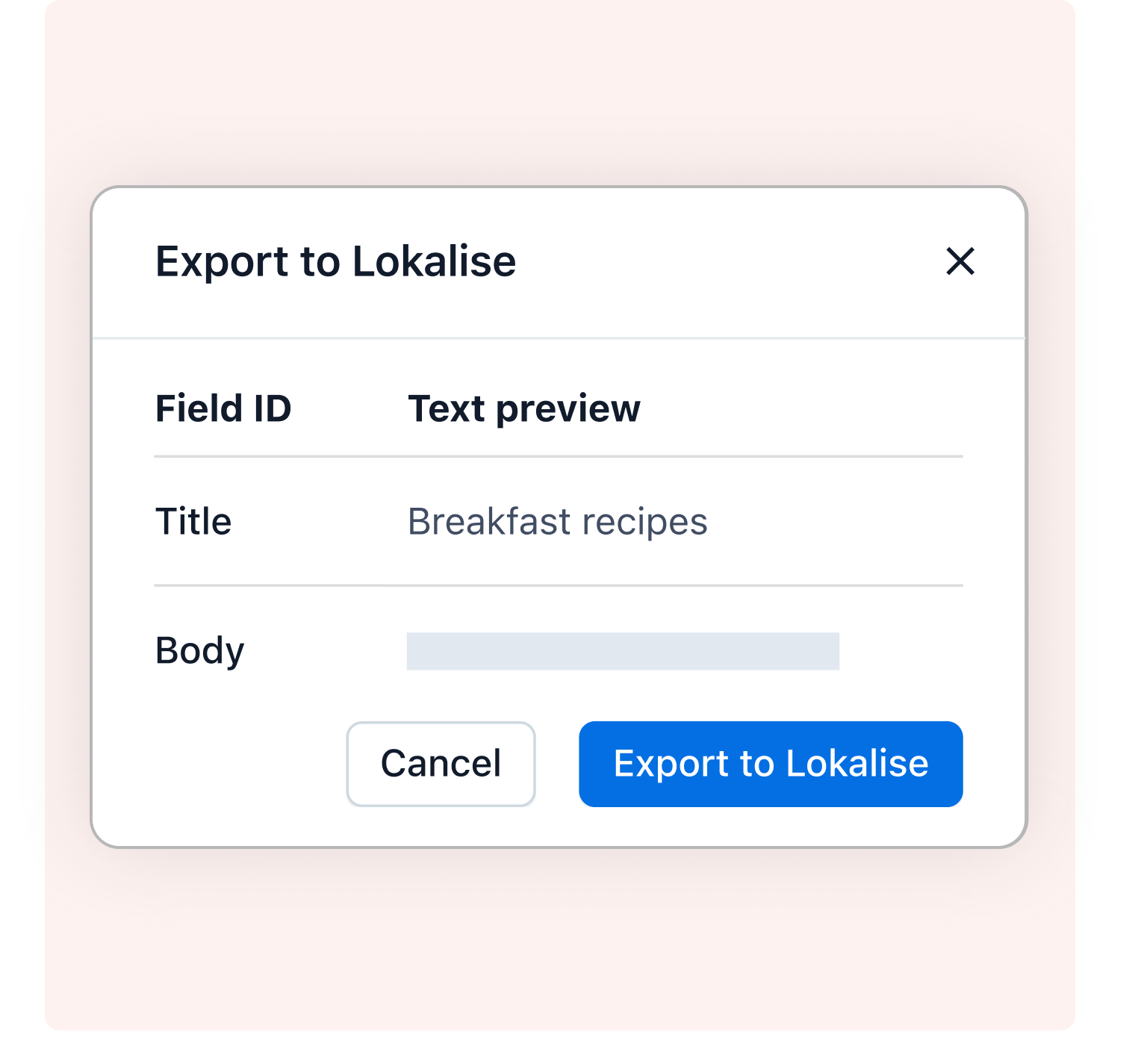
Select the CMS items, static pages, or components you want to localize. Lokalise pulls them in automatically.
Translate
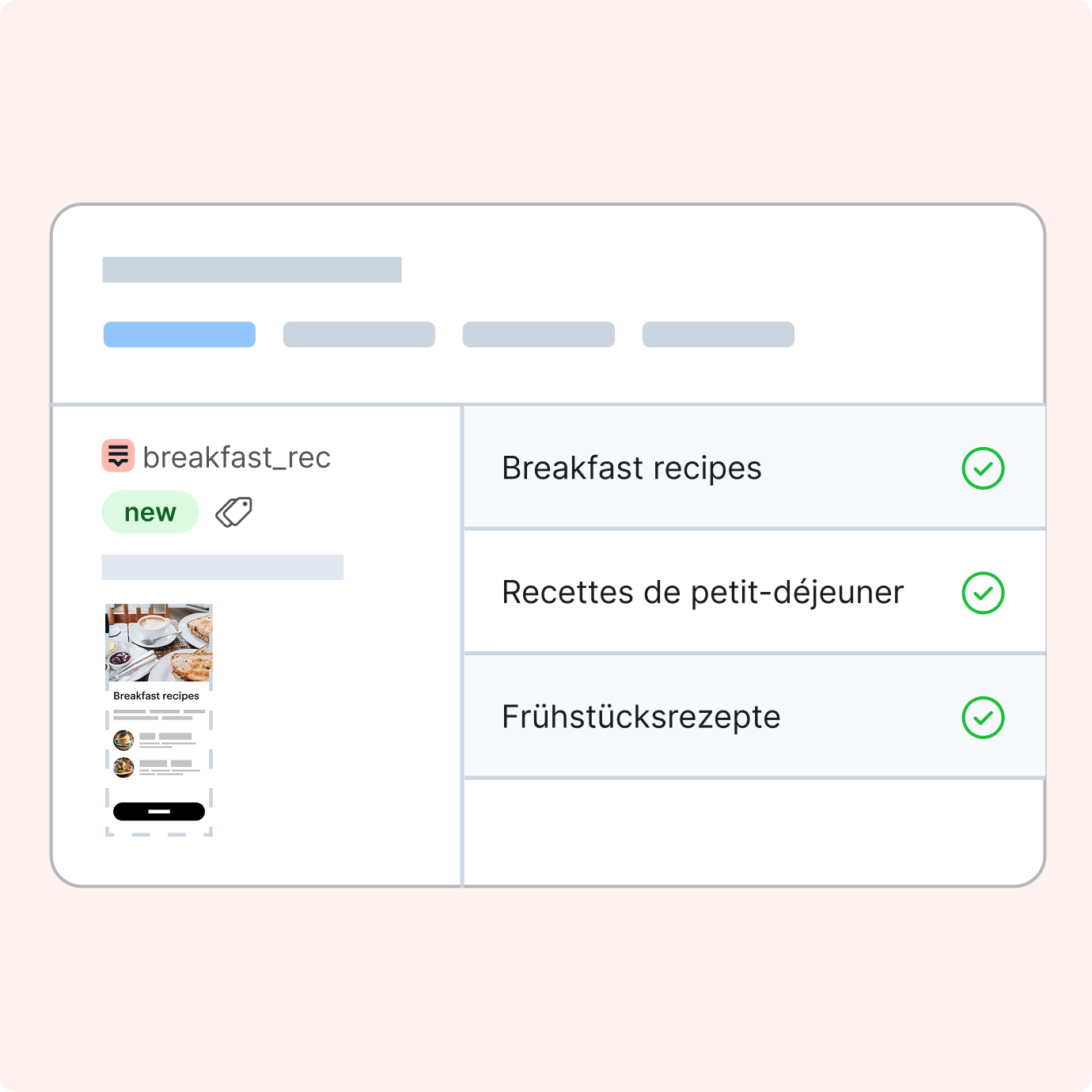
Use AI, professional linguists, or your own team. Glossaries, QA checks, and translation memory keep everything consistent.
Publish
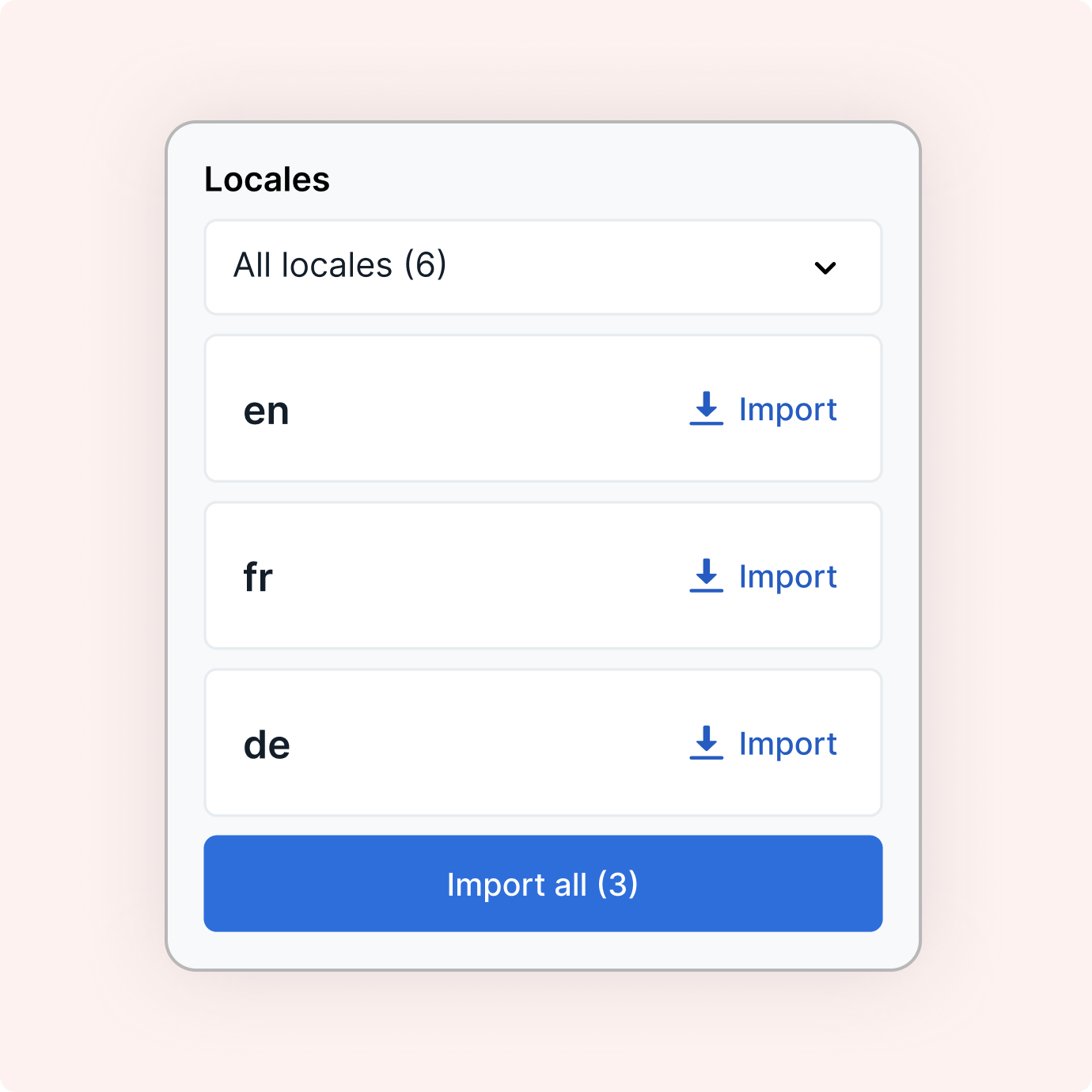
Send approved translations back to Webflow with one click. Review by locale and publish when you’re ready.
“Because we invested heavily in process automation we’re now in a position where adding new languages is almost a one-click deploy step.”
Nate Powers
Software Engineer at Maven Clinic


Easily localize Webflow sites
Learn how to make your Webflow localization workflow simple, consistent, and built for scale.
FAQs
How is Lokalise different from native Webflow Localization?
How is Lokalise different from native Webflow Localization?
Webflow gives you locales and routing. Lokalise adds workflows, QA checks, glossary, translation memory, roles, and audit trails. It’s specifically built for teams that ship often.
Does Lokalise handle Webflow CMS items, components, and pages?
Does Lokalise handle Webflow CMS items, components, and pages?
Yes, Lokalise syncs Webflow CMS items, components, and static pages so you can translate and manage them all in one workflow.
Will our SEO break?
Will our SEO break?
No, Lokalise respects Webflow’s locale structure and metadata. Your SEO settings stay intact.
Do I need to translate with AI?
Do I need to translate with AI?
No. You can use Lokalise’s AI translation capabilities if you want, and human review can always part of the workflow.
Can we start simple and scale later?
Can we start simple and scale later?
Yes. You can use Webflow native for basics. Add Lokalise when you need structured workflows and more control.
Can we centralize assets and content?
Can we centralize assets and content?
Yes. Lokalise centralizes text, terminology, screenshots, and metadata like alt text.
Can we track changes and roll back?
Can we track changes and roll back?
Yes. Every change has history and an audit trail. Compare, revert, and see exactly who approved what.
How do roles and permissions work?
How do roles and permissions work?
Set granular access by project, language, or workflow step. Control who drafts, who reviews, and who publishes.
What about continuous updates?
What about continuous updates?
New or edited Webflow content automatically queues in Lokalise for translation, review, and publishing.
Can we migrate from a plug-in?
Can we migrate from a plug-in?
Yes. Import your existing translations, keep your structure, and move into Lokalise workflows without starting over.
Case studies


Behind the scenes of localization with one of Europe’s leading digital health providers
Read more Case studiesSupport

Company
Follow



Localization workflow for your web and mobile apps, games and digital content.
©2017-2026
All Rights Reserved.