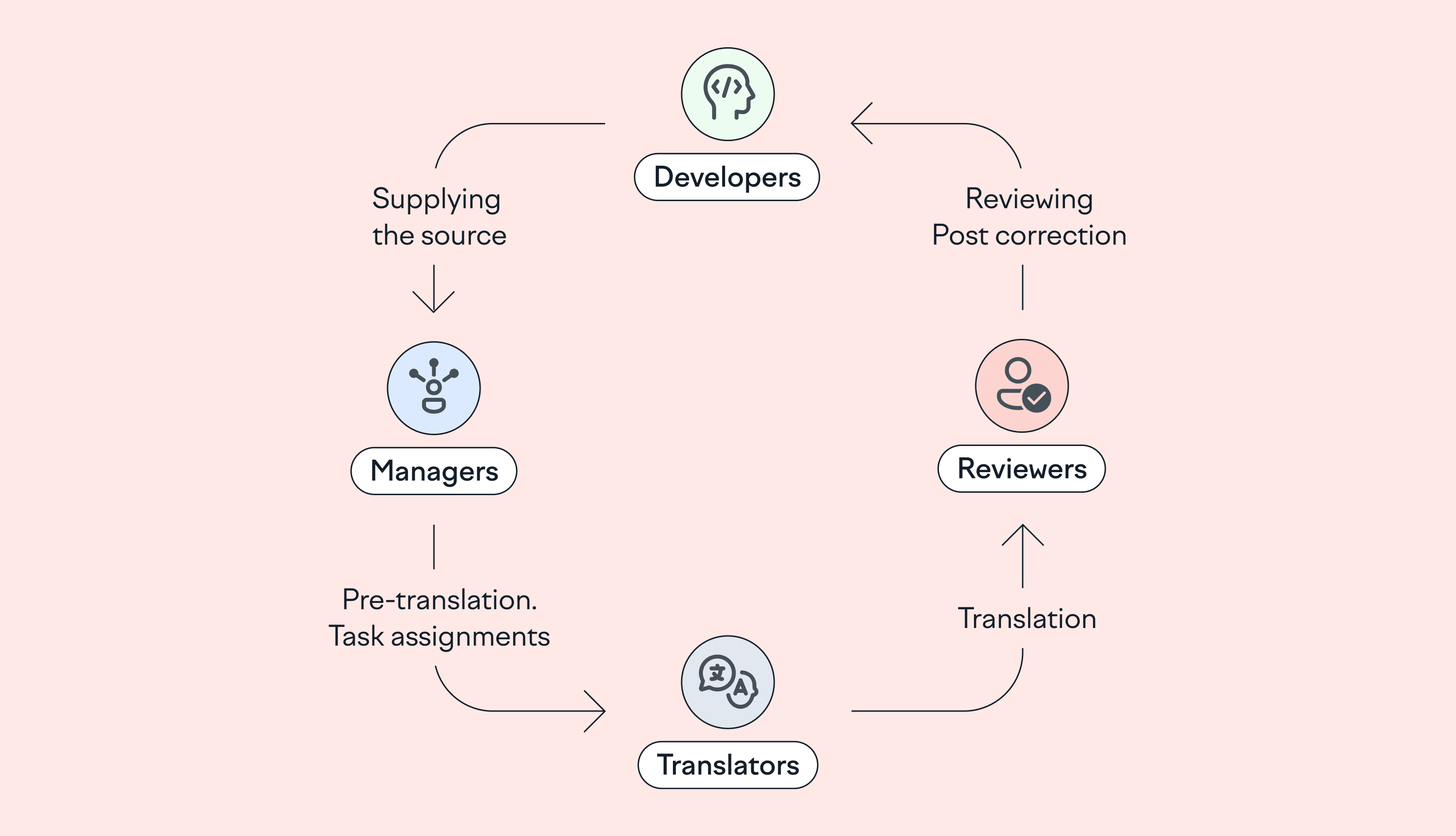















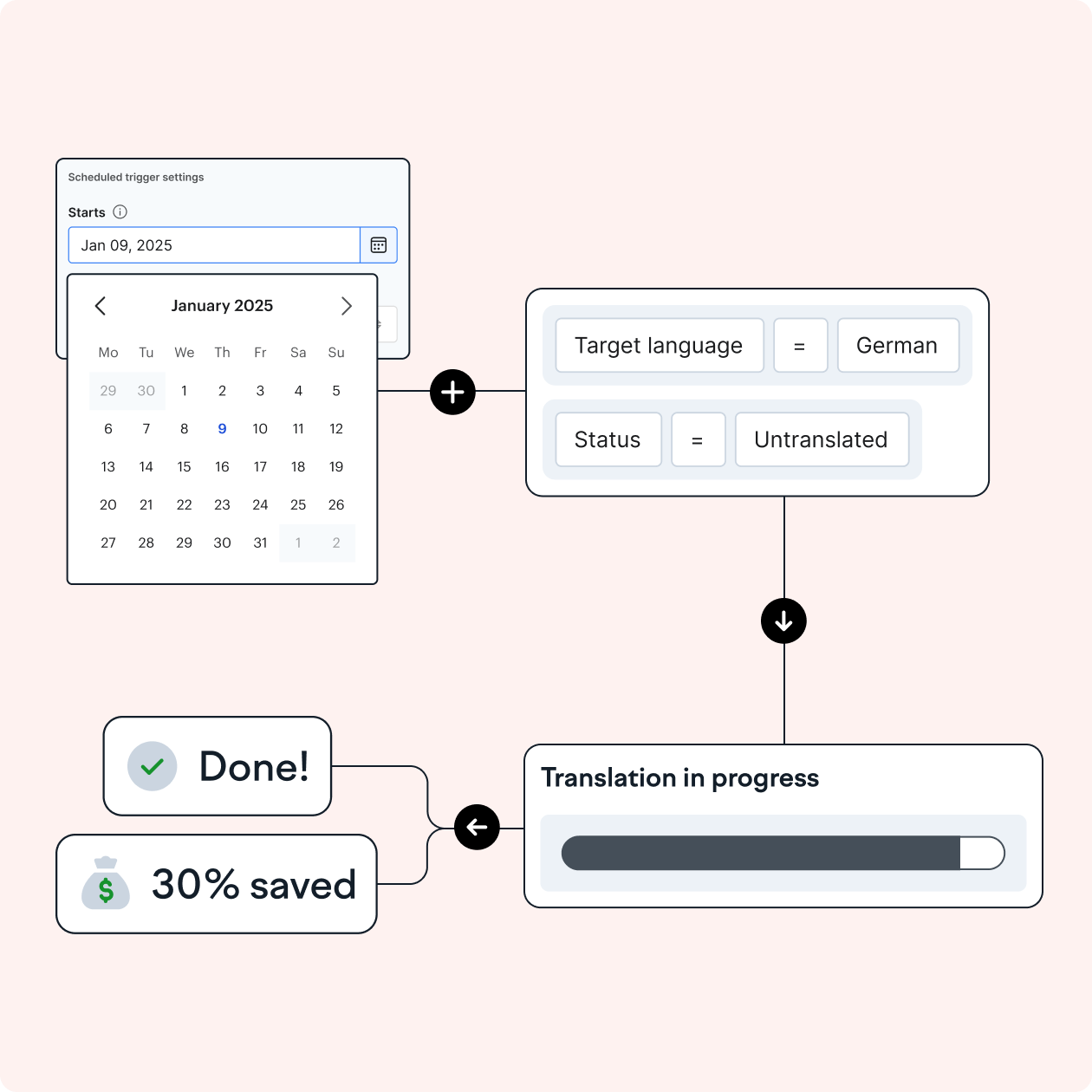




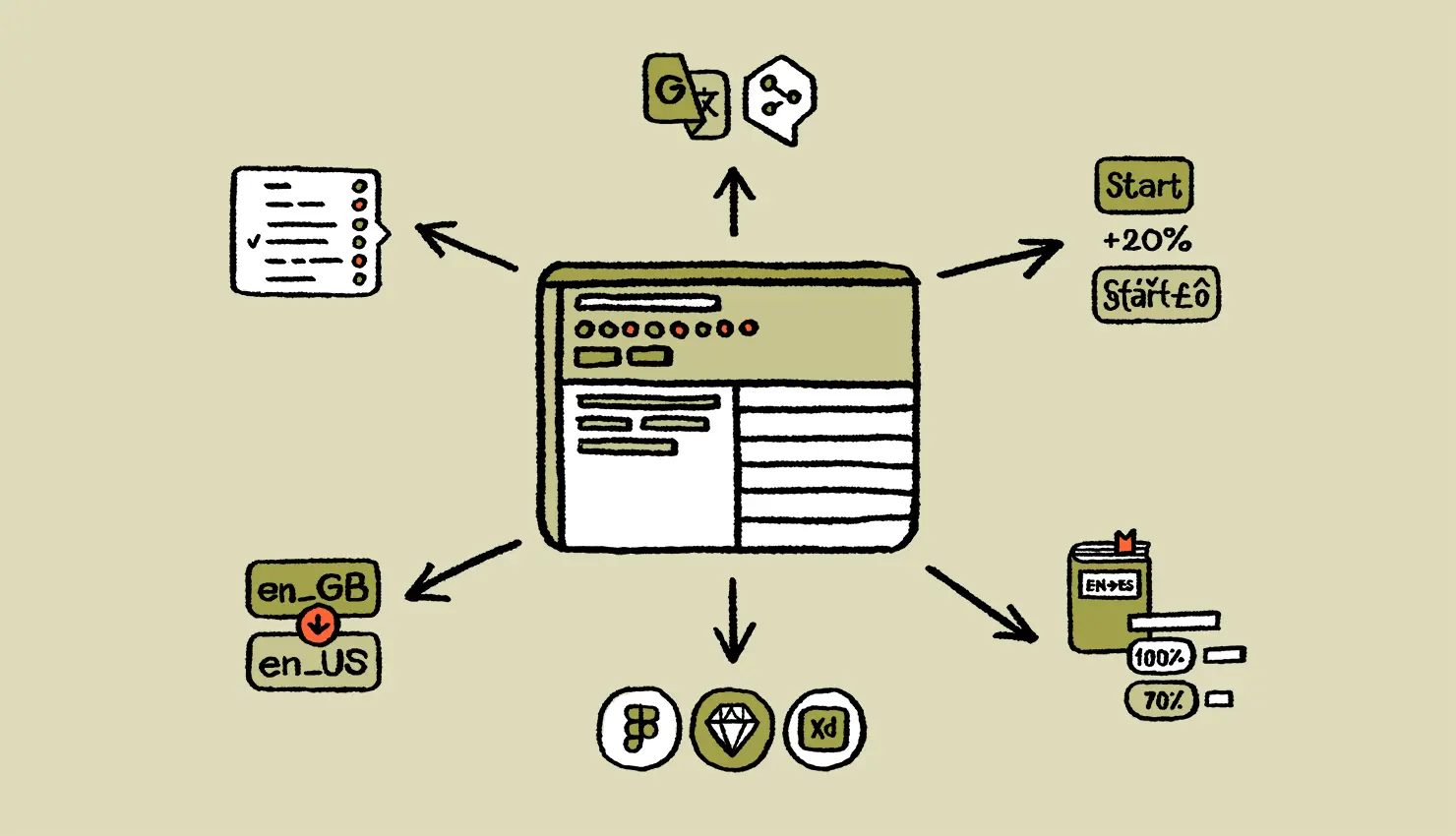
Lokalise Workflows works using a set of triggers that automate processes.
1. First, choose from the following templates to automate each step:
- Start β Translation task β End
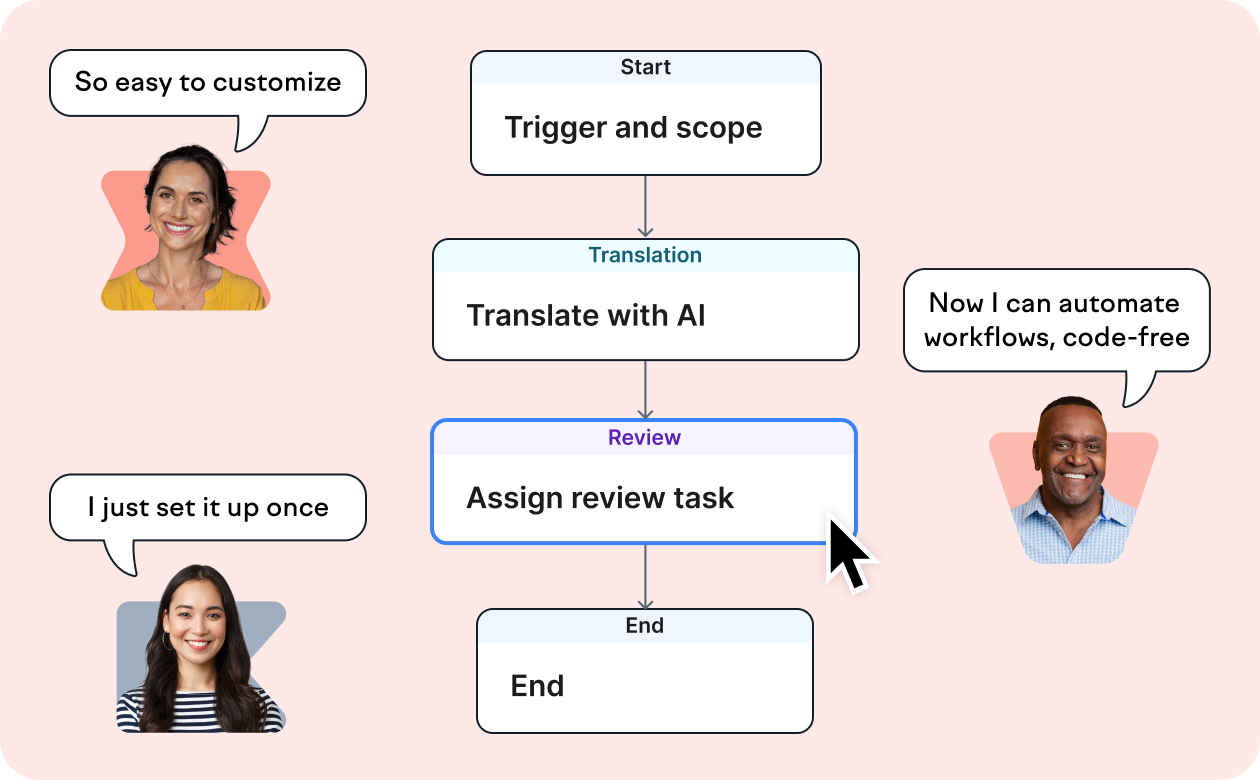
- Start β Translation task β Review task β End
- Start β Review task β End
- Start β Translation Memory β End
- Start β Translation Memory β Translation task β End
- Start β Translation Memory β Translation task β Review task β End
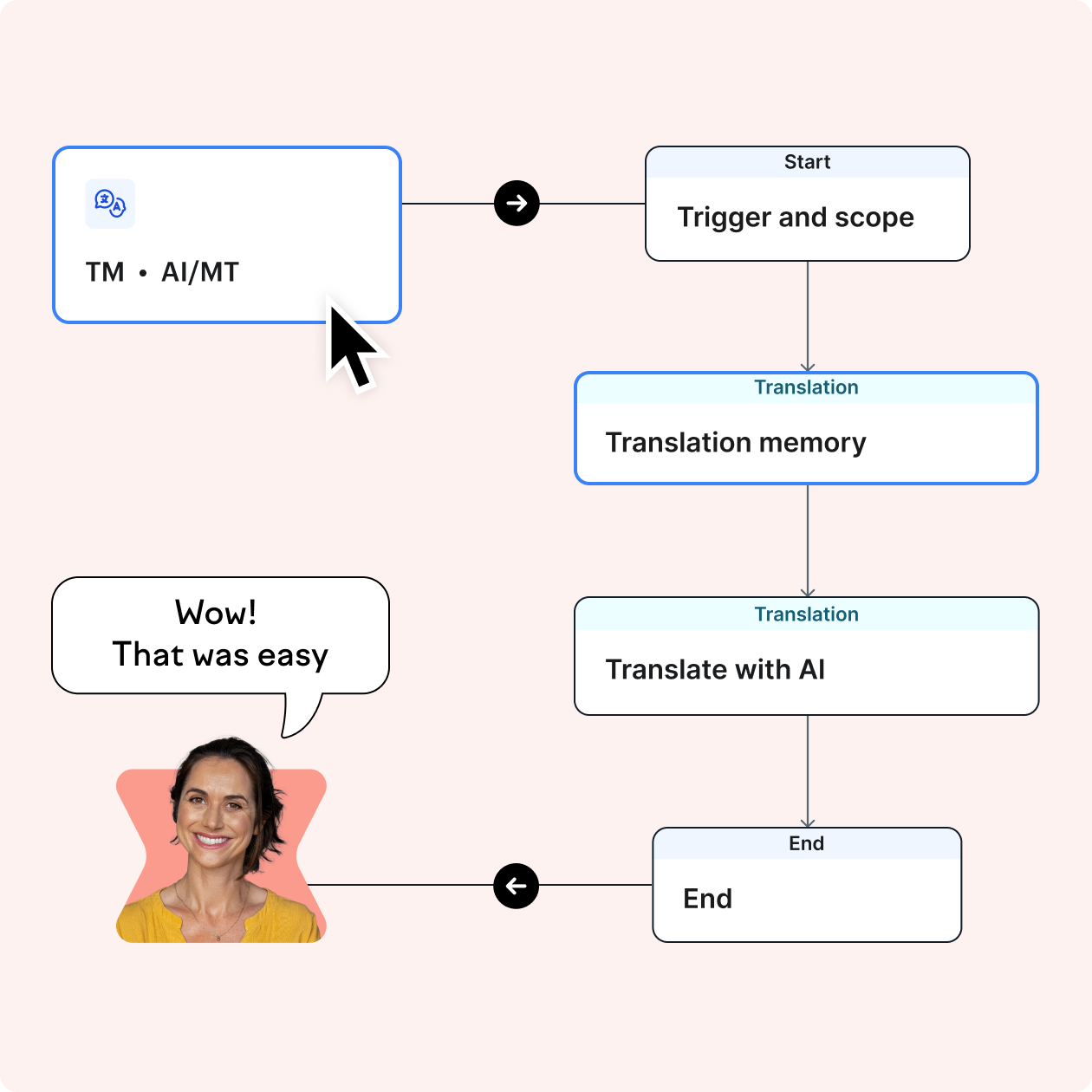
- Start β Translation Memory β AI task β Review task β End
- Start β AI task β End
- Start β AI task β Review task β End
2. Schedule when you want your workflow to run (e.g. daily, only Monday at 9am, etc) and set up project scope (e.g. number of languages, new keys only, etc) at the βStartβ step of every workflow template.
3. Customize each step to ensure that your workflows are aligned with your project needs. The templates combine one or more of the following steps:
- Translation tasks
- Review tasks
- Translation Memory
- Machine Translation
- AI Translation
Once you have customized your template and activated it, your workflow will run automatically.